AI Image Generator: Create AI Pictures from Text or Photos
What is an AI image generator?
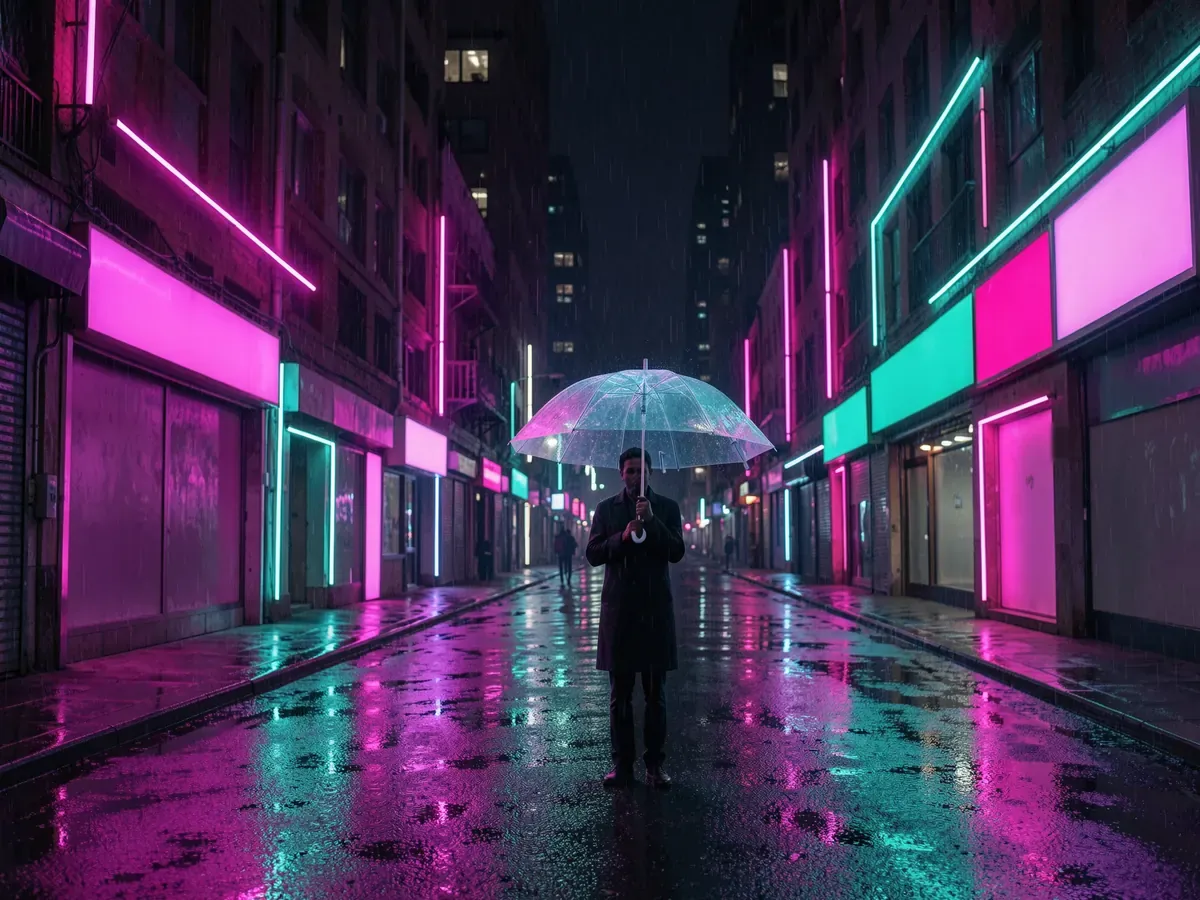
An AI image generator turns a description into a picture. Say what is in it, where it is and how it should look, and the AI makes it: a realistic photo, a poster, a cartoon. This figure with a glowing umbrella on a neon-lit, rainy street came from one line of text on Plimo Image 1.0, with no photo to start from. An AI image generator from text lets you start with nothing but an idea.
It works as a text to image generator on its own, and you can upload a reference photo as well, for a face, a product or a color to match. To redraw a whole photo you already took, use Image to Image.
What an AI photo and picture generator can do
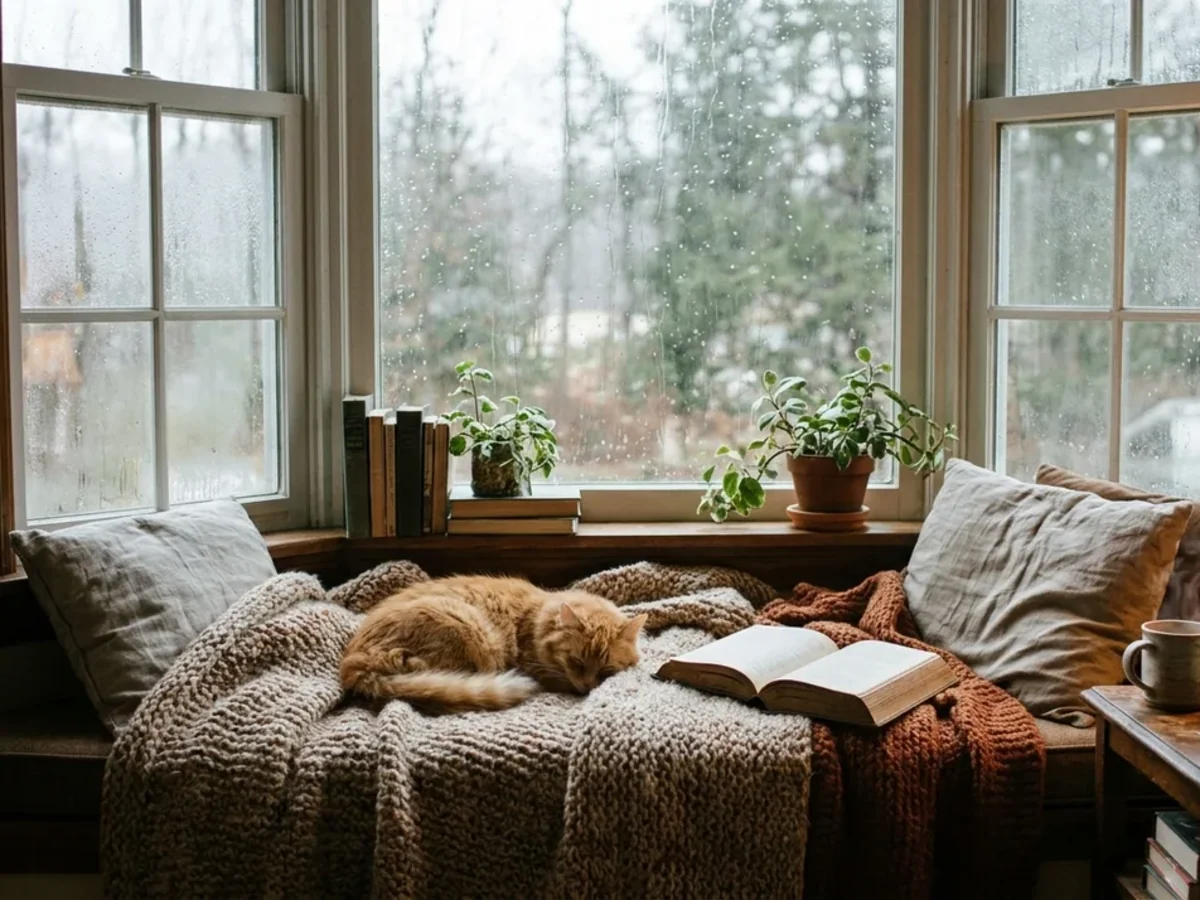
Realistic photos
Describe the place, the light and the lens for a realistic AI photo that's hard to tell from a real one. This one, an AI photo of a ginger cat asleep in a reading nook by a rainy window, came from text alone on Nano Banana 2.1. It is an AI photo and picture maker for blog headers, mood boards and cards.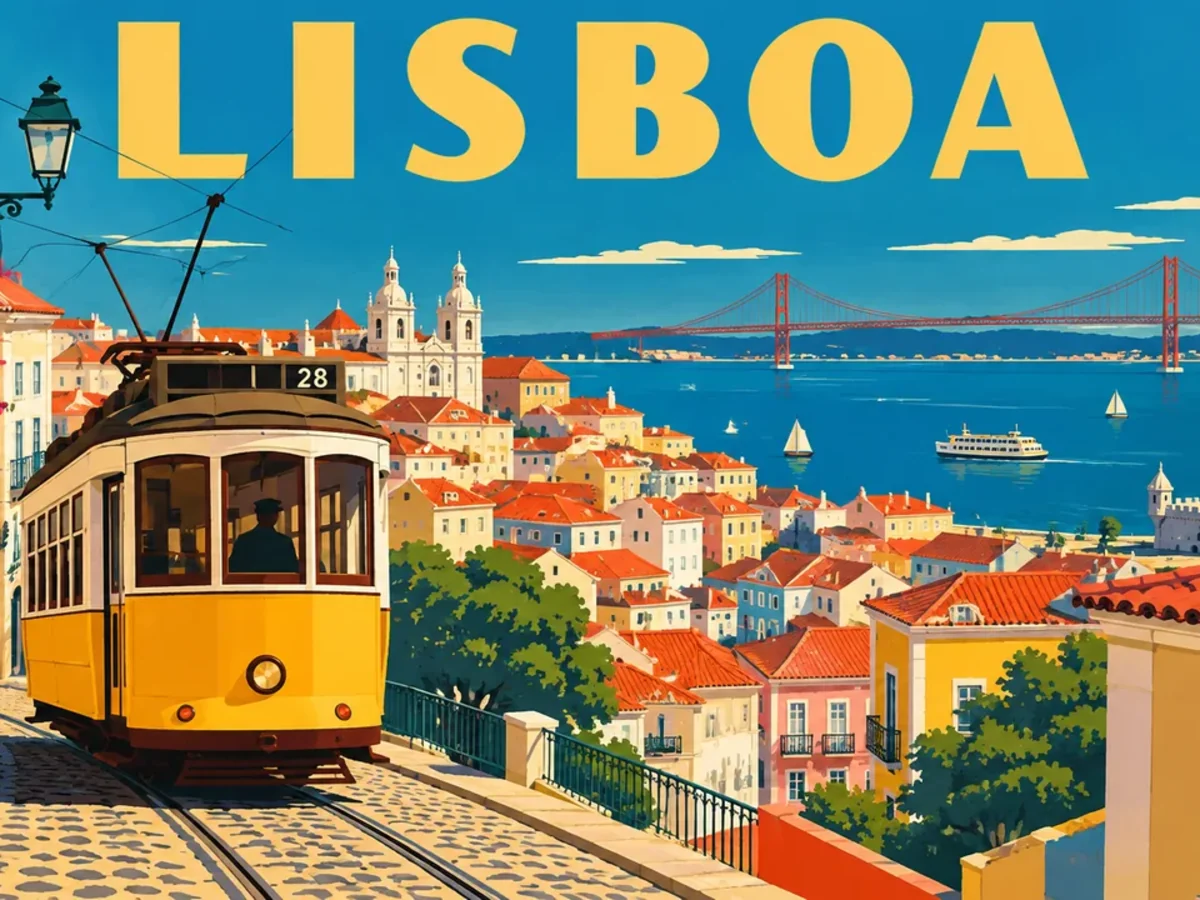
Designs with real words
Lettering in AI images often slips, so pick GPT Image 2.5 or Qwen Image 3.0 Pro for posters, invitations and menus. GPT Image 2.5 wrote LISBOA across the top of this travel poster, above a yellow tram. As an AI design generator it roughs out flyers and party banners too.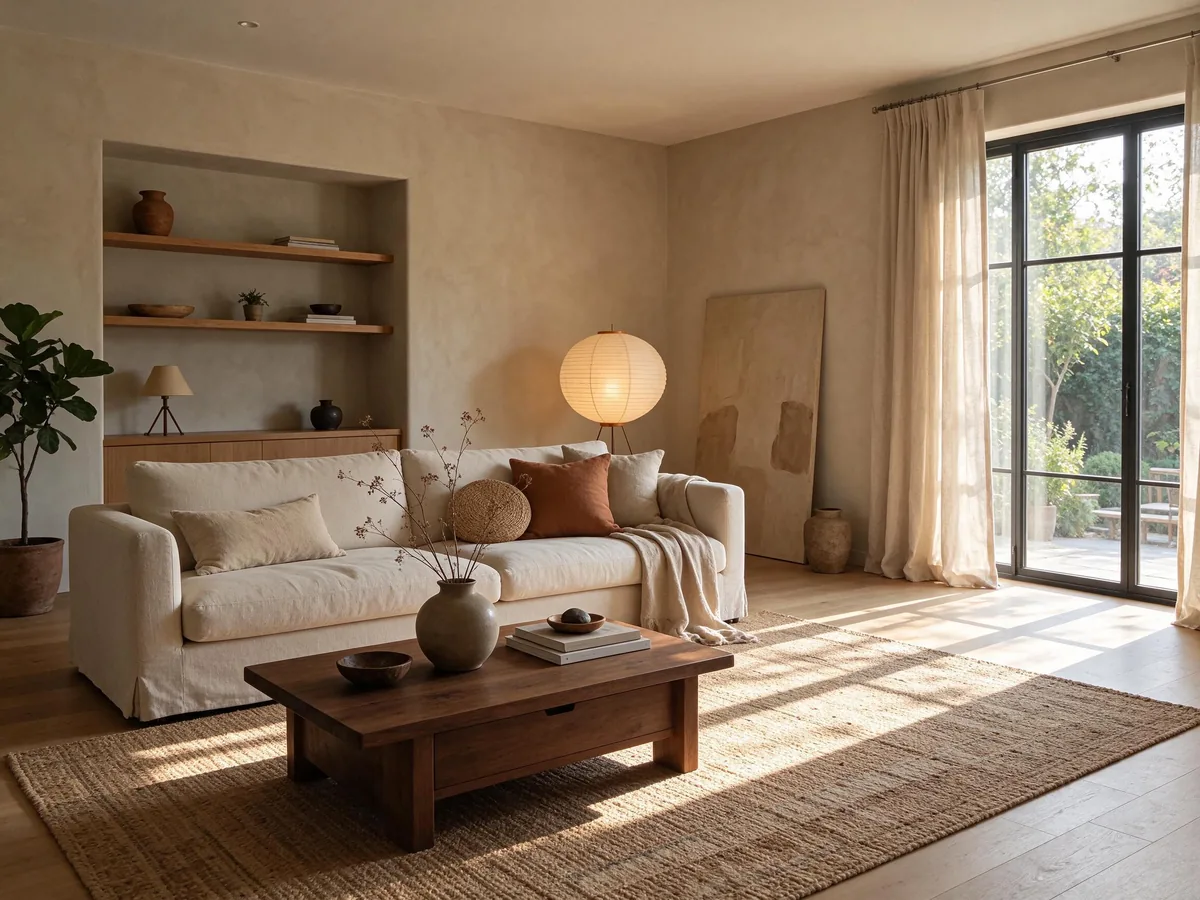
Room makeovers
Name a style and see a room in it before you buy a thing: a Japandi living room with a linen sofa, light oak and a paper lamp, from text alone. A quick AI home design sketch for settling on colors.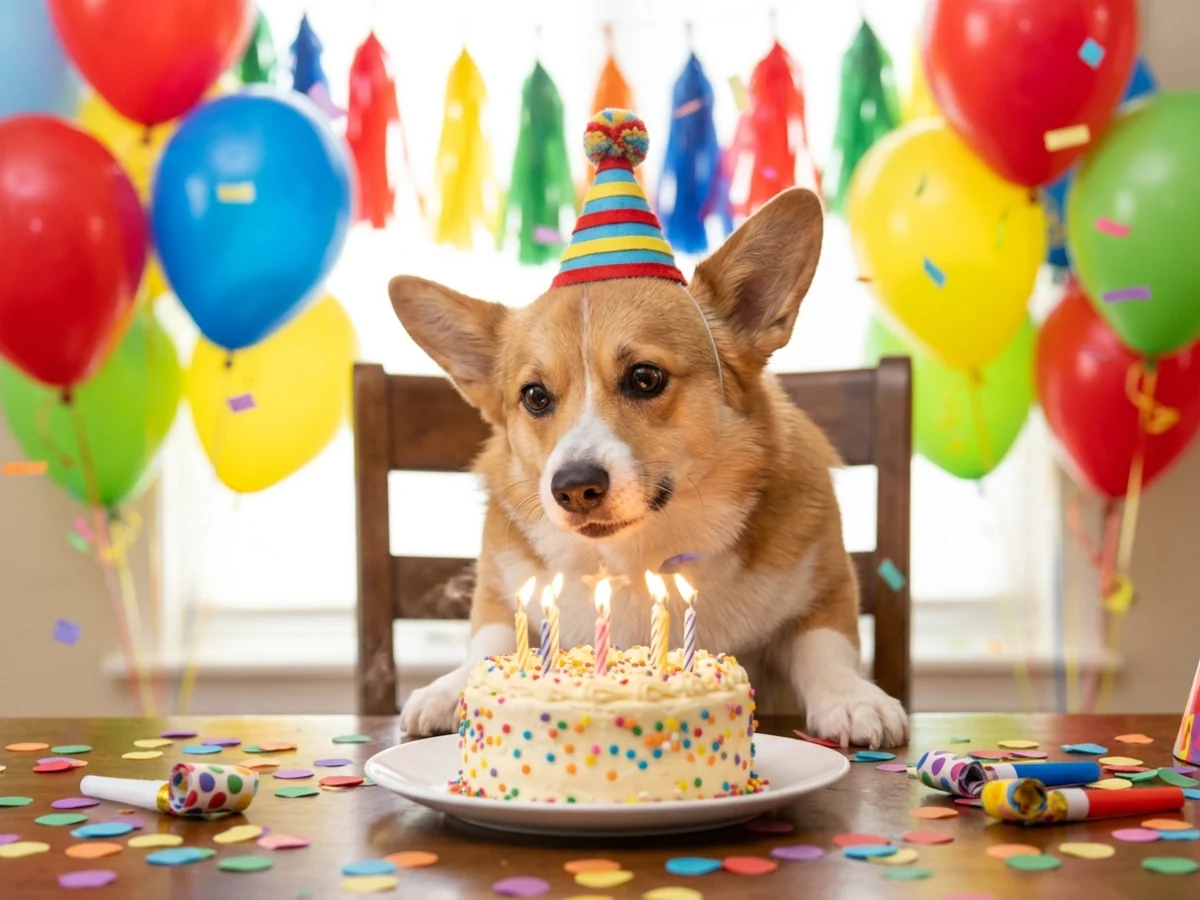
Funny and birthday pictures
Funny AI images for the group chat and a birthday AI image for the card, like a corgi in a party hat staring at its cake. Describe the joke and the AI photo and picture creator draws it: create a birthday picture, all with AI.
Writing a prompt that works
Subject, scene, light and camera
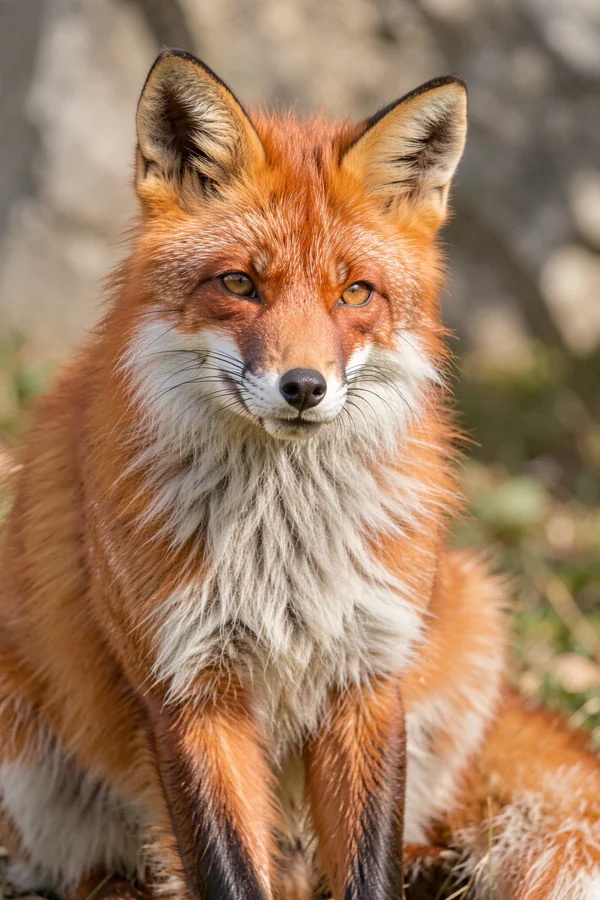
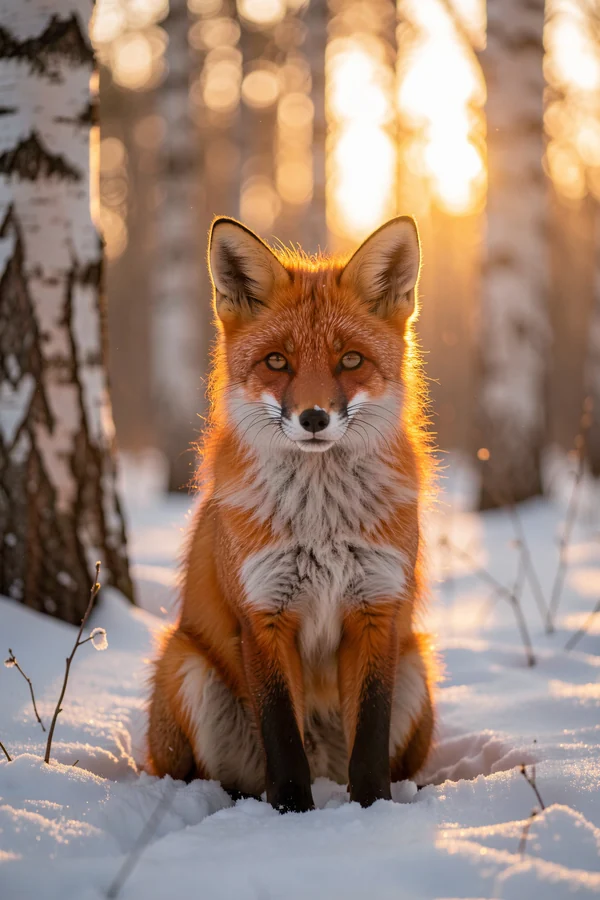
A strong AI image generator prompt covers four things: what is in the picture, where it is, what the light is like, and which camera or style. The first fox came from “A red fox.” alone; the second added a snowy birch forest, golden sunrise backlight and a shallow depth of field, on the same model. That's all an AI photo prompt needs, and the more of the four you name, the closer the result gets to what you pictured.
For an AI photo or a drawing, name the style too: 35mm film, watercolor, linocut, pixel art. For drawings and art, the AI Art Generator shows what each style looks like; for anime, there is the AI Anime Generator.
Follow a trend with your own photo
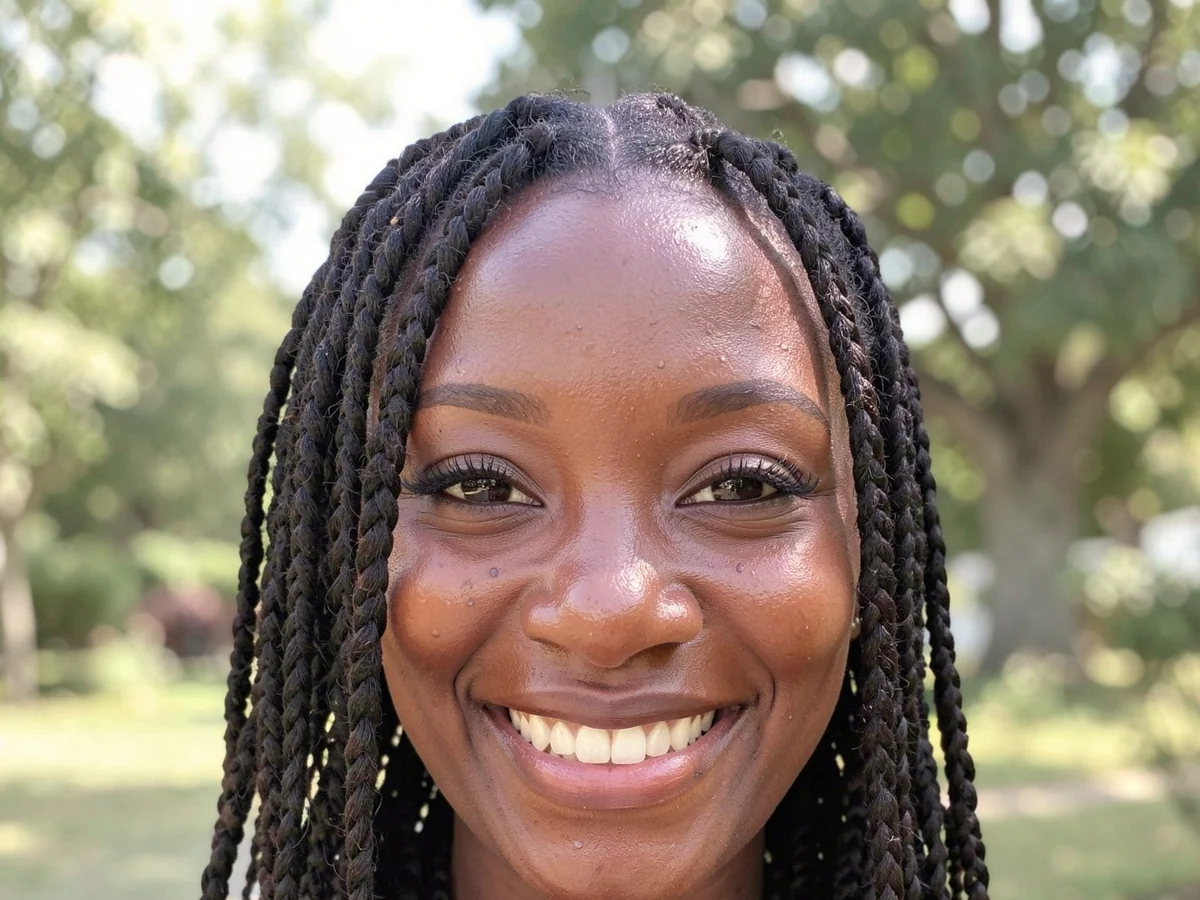
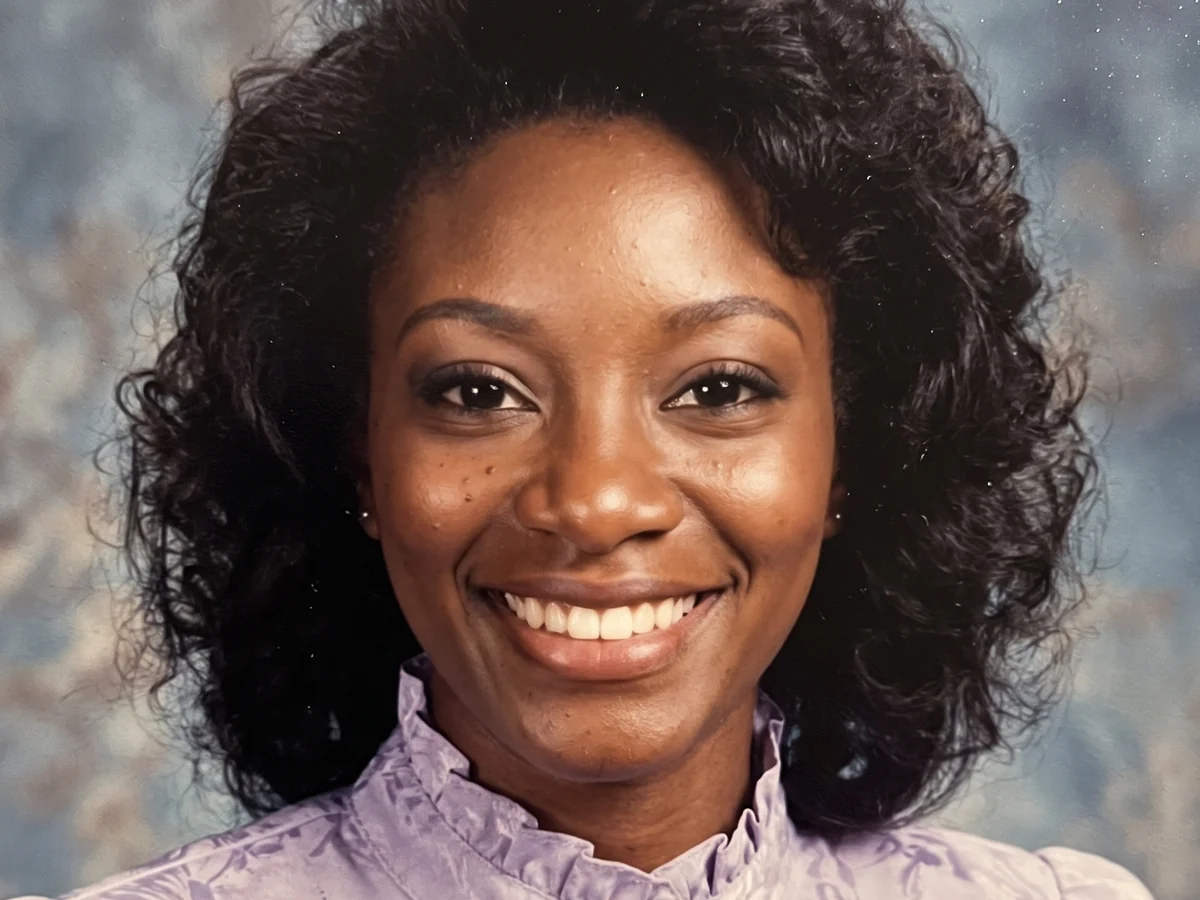
Some prompts go around social media. For the 1980s AI photo trend, upload a clear selfie and add a prompt such as “1980s yearbook portrait, big voluminous hair, pastel blouse, mottled blue studio backdrop, keep her face”. Her face and smile stayed, and the decade changed: a 1980s AI photo prompt at work.
Have a picture in mind? Write it down and try it.
How to use the AI image generator
Describe the picture
Write a sentence or two: text to image AI needs nothing else. Upload a photo when the picture has to match a real face, pet or product.
Pick a model
Each model has its strengths, listed below. Not sure? Keep the default.
Generate
The AI that generates images takes every word into account, so change one thing at a time. Test another AI photo style, like “35mm film” or “studio portrait”, or run the same prompt on another model and compare.
Download or animate
Save the picture, or use it as the first frame in Image to Video.
Why choose Plimo as your AI image generator
Switch models, keep the prompt
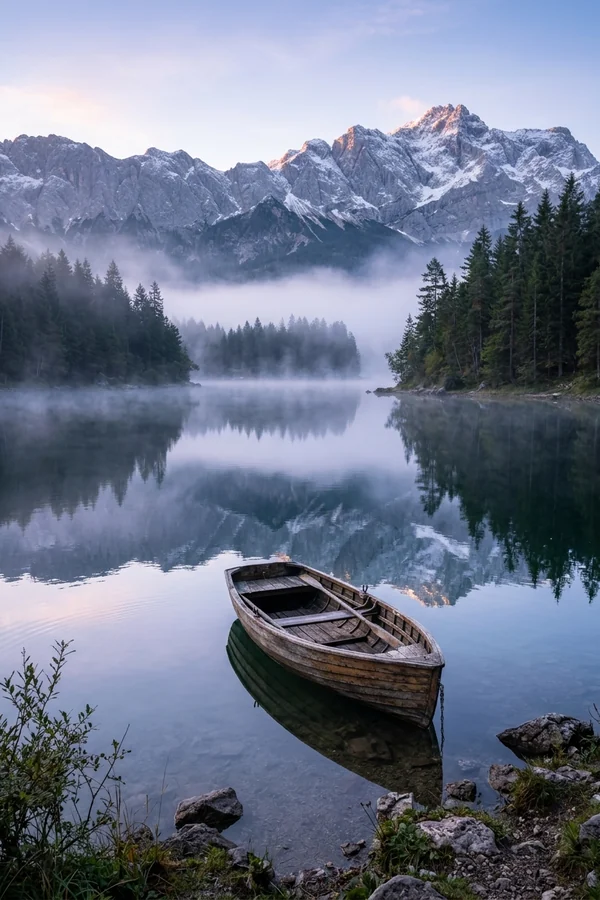
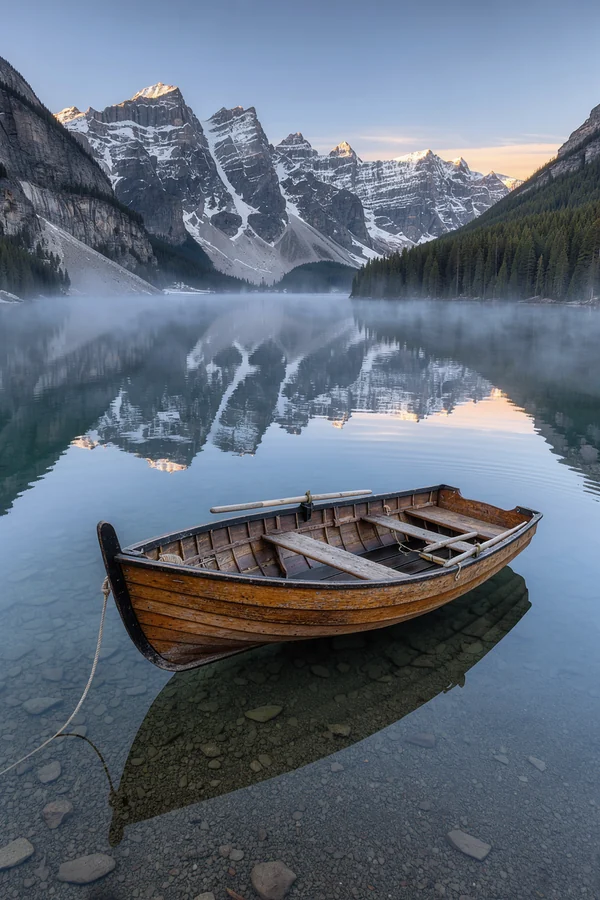
When one model misses the look, send the same prompt to another one without a new account. Asked for a rowboat on a misty mountain lake, Nano Banana 2.1 drew a small boat with mist hanging over the lake behind it, and FLUX 3 Image made the boat the subject, up close on clear, still water.No prompt writing needed
Templates for trending AI images have the wording ready, so it works as an AI pic maker even if you never write a prompt.Free to start, no visible watermark
New accounts get 100 free credits, and Plimo adds no visible watermark to any picture; Nano Banana pictures carry Google's invisible SynthID.Not used for training
Plimo does not train AI models on your uploads or your pictures.
AI image generation models on Plimo
Plimo Image 1.0
The fast one for everyday pictures: a cozy scene, a character, a product shot. Pick another model when the image needs words.
GPT Image 2.5
OpenAI's model, the one for pictures with words in them, like an invitation or a poster title, and for stickers on a transparent background.
GPT Image 2.6
OpenAI's newest model, for when every word has to be right and for posters packed with text; at its highest quality it letters Chinese and Arabic too.
Nano Banana 2.1
Google's model, for detail you can zoom into, like strands of hair or the weave of a sweater, and for blending several photos into one scene.
Seedream 5.5
ByteDance's newest model, for refining one picture over many rounds without losing what you like, and for keeping a character the same from several angles.
FLUX 3 Image
Black Forest Labs' model, for crisp detail in any shape, from a tall phone wallpaper to a wide banner.
Qwen Image 3.0 Pro
Alibaba's model, for text-heavy layouts such as menus, infographics and event posters.