AI Video Generator: Try It Free with Veo, Kling, Seedance and More
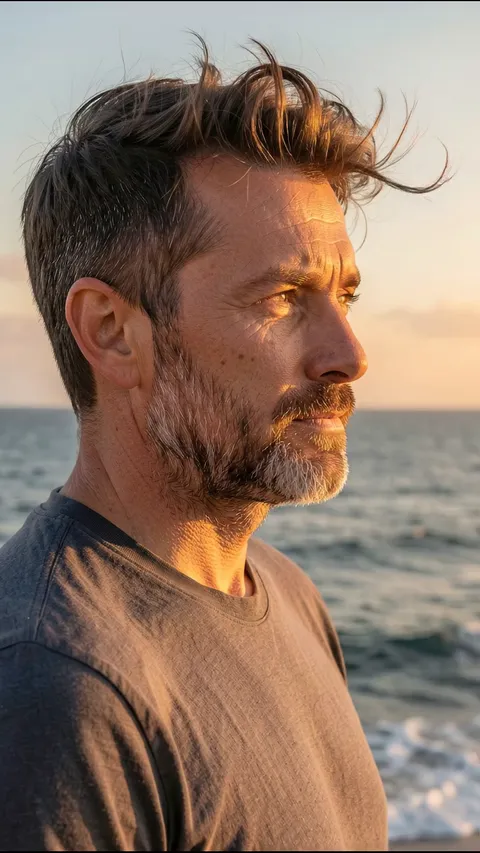

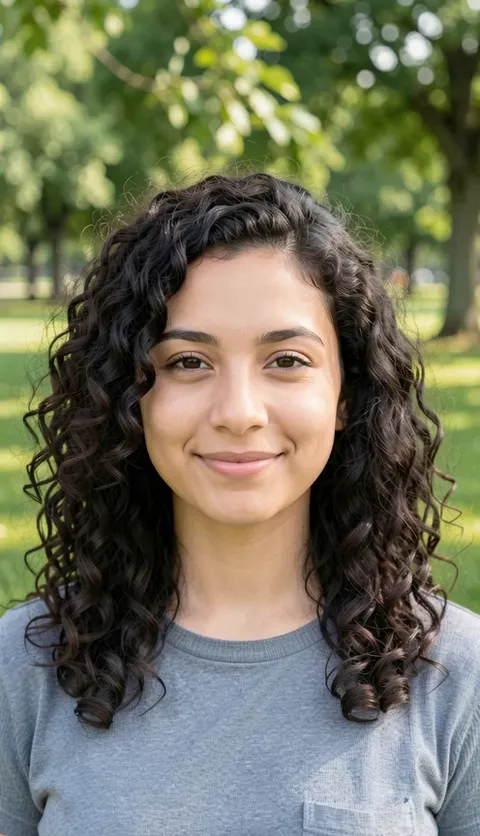


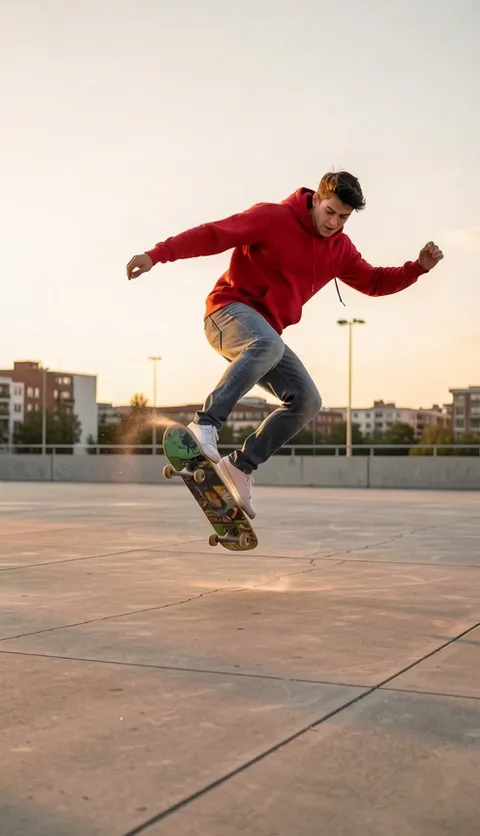
Video creation with Plimo's AI video generator
Plimo's AI video generator works as one AI video creator for the newest video generation models from Google, ByteDance, Kuaishou and others. Describe a scene in a sentence or start from your own photos to create an AI-generated video, then pick whichever model fits the shot you're picturing.
Start from a sentence
Write what happens, where, and how the camera moves, and the model builds the whole clip from your words. If words are all you ever start from, the text to video page is set up for exactly that.Start from a photo
Put a photo in the start frame and the video opens on that exact picture before anything moves. Several models also take an end frame, so you decide where the shot finishes. Animating pictures has its own image to video page too.Guide it with references
Reference mode lets you hand a model a few photos so it keeps a face, an outfit or a place looking right. Models that take clips let you add a short one as well, and the model follows how things move in it.Choose the model that suits the shot
Each model has its own lengths, shapes and sound options. When you switch models, the settings under the prompt change to match.
How to make AI videos on Plimo
Describe it or add a photo
The generator at the top of this page is already on video, so type your idea and, if you like, sign in and drop a photo into the slot to the left of the prompt (above it on a phone), or use the Image link to switch over to the AI image generator.Pick a model and a mode
Open the model menu to choose from the list, grouped by maker, then open the mode menu if you want start and end frames or reference photos.Set the shape and length
The settings beside it cover shape, length, quality and sound, and what's on offer changes with the model you picked.Sign in and press Generate
The Generate button shows how many credits this exact clip costs, and if you aren't signed in yet you can use Google or an emailed code.Watch it in My creations
The finished video plays under the generator in My creations. Download it from there, or hit Remake and the prompt, model and settings return for another go.
Why make your videos on Plimo
Many video models, one account
Models from Google, ByteDance, Kuaishou, MiniMax, Alibaba and xAI sit in the same list, so you can compare them with one login.Templates for when you'd rather not write
A template already has the prompt and settings worked out, so you add a photo and generate. If you enjoy writing prompts, ignore templates completely.The cost is on the button
Before you press anything, the Generate button shows the credits for the model, length and quality you've chosen. If a video fails, those credits go back to your balance.100 free credits for new accounts
New accounts get 100 free credits once, which covers a 5-second first clip on Seedance 2.0 Mini, the model this page opens on. Signing up doesn't ask for a card.Clear warnings before you spend
Each model opens with sensible defaults, and if two settings can't work together, the generator says so before you submit.Clean files for members
Members get videos with no watermark that they can use commercially, and their creations are kept for longer than the 7 days you get without one.
Video models you can pick here
They differ most in clip length, sound and what you can feed them, and the ones free credits can run carry no crown icon in the menu.
Seedance 2.0 Mini
The starting model here, one of the cheapest per second alongside Wan 3.0, makes 4 to 15 seconds with sound from start and end frames or up to nine reference photos.
Seedance 2.5
Good for longer pieces, with clips from 4 to 30 seconds and sound that's on unless you switch it off. It takes start and end frames, or up to nine reference photos plus up to three short clips.
Veo 3.1 Fast
Makes a fixed 8-second clip that always has sound, in landscape or vertical. It accepts start and end frames or up to three reference photos.
Kling 3.0
Runs from 3 to 15 seconds with optional sound, using start and end frames or up to seven reference photos. You can also give it one clip and choose to follow its motion or edit that clip directly.
MiniMax H3 Max
Aimed at realistic people and faces, with sound in every clip and lengths from 5 to 15 seconds. It works from start and end frames, or from up to nine photos and up to three clips.
Wan 3.0
Covers the widest range of lengths here, from 2 to 30 seconds, with sound you can turn on or off. It takes up to ten reference photos or five clips, and adding a clip caps the result at 15 seconds.
Grok Imagine 1.5
Lively motion with sound built in, in clips of 6 to 15 seconds and the lowest starting price per second on this page, and up to seven photos to guide the look, with the output shape following your photos once you add them.
Things people make with it
A birthday clip that circles your friend
Upload a full-length photo of your friend and describe the camera circling all the way around while they stay frozen mid-pose. It plays nicely in a group chat on the day.A slow, warm shot from a holiday photo
Choose a beach or sunset picture from your last trip and ask for the camera to ease toward you in golden light with a breeze in your hair, like the opening shot of a film.From your street all the way to space
Start with an outdoor photo of yourself and describe the camera pulling up through the clouds until the whole planet fills the frame. It makes a fun way to announce a move to a new city.A rainy little scene with no photo at all
One sentence is enough: a paper boat drifting down a flooded gutter at dusk. Swap the boat or the street and it becomes your own mood clip.Your dog getting up from a nap
Use a photo of your dog curled up as the start frame and one of it standing as the end frame, then pick a model that supports frames. The video fills in the stretch, the shake and everything between.The same character across a short series
If you make several clips around one mascot, say for a school club, add the same few photos in reference mode each time. That helps the character look like itself from clip to clip.A new look for a clip you filmed
Hand Kling 3.0 a short clip from your phone, choose to edit it, and describe what should change, like turning a daytime street into a night scene with lit windows.
Questions about making videos on Plimo
More AI tools on Plimo
Image to Video
Bring a still photo to life with movement, camera motion and, on models that support it, sound.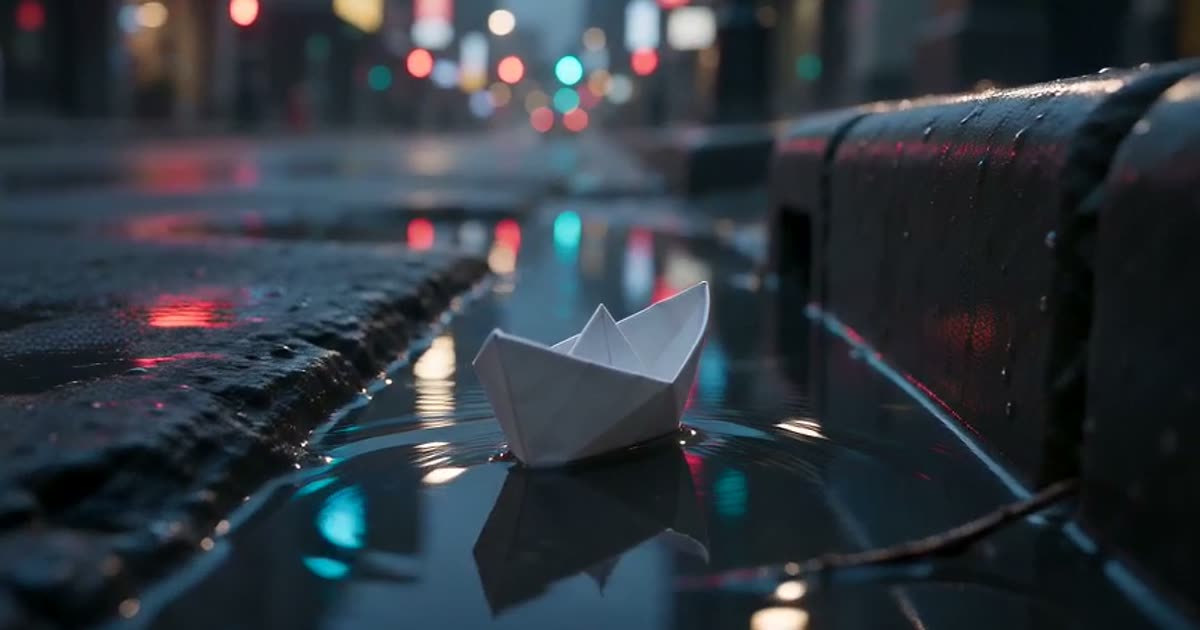
Text to Video
Type a scene in plain words and get a short clip of it, no photo required.
AI Image Generator
Describe a picture in your own words, add reference photos if you like, and get a brand-new image back.