AI Anime Generator: Turn Photos into Anime, Cartoons and Comics, Free to Start
What you can make with Plimo's anime AI
The prompt box above already holds a five-panel anime comic about friends on a camping trip, so pressing Generate gets you a finished strip without writing anything. Rewrite the story to make it yours, or, for photo to anime, open a template under Anime & cartoon and add your picture there.
Anime comics and manga pages from a story
Describe what happens and who's in it, and the model lays it out as panels with speech bubbles. Quick joke strips are the AI comic generator's strong suit, and asking for black and white pages with screentone shading covers what people want from an AI manga generator.AI photo to anime that still looks like you
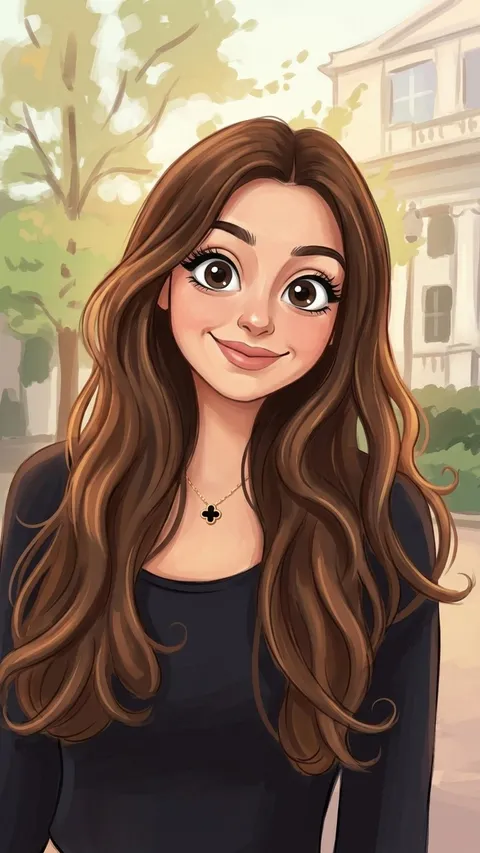
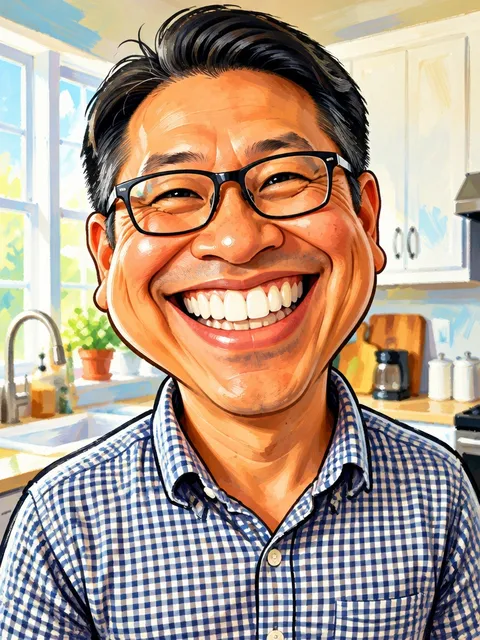
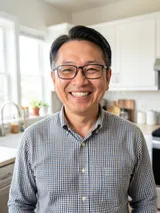
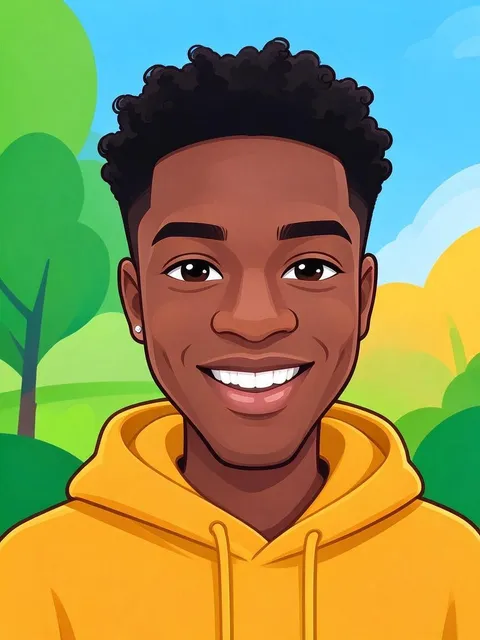
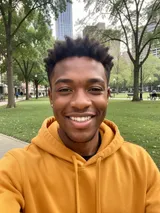
Each template under Anime & cartoon is a ready-made AI image to anime converter: it takes one clear portrait and redraws it in its own look, from soft hand-painted anime to a big-headed caricature.Cartoon looks and caricatures
To convert a photo to a cartoon with AI, add your picture and ask for a bold, rounded style like a Saturday-morning TV show, or a caricature with a big head and playfully exaggerated features. No photo? The AI cartoon image generator works from words alone too, so a mascot needs nothing but a description.An anime filter that redraws the whole scene
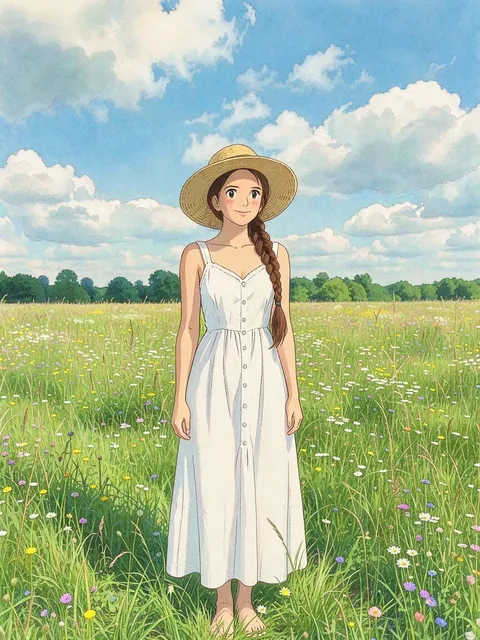
Phone anime filters lay an effect over your face. This AI anime filter redraws the whole picture, background included, so a beach trip becomes an anime scene. Ask for soft painted skies and hand-drawn countryside for an image in the Ghibli art style.
How to use the AI anime generator
Rewrite the comic, or keep it
The starting prompt tells a camping story in five panels. Swap in your own, like your cat stealing the last slice of pizza, and keep the words about a clean anime style, consistent characters and speech bubbles. Edits stay in the box after a refresh.For your photo, open an anime template
Under the generator, the Templates tab opens on Images and Anime & cartoon. Click a look, add your photo in the window that opens and press Generate there. A photo already in the generator doesn't carry over into a template.Or turn a photo into anime with your own words
Click the photo slot beside the prompt (above it on a phone), add your picture and replace the comic prompt with something like "Redraw this photo in a clean anime style, keep my face, hairstyle and outfit." Keep the comic prompt and you get a comic strip instead.Check the model and press Generate
This page opens on GPT Image 2.5 in a 3:4 portrait shape: switch the model from the model menu and the shape from the settings beside it. The button shows the cost first: 10 credits per picture on the default settings, plus 6 per photo.Save it or try again
Results land in My creations below the generator. Download them, or press Remake to load the prompt and photo back and change a panel or the punchline.
Why use Plimo for anime and cartoon art
Plimo's AI anime image generator suits people who'd rather pick a look than write a long prompt, though you can always write your own prompt, say for an AI anime girl or boy you've imagined.
Free credits for your first comics
A new account gets 100 credits once, and they don't expire. On the default model that's about 10 anime pictures or comic pages made without a photo.A comic prompt that's ready to go
You don't need to know panel layouts or drawing terms: the starting prompt sets the style, characters and speech bubbles, so you only change the story.Anime templates for your photos
Each card under Anime & cartoon is one finished look with its prompt and model chosen. Pick the result you like and add your picture.Several image models to compare
Run one story on two models and compare them in My creations: some keep characters steadier between panels, others letter the bubbles more cleanly.You see the cost first
The Generate button lists the credits for your model, settings and photos before you start, and a picture that fails gives them back.Clean comics for members
Members download anime pictures without a watermark and can use them commercially, say for a webcomic or stickers. Otherwise results carry a small mark and stay personal use.
Models that draw anime
The models below all draw anime from a prompt or redraw your photo, so any of them can be your AI anime art generator, and the settings under the prompt follow the one you pick. Only Plimo Image 1.0 and GPT Image 2.5 work with free credits.
GPT Image 2.5
OpenAI's GPT Image 2.5 is where this page starts, because it keeps speech bubbles readable across every panel. It follows up to 16 photos and runs on free credits at its lowest quality and size.
Plimo Image 1.0
The cheapest per picture, at 2 credits. It handles anime faces, cel-shaded color and cozy everyday scenes and takes up to 4 photos, though bubble dialogue can come out garbled, so it suits single pictures better than comics.
Nano Banana 2.1
Google's Nano Banana 2.1 keeps small details like loose strands of hair and fabric folds and can combine up to 6 photos, useful for drawing a group of friends from separate selfies.
Anime and cartoon ideas to try
An anime profile picture
Add a well-lit selfie to an anime template, or write "redraw this photo as an anime character with big eyes and soft cel shading, keep my hairstyle." You get an avatar friends still recognize on Discord or Instagram.A comic strip of something that really happened
An AI comic maker is handiest for in-jokes: turn a group chat joke or a holiday mishap into four or five panels with the punchline last. Give each friend one detail, like a red cap or round glasses, so the model can tell them apart.A manga page for your own character
Give the AI anime character generator someone new: say where they live and one short scene, then ask for a black and white manga page with screentone shading and dramatic angles, a quick way to see a story idea on the page.Your pet as a cartoon
Add a sharp photo of your dog or cat and ask for a cartoon version with a round face, huge eyes and thick outlines, or a chibi sticker with a white border. Name its coat color and patches so it's clearly yours.A caricature for a birthday card
A friend's photo plus a request for an oversized head, a huge grin and a tiny body riding a bike is all this AI caricature generator needs. Keep it affectionate, the way a good caricature maker at a fair does, and everyone at the party gets the joke.Your anime picture, moving
When a still comes out well, take it to image to video and ask for hair lifting in the wind. For pencil or watercolor looks, the AI art generator starts with an illustration prompt instead.
Questions about the AI anime generator
More AI image and video tools
AI Image Generator
Describe a picture in your own words, add reference photos if you like, and get a brand-new image back.
AI Photo Editor
Upload a photo and change the background, age or style in one sentence.
AI Art Generator
Turn a few words into drawings, paintings and illustrations.
AI Clothes Changer
Try a different outfit on your own photo.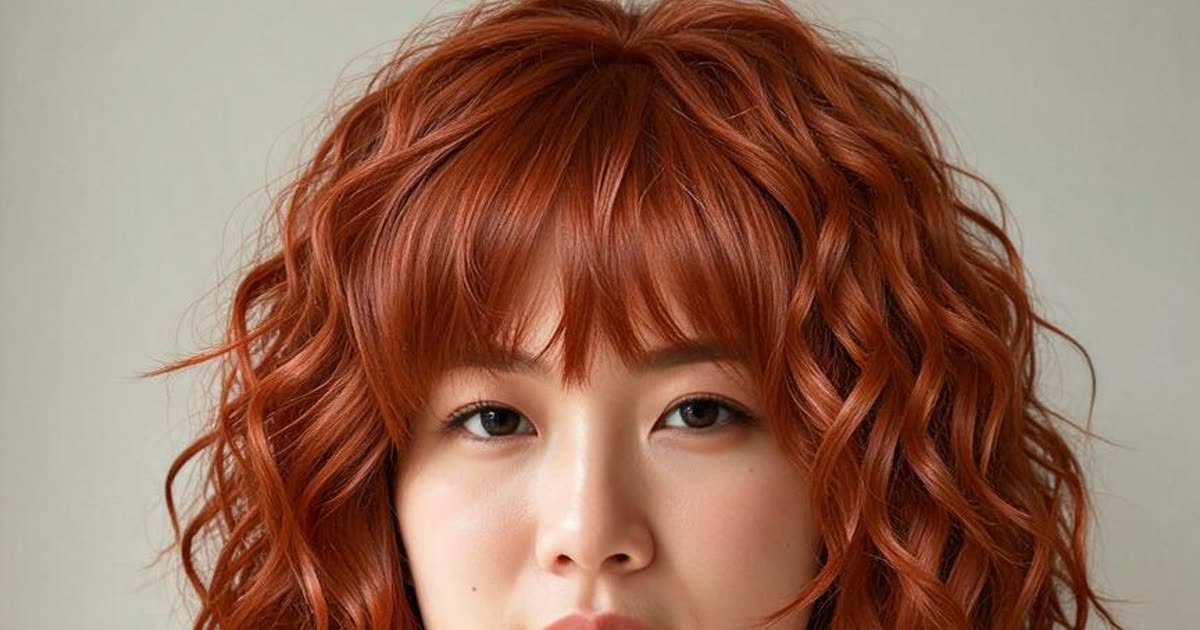
AI Hairstyle Changer
Try a new haircut or hair color on your photo.
AI Video Generator
Make a short video clip from a written idea, a photo or both, with a choice of video models.