AI Photo Editor: Try It Free and Change Any Picture with One Sentence
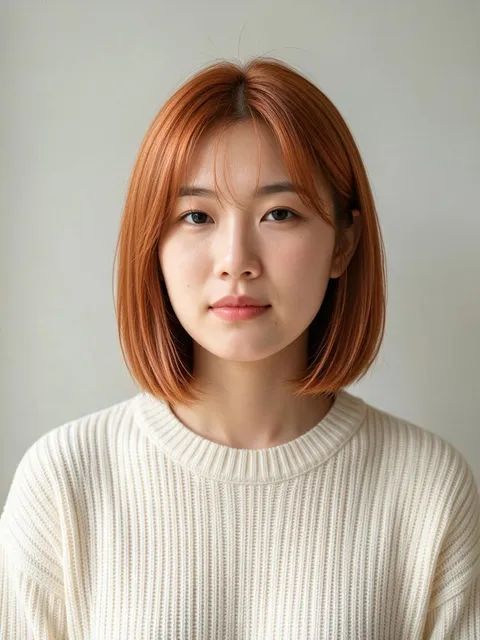
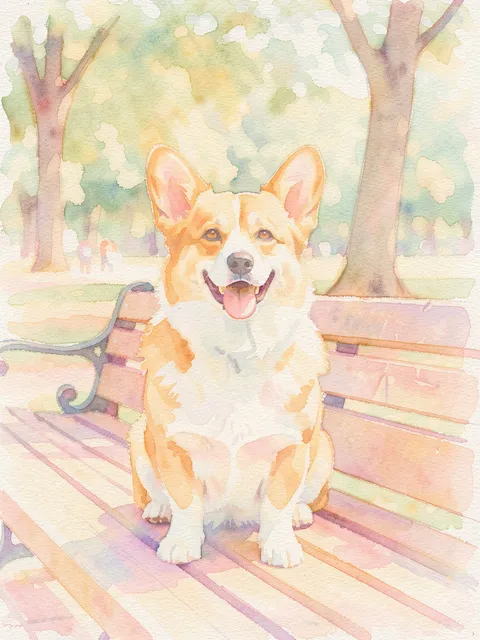
Edit a photo by describing the change
Plimo's AI photo editor is an AI photo changer that works from one sentence. Add your photo or any pic, say what should be different, like the hair, outfit, background or your age, and the model redraws that part while keeping the rest as it was.
Type the change the way you'd say it
There are no sliders, layers or brushes to learn. Write prompts like “make my hair short and curly”, “put me on a beach at sunset” or “give it a warm vintage film filter”, and the model works out which part of the picture that touches.Keep the person recognizable
Most edits are about one detail, so it helps to say what should stay put. Adding “keep my face and pose the same” nudges the model to change only what you asked for, and the templates on this page are written that way too.Show it with a second photo
Some changes are easier to show than to describe. Add a photo of yourself plus a photo of a jacket or a haircut you saw online, then ask for one on the other. A single photo works, and each model sets its own limit, from 3 up to 16.Start from a template if you'd rather not write
The templates under the generator already hold a tested instruction for popular edits, such as a new haircut or trying on an outfit. Open one, add your photo and press Generate.
How to edit a photo with AI on Plimo
The AI picture editor needs one photo and a sentence.
Sign in and add your photo
Click the photo slot, left of the prompt box on a computer and above it on a phone, sign in with Google or an emailed code if Plimo asks, then drop in a JPG, PNG or WEBP image.Say what to change
Write a sentence or two about the edit and mention anything that must stay the same, such as your face or the background.Choose a model and shape
Under the prompt, pick a model and the picture shape, and check the Generate button, which shows how many credits this edit will use.Press Generate
The edit uses the credits the button showed, and all of them come back if it fails.Download or have another go
The edited picture lands in My creations under the generator. Save it to your device, or choose Remake to put the photo and sentence back and reword the edit.
Why use Plimo as your AI image editor
100 free credits to start
New accounts get 100 free credits once, enough to try a handful of edits before deciding on a membership.Several editing models side by side
If one model misreads your sentence, pick another and run the same request again. What each one is good at is listed below.The cost is on the button
The Generate button shows the credit cost for the model and settings you picked. If a generation fails, every credit it used comes back to your balance.Popular looks from one sentence or a second photo
Some edits need a second picture, such as the haircut or outfit you want to copy, while a bald head, an older face or a ball gown takes one sentence.Clean files for members
Members get edits with no watermark, can use them commercially, and keep them in My creations for longer.
AI models that can edit your photos
Every model here reads your photo as a reference. The ones your free credits can run show no crown icon in the model menu, and the rest can’t run on the sign-up credits.
Plimo Image 1.0
Plimo Image 1.0 is where the editor starts, handling faces, outfits, backgrounds and illustrated looks from up to 4 photos at the lowest credit cost here, though it isn't the one for fixing words in a picture.
Nano Banana 2.1
Google's Nano Banana 2.1 takes up to 6 photos in one edit, so a face, an outfit and a new backdrop can go in together, and it offers shapes from square all the way to a wide 21:9.
GPT Image 2.5
OpenAI's GPT Image 2.5 reads up to 16 photos, has a Sunburst style meant for finer edits, and can hand back a PNG with a transparent background.
Seedream 5.0 Pro
ByteDance's Seedream 5.0 Pro can draw on up to 10 reference photos for polished edits, and its Auto shape lets the result follow your original photo.
Qwen Image 3.0 Pro
Alibaba's Qwen Image 3.0 Pro handles dense text and layouts, which helps when you change the words on a poster or a menu. It takes up to 3 photos and keeps whatever shape you pick.
Grok Imagine Image 2.0
xAI's Grok Imagine Image 2.0 leans toward vivid pictures and edits from up to 3 photos, with an Auto shape that becomes available once a photo is added.
Everyday edits people make
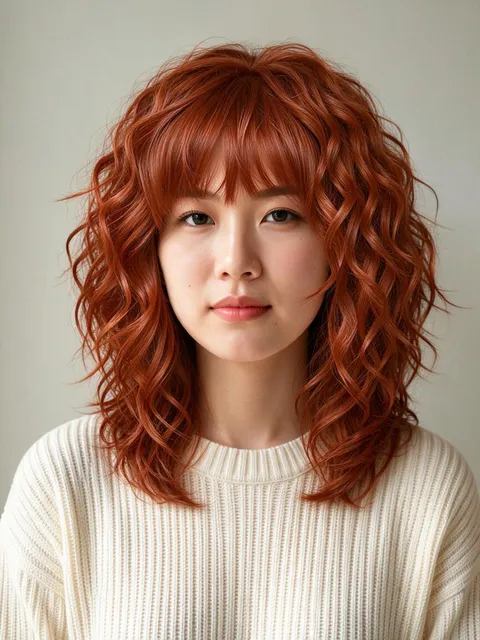
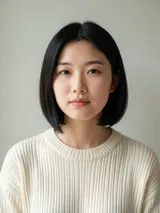
Try a haircut before the salon
Save a picture of the cut you like, add your selfie first and the haircut second, and ask to change only the hair. Then you can show the result to your stylist or ask a friend whether it suits you.See yourself with a copper lob
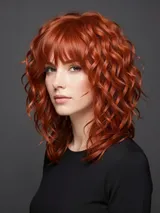
Thinking about going shorter and warmer? Ask for a sleek collarbone-length copper cut with soft curtain bangs and to keep your face and outfit, so you can see the change on you before booking anything.Check an outfit before you order it
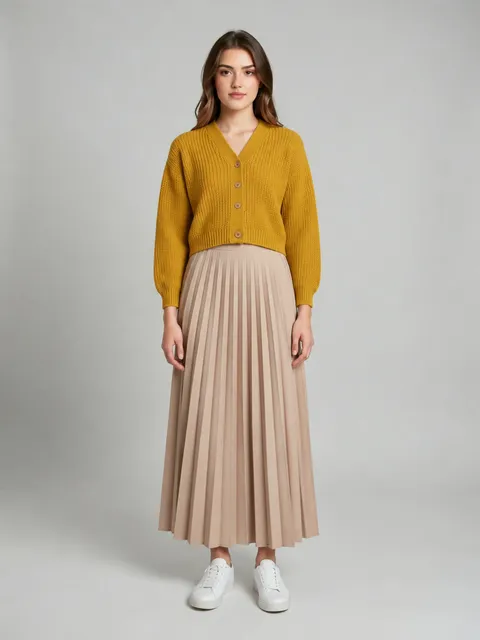
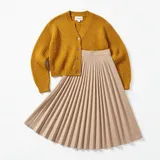
Add a full-length photo of yourself and the shop's photo of the dress or jacket, then ask to put you in it against a plain light grey background. That makes it easier to tell whether the style works on you.Get a laugh in the family chat
Write “make him completely bald but keep his eyebrows, beard and expression” under your brother's photo, with his blessing. The unchanged face is exactly why the before and after gets a laugh.Meet the 80-year-old you
Ask for “wrinkles, age spots and thin silver hair, same face and pose” on a portrait, and the editor ages it while keeping the person recognizable. Put it next to the original on a birthday card.A fairytale portrait for a friend
Describe a pastel ball gown, a small tiara and a chandelier-lit ballroom, and the editor changes the outfit and setting around your friend's face. It makes a sweet surprise for someone who grew up on fairytales.Rescue a grey holiday photo
The trip photo with a flat white sky can get a warm sunset instead. Write “replace the sky with a sunset and keep the people exactly as they are”, then try the same sentence with a second model and keep whichever you like.Fix the words on a sign or banner
If the banner in your party photo has a typo, describe the correct spelling. GPT Image 2.5 and Qwen Image 3.0 Pro are the two models here built with lettering in mind.