AI Clothes Changer: Try On New Outfits and Dresses in Your Own Photo, Start Free
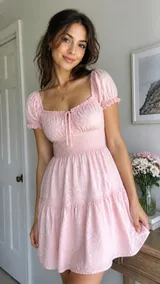
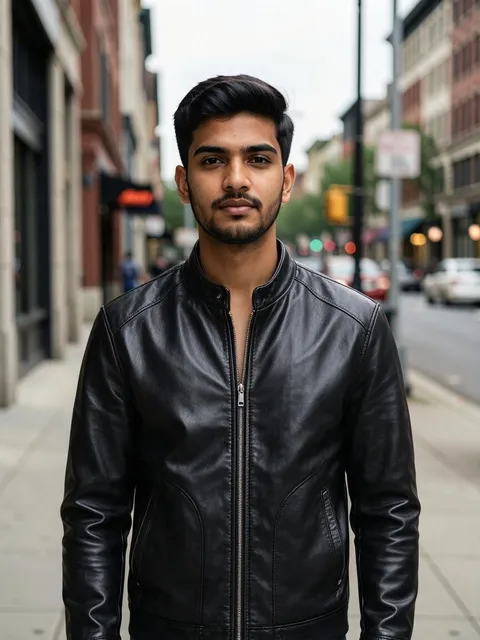
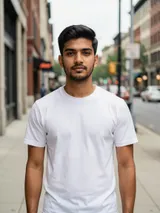


What an AI outfit changer does to your photo
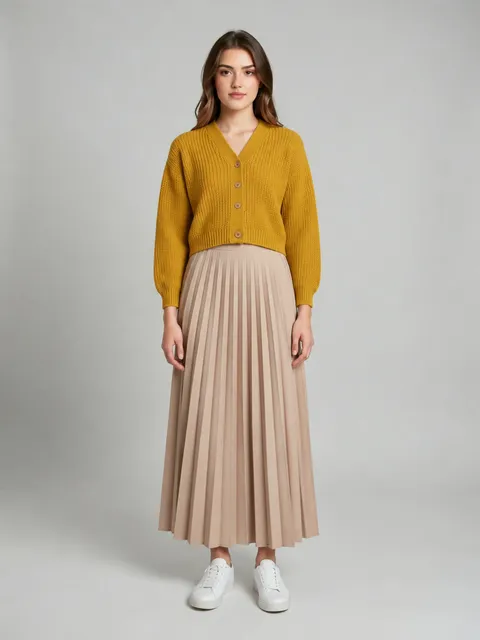
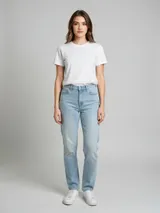
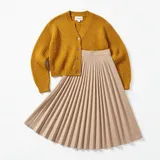
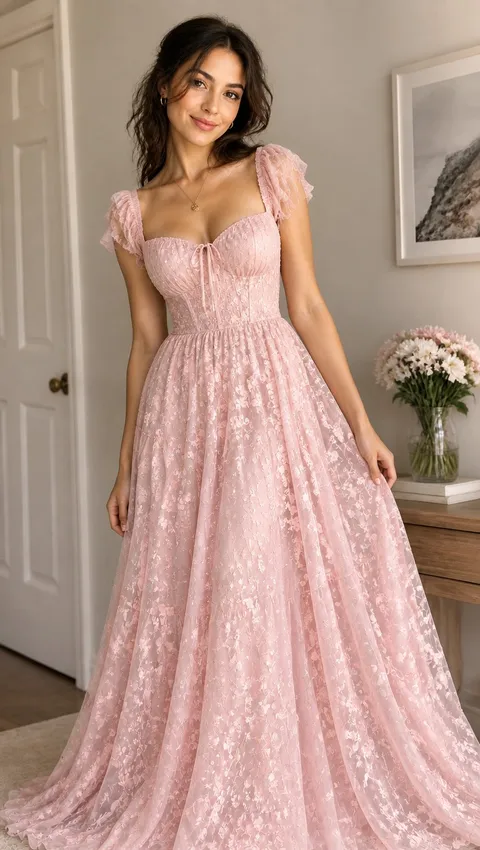
Plimo's AI clothes changer swaps what someone is wearing in a photo and aims to keep the rest as it was. The prompt box above already holds an outfit-swap prompt: add a picture of yourself, press Generate and the model picks clothes that fit the setting. Want a red dress instead? Rewrite one sentence. Want the jacket from a shop photo? Open a two-photo outfit template under the generator, which also puts you full length on a plain studio background.
New clothes, same you
The starting prompt tells the model to keep your body, pose, skin tone, face and background, and to light the new outfit like the original scene. Only the clothes are meant to change, so this AI clothing changer makes the result look like you on a different day.Say what you'd like to wear
Leave the prompt alone and the model reads the scene: casual streetwear for a sidewalk, formal attire for an office or a dinner, athletic wear for a park run. Replace that part with your own words, like a camel coat over a black turtleneck, and it works as an AI clothing or outfit generator, dressing you in that.Copy one piece from a second photo
The starting prompt only talks about one picture, so a second photo added beside it won't reliably be copied. For a garment you can see in another photo, use a two-photo outfit template: add the person first, the clothing second.Ready-made looks under Outfits
Below the generator, the Templates tab opens with Images and Outfits selected. Each template has its prompt and model chosen, so you only add the photos it asks for. Click All in the tag row to see every image template.
How to change clothes with AI on Plimo
Add a photo of the person
Click the photo slot (beside the prompt on a computer, over it on a phone), sign in with Google or a one-time email code, and choose a JPG, PNG or WebP image up to 30 MB. A head-to-toe shot works well.Keep the prompt to let it choose
Curious what the model would put you in? Change nothing. It looks at where the photo was taken and picks a matching style, and running it again may give you a different outfit.Or name the outfit yourself
Delete the sentence that begins "Automatically select an outfit" and write your own, for example "Dress them in an olive bomber jacket, white T-shirt and dark jeans." Keep the lines about the face, pose and lighting. Your version stays in the box on this page, even after a refresh.Or wear a specific item with a template
Open a two-photo outfit template under the generator. In the window that pops up, add the person's photo first and the clothing photo second, then press Generate there. A photo already added above isn't carried into the template.Generate and compare
The generator starts on Plimo Image 1.0, and the button shows the cost first: 3 credits with one photo at the default settings. Adding your photo sets the shape to whichever preset ratio sits nearest your original. Results land in My creations.
Why change outfits with Plimo
Plimo works as an AI clothes swapper, or an AI photo dress changer, for people who'd rather see a new look on themselves than read a fashion guide.
Free credits to experiment
Every new account gets 100 credits once, and they don't expire. At 3 credits for a one-photo change on the default model, that's around 30 outfits before you decide whether you need more.Templates for the exact piece
A two-photo outfit template already knows how to move a garment from one picture onto the person in another, so trying on a specific jacket doesn't depend on how well you describe it.Swap models, compare the drape
Models read the same request differently, especially folds, prints and how fabric hangs. Run one prompt on two of them and keep whichever looks more natural on you.Credits shown before you click
The price for your model, resolution and number of photos is on the Generate button. A picture that fails to generate gives every credit back.No watermark for members
Members download outfit swaps without a watermark and can use them commercially, say for a shop listing. Without a membership, pictures carry a small mark and are for personal use.Your photos stay out of training
Plimo doesn't train AI models on the pictures you add here or the outfits you make from them, and each model's company follows its own terms.
AI models that can swap clothes
Each clothes-changing AI model below takes a photo of the person as a reference and redraws the clothing from your prompt. Your sign-up credits cover Plimo Image 1.0 and GPT Image 2.5, with some settings limited; the others come with a membership.
Plimo Image 1.0
The model this page opens with and the cheapest per picture. It accepts up to 4 photos, and it matches your first photo to the nearest preset shape.
Nano Banana 2.1
Google's Nano Banana 2.1 pays attention to texture such as knit stitches, denim and lace. It takes up to 6 photos and has three resolution settings.
GPT Image 2.5
OpenAI's GPT Image 2.5 accepts up to 16 photos, and its Sunburst version is tuned for precise edits. It handles logos and printed words on a shirt, and runs on free credits at low quality and 1K.
Outfit changes people try
Picking a wedding guest outfit
Three possible looks and one invitation? Run an AI clothes swap for each on the same photo: a sage green midi dress, a navy linen suit, a floral jumpsuit. Lined up in My creations, the choice gets easier.A sharper photo for work
Your favorite headshot was taken in a hoodie. Ask for a charcoal blazer and a crisp white shirt while keeping your face, hair and background, and it's ready for a work profile.Costume ideas before you buy
Before ordering a Halloween or cosplay costume, see yourself as a pirate captain in a long coat, an astronaut or a knight in polished armor, and find out which idea actually suits you.A style you'd never risk
Could you pull off head-to-toe black, a pastel tracksuit or old-money knitwear? A dress change with AI on your own photo shows it on you before you buy anything.Dressing up your pet
Add a clear photo of your dog or cat and ask the AI to dress it up in a yellow raincoat, a tiny tuxedo or a knitted holiday sweater. Pets hold still in a photo far better than they do for a real costume.Showing a garment on a model
Small shops can put a product on a model photo with a two-photo outfit template, adding the model first and a flat shot of the garment second. Shop listings are commercial use, so they need a membership.
AI clothes changer FAQ
More AI tools for photos and video
AI Image Generator
Describe a picture in your own words, add reference photos if you like, and get a brand-new image back.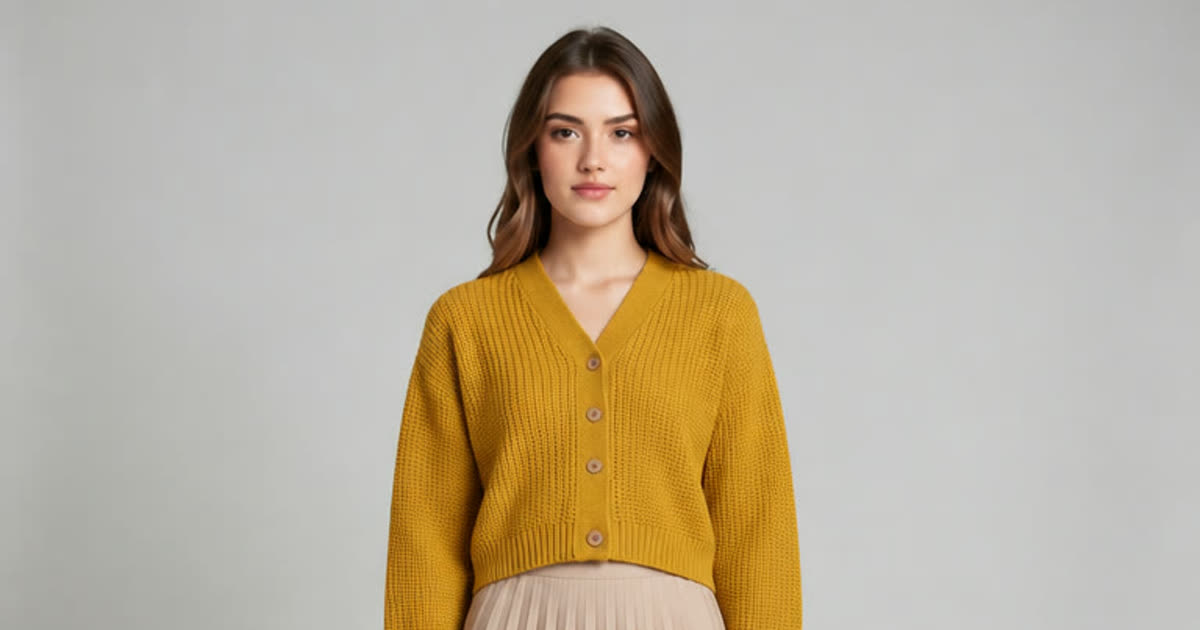
AI Photo Editor
Upload a photo and change the background, age or style in one sentence.
AI Art Generator
Turn a few words into drawings, paintings and illustrations.
AI Anime Generator
Turn a photo or a short story into anime.
AI Hairstyle Changer
Try a new haircut or hair color on your photo.
AI Video Generator
Make a short video clip from a written idea, a photo or both, with a choice of video models.