ChatGPT Image Generator: Make ChatGPT Images with GPT Image 2.5, Free to Start
What is GPT Image 2.5?
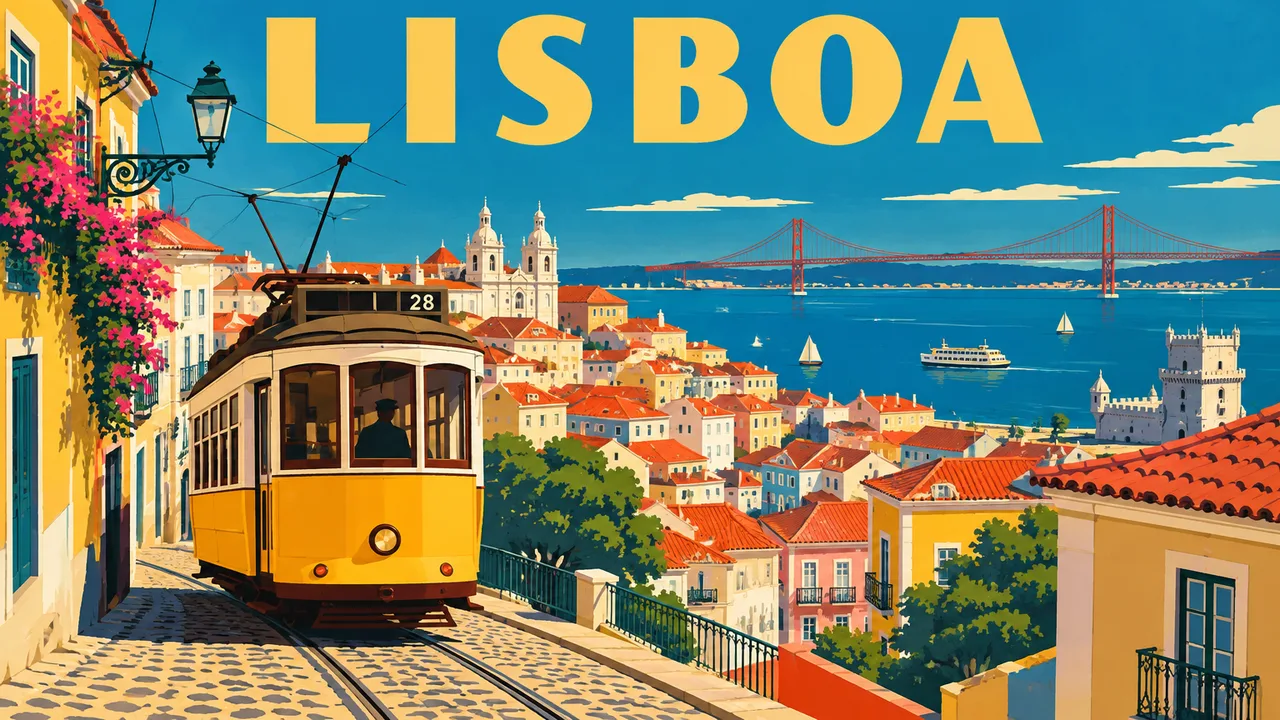
Plimo runs OpenAI's official GPT Image 2.5, the same model ChatGPT uses when you ask it for a picture. Describe an image or hand it a photo, and it comes back with readable lettering, edits that leave the rest of the photo alone and, when you ask, a transparent background. The free credits on a new account cover GPT Image 2.5 at low quality and 1K, so you can see what it does before deciding anything.
GPT Image 2.5
Sharp text and careful edits. Can make transparent PNGs.
- 1K / 2K / 4K
- Up to 16 reference photos
From 10 credits
Free credits work: Low quality · 1K
From GPT-4o pictures to GPT Image 2.5
March 2025
GPT-4o image generation
ChatGPT stopped handing picture requests to DALL·E 3 and began drawing them with GPT-4o itself. OpenAI highlighted accurate text, close prompt following and the ability to transform uploaded photos, which set off a wave of restyled selfies.
April 2025
GPT Image 1
The model behind those ChatGPT images opened to developers as gpt-image-1, so other apps could build on it. A smaller, cheaper GPT Image 1 Mini followed that October.
December 2025
GPT Image 1.5
Launched with the new ChatGPT Images. Edits became more precise, keeping lighting, composition and faces in place while changing what was asked, and generation got faster.
April 2026
GPT Image 2
Arrived as ChatGPT Images 2.0, with stronger layouts, better text in many languages, cleaner diagrams, charts and comics, more aspect ratios and a thinking mode that can check its own output.
September 2026
GPT Image 2.5
Shipped as ChatGPT Images 2.5. OpenAI points to more natural, recognizable images, edits that touch only the requested area and stay consistent over several rounds, and faster generation. Developers get two versions: Flare for everyday work and Sunburst for slower, more precise detail.
Making a ChatGPT-style image on Plimo
Start typing in the generator above
GPT Image 2.5 is already picked, so the prompt box is the only thing you need at first.Put any words in quotes
A good ChatGPT image prompt gives any lettering word for word in quotation marks: a café sign reading “Open late”, a poster title, the label on a jam jar.Add photos when you're editing
Sign in and add up to 16 photos. Each extra photo adds a little to the cost, and the Generate button keeps count.Choose quality, size and style
Five quality levels run from Low to Max. Next to them sit resolution (1K, 2K or 4K), the Flare or Sunburst style and a switch for a transparent background.Generate, then keep or remake
The image lands in My creations below. Download it, or press Remake to bring the prompt and settings back and change one thing.
Why make ChatGPT images on Plimo
Free credits that run GPT Image 2.5
New accounts get free credits once, and they work with GPT Image 2.5 at low quality and 1K, reference photos included. They don't expire.Every setting in plain view
Quality, resolution, the Flare or Sunburst style and the transparent background each have their own control beside the prompt, so you decide instead of guessing what a chat picked for you.Draft cheap, finish sharp
Try a layout at Low quality, then run the same prompt again at High or Max once it looks right. The button shows the credit cost at every step.Other image models in the same menu
If the result is close but not quite there, send the prompt to Nano Banana 2.1 or Qwen Image 3.0 Pro and lay the results side by side.No watermark for members
Images generated while you're a member download as clean files and can be used commercially. Images made without an active membership get a small mark and stay for personal use.
GPT Image 2.5 next to other image models
Nano Banana
Nano Banana from Google is known for edits that keep faces recognizable, mixes up to 6 photos and has two versions to pick from.
Grok Imagine
Grok Imagine from xAI covers pictures and short videos with sound, and its image models aim for vivid, punchy looks from up to 5 photos.
Wan
Wan from Alibaba is mostly a video family, with Wan 2.7 Image Pro for stills that can merge up to 9 photos.
FLUX
FLUX 3 Image from Black Forest Labs renders detailed scenes in every common shape, follows up to 10 reference photos and has a video sibling.
Seedream
Seedream 5.0 from ByteDance comes as Flash, Pro and Lite, and Lite is the one to choose for large 3K pictures.
Qwen Image
Qwen Image 3.0 from Alibaba is also strong with dense text and layouts, takes up to 3 photos and keeps the shape you set.
What to make with GPT Image 2.5
Stickers with no background
Describe a grumpy cartoon cat holding a coffee mug, switch on the transparent background and you get a PNG ready for a sticker sheet or a chat app.A label for something you made
Photograph your jar of chili oil and ask for a wraparound label that reads “Auntie Lin's Fire Oil, small batch”, with a hand-drawn chili beside the name. Check the spelling before you print a stack of them.A ChatGPT image editor for small fixes
Upload a group photo and ask for the one person who blinked to have their eyes open, or swap a grey sky for blue, and nothing else. For ChatGPT photo edits this small, Sunburst is the style to try.A recipe card for the fridge
Write out your grandmother's soup recipe with the ingredients and four steps, and ask for a cheerful illustrated card with each step in its own box.A four-panel comic
Describe each panel and the line in every speech bubble: a dog spotting a squirrel, plotting, pouncing, then missing. Short lines in the bubbles come out cleaner than long ones.A product cutout for any listing
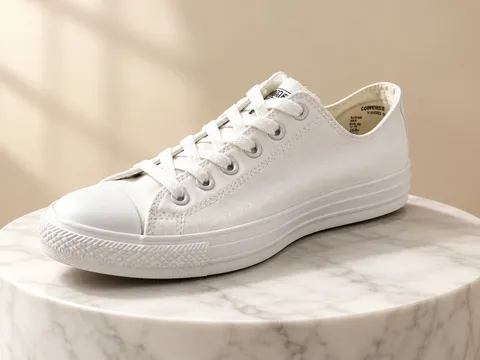
Upload a photo of your sneaker on the floor and ask for the shoe alone on a transparent background, cleaned up and evenly lit, ready to drop onto a slide or a shop page.A logo idea on a clear background
Ask for a simple badge logo for a bakery called “Crumb & Co.” with a wheat stalk, and switch on the transparent background so you can drop it onto a mock shopfront.A sign in two languages
Ask for a hand-painted shop sign that reads “Fresh bread / Pain frais” and the model keeps both lines legible. Turn the result into a short clip with image to video if you want the shop door to swing open.