Grok Imagine: Make Grok AI Videos with Sound on Grok Imagine 1.5, Free to Start
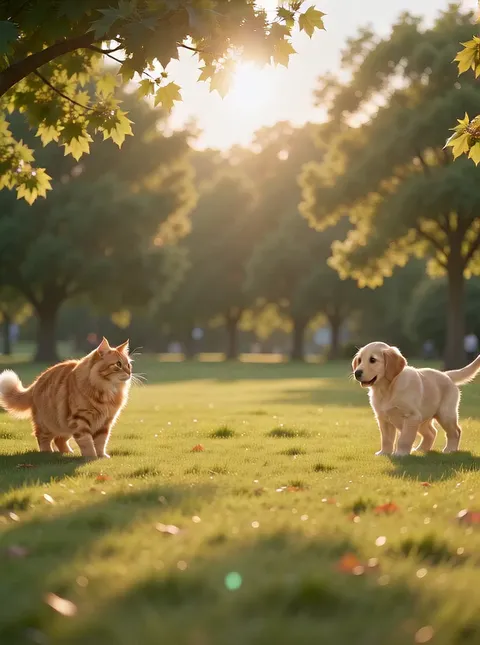


What is Grok Imagine?
Grok Imagine is xAI's family of video and image models, the same name you see on the Imagine feature in the Grok app. Its video side is known for lively motion and for putting sound into every clip, so a scene arrives with voices, footsteps or music already in it. On Plimo you get Grok Imagine 1.5 for video, plus Image 2.0 and the lighter Grok Imagine Image for pictures. The generator above opens in video mode on version 1.5.
Grok Imagine 1.5
Lively motion with sound.
- 6–15 s
- 480P / 720P
- Always with sound
- Up to 7 reference photos
From 60 credits
Free credits work: 480P · 6 s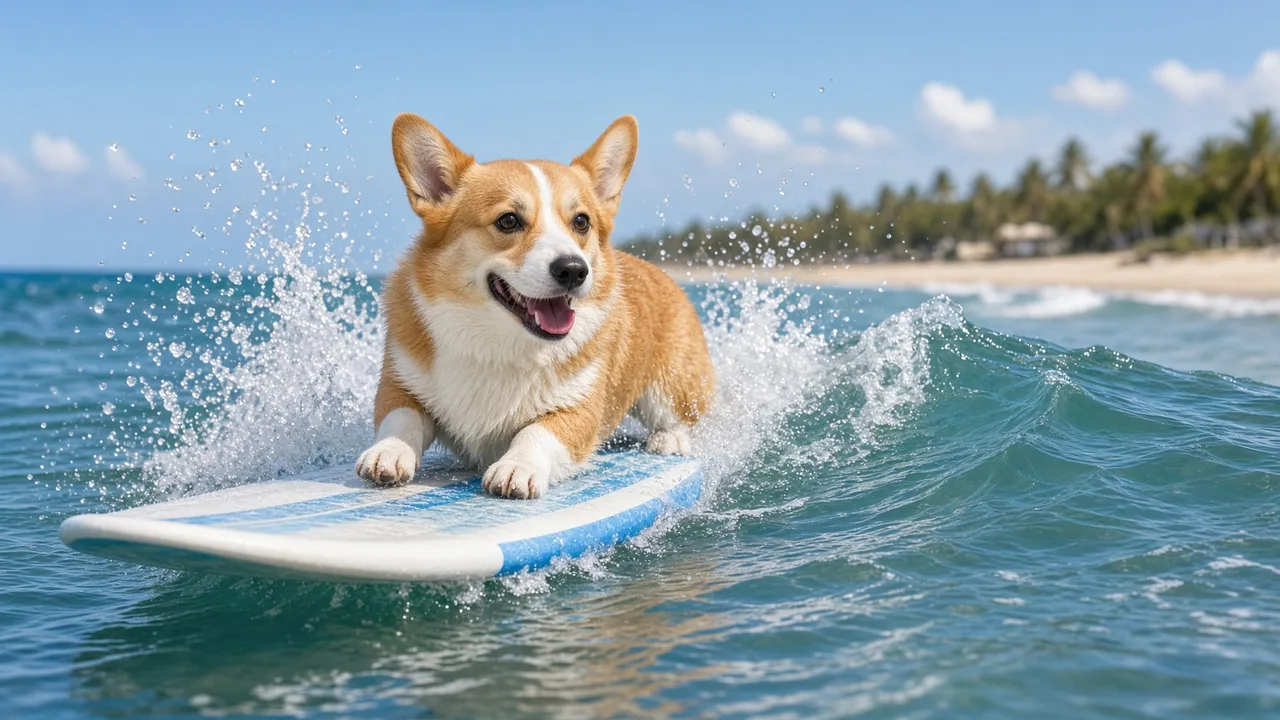
Grok Imagine Image 2.0
Vivid pictures, and edits from up to 3 photos.
- 1K / 2K
- Up to 3 reference photos
From 20 credits
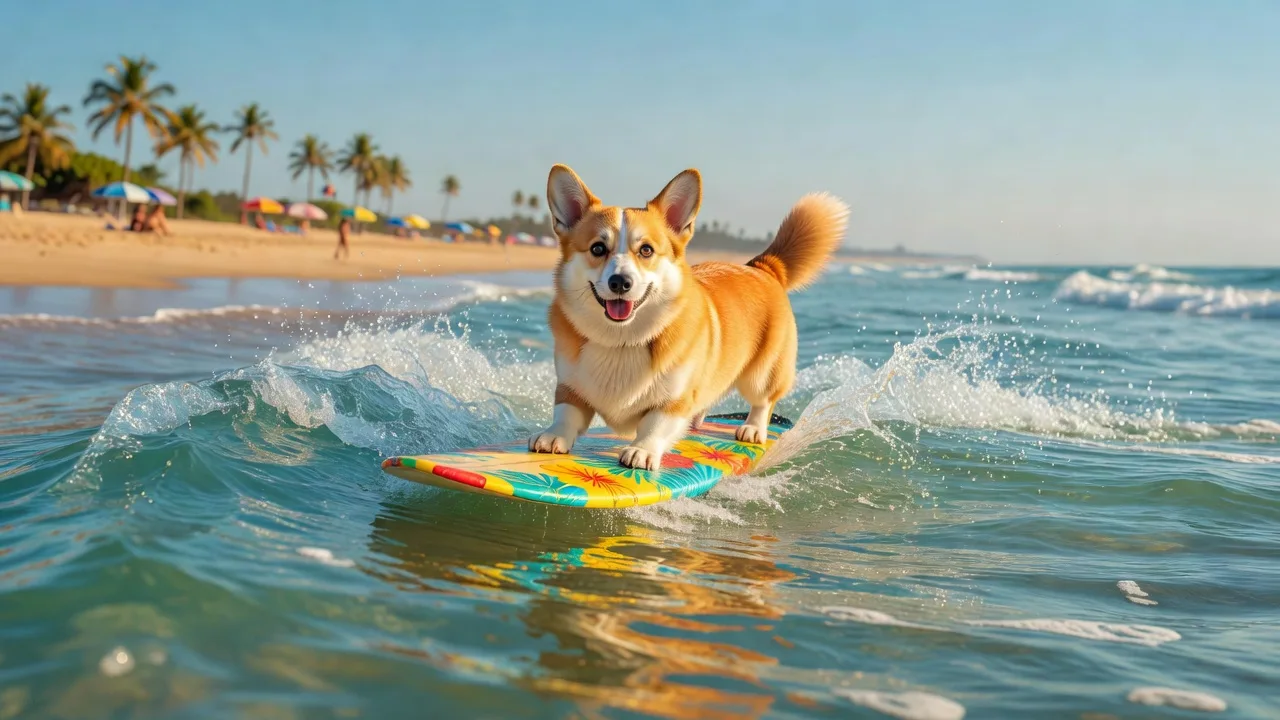
Grok Imagine Image
Simple, affordable images, and edits from up to 5 photos.
- 1K
- Up to 5 reference photos
From 9 credits
How xAI's Imagine models evolved
xAI has shipped a new release every few months since late 2024.
December 2024
Aurora
xAI's first in-house image model inside Grok, built for photorealistic scenes and close prompt following, and able to edit pictures people uploaded.
August 2025
Imagine in the Grok app
Image and video generation arrived under the Imagine name, turning pictures into short clips that came with sound.
October 2025
Version 0.9
A big step up in picture quality and motion, with synchronized audio that could include dialogue and singing.
February 2026
Grok Imagine 1.0
Clips grew to 10 seconds with a sharper picture, voices became more expressive, background music fit the scene better, and long prompts were followed more closely.
June 2026
Grok Imagine 1.5
After a short preview, xAI released it with clips of up to 15 seconds, stronger image-to-video results and native audio in every clip.
August 2026
Image 2.0
The second-generation picture model, aimed at cleaner, readable text inside images and at more precise editing from your own photos.
Making a Grok video on Plimo
Describe the scene and its sound
Version 1.5 is already picked in the generator at the top. Write what happens and what we should hear, like rain drumming on a tin roof or a crowd counting down to midnight.Add reference photos if you have them
Sign in and drop up to 7 photos into the slot beside the prompt box (above it on a phone). Once photos are attached, the clip takes its shape from them instead of the aspect ratio setting.Choose length and resolution
Anything from 6 to 15 seconds works, at either of two resolutions, and the credit count on the Generate button follows your choices.Flip to Image for still pictures
Switch the generator from Video to Image and it moves to Image 2.0. The model menu also holds the basic Image model and every other model on Plimo.Collect the results
Finished clips and pictures land in My creations below. Download the keepers, or press Remake to reload the prompt and settings.
Why use Grok on Plimo
Your first clip is on us
New accounts receive 100 free credits once, which is enough for one 6-second clip on version 1.5 at 480p. Signing up asks for no card.Video and stills share one account
The video model and both picture models share one balance and one creations list, so a picture made here can be the reference photo for your next clip.The cost shows up front
The Generate button lists the credits for this exact clip or picture before you press it. A failed run hands the credits back.No watermark on member work
Creations you make as a member download without a watermark and can be used commercially. Work made without a membership carries a small mark and is for personal use.
How Grok compares with other video models
Each has its own page; in short, here is how they differ.
Kling
Kling 4.0 runs from 3 to 30 seconds and can copy the movement in a clip you upload, while Grok tops out at 15 seconds and works from text or photos only.
Veo
Veo 3.1 Fast always delivers 8 seconds with a polished, cinematic look and can land on an end frame you choose; Grok gives you a range of lengths instead.
Seedance
Seedance 2.0 Mini is the other video model new accounts can try on free credits, and Seedance takes reference clips as well as photos.
Hailuo AI
Hailuo AI's MiniMax H3 Max leans toward realistic faces and mixes reference photos with short clips, where Grok is more about energetic movement.
Wan
Wan 3.0 reaches 30 seconds, takes start and end frames plus reference clips, and lets you switch the audio off, which Grok never does.
Vidu
Vidu Q4 Preview accepts up to 15 reference photos for a clip of up to 16 seconds, where Grok takes 7.
FLUX
FLUX 3 Video works from text or a start and end frame for 5 to 20 seconds, with sound you can turn off.
SkyReels
SkyReels V4 also puts sound in every clip and offers a start-and-end-frame mode as well as a reference mode with up to 3 photos.
HappyHorse
HappyHorse 1.1 needs a written prompt even when you give it a photo, and blends up to 9 reference photos into one clip with sound.
What people make with Grok
A pet with something to say
Add a photo of your dog and describe it turning to the camera and grumbling about bath time. The voice and the splashing come built into the clip.A street scene you can hear
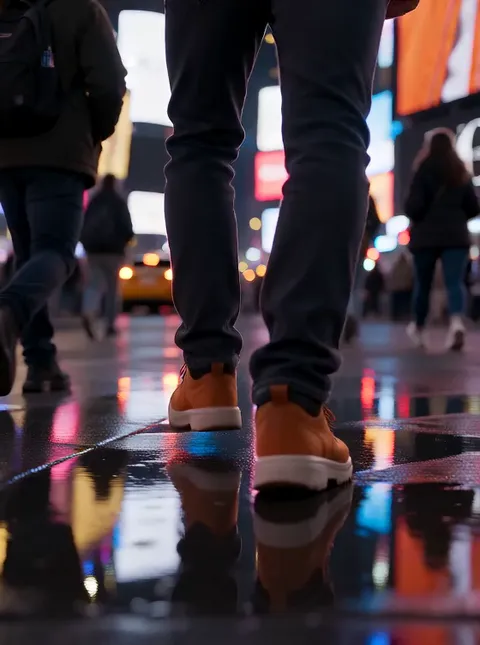
Describe a night market in the rain with sizzling grills, chatter and a scooter rolling past. From text alone, the 1.5 model builds the picture and the noise around it.A poster that comes to life
Make a stormy lighthouse poster with Image 2.0, switch back to Video, attach it as a reference photo and ask for waves crashing while the beam sweeps across the sea.A birthday shout-out
Upload a photo of your friend and describe confetti drifting down while a small crowd sings happy birthday off-screen. Six seconds is plenty for a story post.Signs and menus with real words
Image 2.0 copes well with short text, so ask for a café chalkboard that reads Soup of the Day or a gig flyer with your band's name.Lots of quick concept pictures
When you want many rough options, the basic Image model is the cheaper one. Try looks for a bedroom, a character or a logo idea, then redo the winner in Image 2.0.
Common questions about Grok
More tools and models for video and images
AI Video Generator
Make a short video clip from a written idea, a photo or both, with a choice of video models.
Image to Video
Bring a still photo to life with movement, camera motion and, on models that support it, sound.
AI Image Generator
Describe a picture in your own words, add reference photos if you like, and get a brand-new image back.