Image to Image AI: An AI Image Generator from Image or Photo
What is image to image AI?
Upload one photo, say what it should become, and get a brand-new picture with your face, pet or product kept consistent. Fifteen of the newest image models, one account.
Image to image AI turns a photo you already have into a brand-new picture. Upload an image, tell the AI in one line what should change, and it redraws the whole thing: a new style, a new scene, new light, the same subject. No more Photoshop or beauty apps. Some people call it img2img, img to img or photo to photo AI. Either way, you create an AI image from a photo instead of from a blank page.
With an image to image generator, your selfie becomes a 1950s movie poster, your dog becomes a Renaissance portrait, a product shot from your kitchen table lands on a marble shelf, and the face, the fur and the shape stay consistent from one version to the next. Starting from words alone? Use the AI Image Generator. Need one small fix? The AI Photo Editor leaves the rest untouched.
Plimo puts 15 image models behind one upload, so you're never stuck with one look. Plimo Image 1.0 is fast for everyday restyles, OpenAI's GPT Image 2.5 stays closest to your original, and Google's Nano Banana 2.1 adds fine detail up to 4K and blends several photos into one scene. Start free, try two models on the same photo, keep the better one. One account, an AI image generator from image with 15 models on call.
Start from a photo
Text to image invents everything from your words. Image to image keeps what's in your photo, the person, the pet or the product, and builds a new picture around it.A new style
Turn a snapshot into a watercolor, a comic panel or a frame from an old film. For drawing and painting styles in depth, see the AI Art Generator.A new scene
Move your subject from a gray office to a beach at sunset or a neon-lit street. The whole picture is redrawn, so it fits the new place instead of looking pasted on.Several versions from one photo
Send the same photo to two models, or ask for a different look each time, and choose from the set.
How to use the Plimo image to image generator
Write one line yourself or let a template do it. Four steps from the photo you have to a new one.
Upload a photo
Pick one where the subject is clear and evenly lit: a face toward the camera, a pet in focus, a product on a plain surface.Say what it should become
One sentence does it: “turn this into a soft watercolor”, “put her on a beach at sunset”, “make my dog a knight”. Add what must stay, like “keep the same face”. Rather not write? Pick a template and add your photo to it.Choose a model
Plimo Image 1.0 for quick everyday restyles, GPT Image 2.5 when the result should stay close to the original, Nano Banana 2.1 for fine detail or for mixing several photos.Generate and download
Keep your favorite, or feed the new picture back in for another round. Want it to move? Take it to Image to Video.
Why choose Plimo as your image to image AI generator
One upload, fifteen image models from Google, OpenAI, ByteDance and others. You can give every photo the model that suits it.
- Image models
- 15
- Highest resolution
- 4K
- Watermarks
- 0
- Free credits
- 100
15 image models, one upload
Send the same photo to Plimo Image 1.0, GPT Image 2.5 and Nano Banana 2.1. One AI photo to photo generator, three takes on your sentence, so a second model often nails it.Skip Photoshop and beauty apps
Type one line and the image to image AI generator redraws the whole picture, with no layers, masks or retouching sliders.Strong consistency
Your face, your pet's markings and your product's shape carry through every new style and scene. Change the look, keep the subject.Up to 4K
Nano Banana 2.1 and GPT Image 2.5 go up to 4K, so a new picture holds up as a framed print or a wide shop banner.Templates for popular looks
Each template carries a prompt for a look that's trending right now, so all you bring is the photo.Blend several photos into one
Add a photo of an outfit, a room or a second pet, and the new image puts them in one scene with yours.
Image to image models on Plimo
Three picks from the 15. Choose by what the new picture needs.
Plimo Image 1.0
The quick one for everyday restyles and new backdrops, good for trying an idea a few times.
GPT Image 2.5
OpenAI's model, for when the new picture should stay closest to your photo.
Nano Banana 2.1
Google's model, for fine detail up to 4K and for blending several photos into one new scene.
What people make with image to image AI
One photo, many new pictures. Here's what people turn theirs into on Plimo.
Your dog as a Renaissance portrait
Upload your dog sprawled on the sofa and ask for a Renaissance oil portrait, velvet collar and all. Unmistakably your dog, ready to hang in the hallway.A watercolor of a favorite trip
Turn a holiday snapshot into a soft watercolor or a vintage postcard. For pencil sketches and other drawing styles, the AI Art Generator goes further.The same people somewhere new
Move a family photo from the living room to a snowy cabin for the holiday card, or a portrait from the office to a rooftop at golden hour.You as someone else
Become a medieval knight, an astronaut or the star of a 1950s movie poster, with your own face. For anime versions, try the AI Anime Generator.Fresh product photos from one shot
Photograph a candle on your desk, then ask for it on a marble shelf or in a pine forest at dusk. Used as an AI picture generator from a photo, it turns one listing picture into a whole set.A new look for your room
Snap your living room as it is, then ask for it in Scandinavian, Japandi or mid-century style before you buy a single thing. Picture to picture AI keeps the layout and changes the furniture, colors and light.A cover for your channel
Turn a plain photo of yourself into a bold, painted cover for a YouTube channel or a podcast. Your own face, in a look people notice.One shot for every season
Photograph your front porch once, then ask for it under snow, in autumn leaves and dressed up for Halloween. Going from photo to AI image like this gives you every season from one shot.
Questions about image to image AI
More AI tools
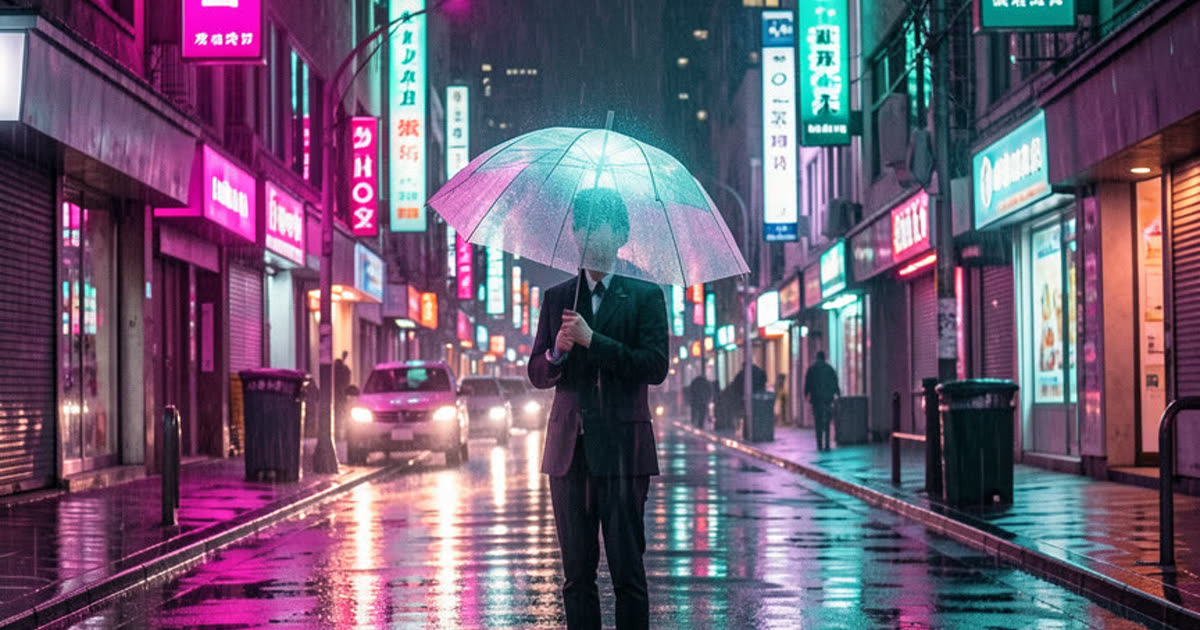
AI Image Generator
Describe a picture in your own words, add reference photos if you like, and get a brand-new image.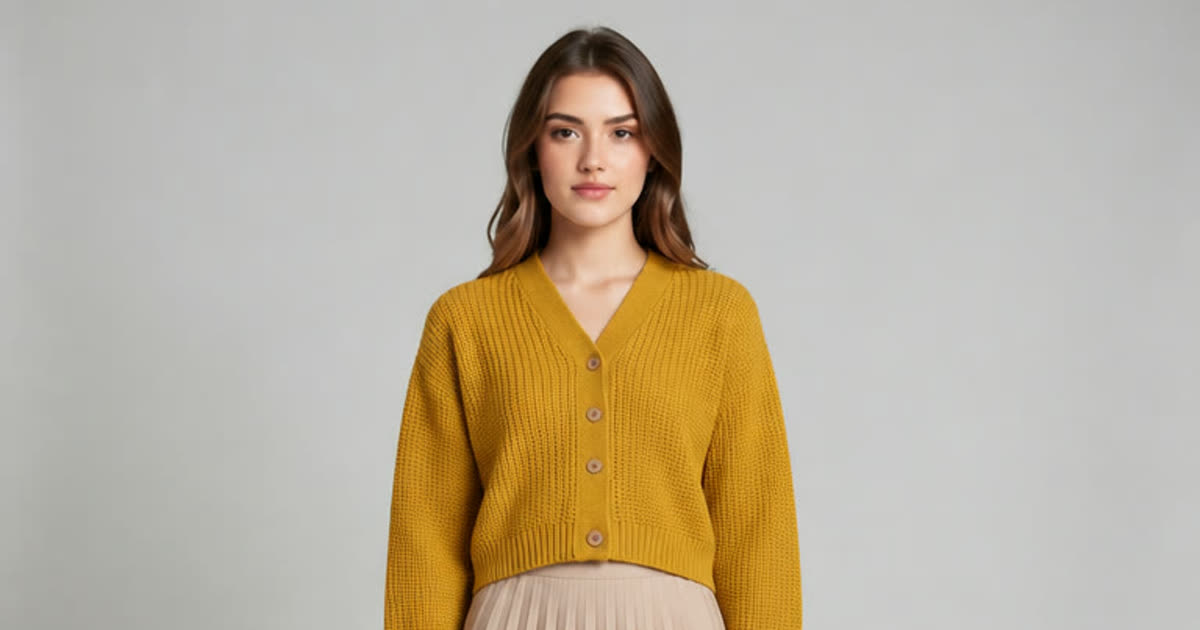
AI Photo Editor
Upload a photo and change the background, the age or the style with one sentence.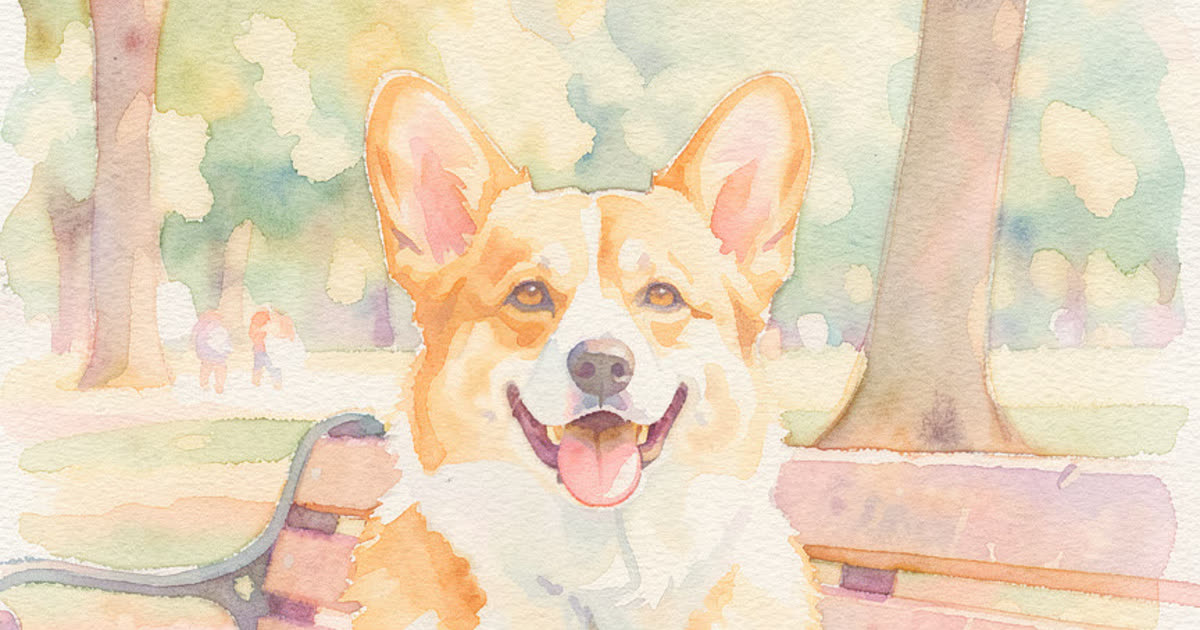
AI Art Generator
Turn a few words into drawings, paintings and illustrations.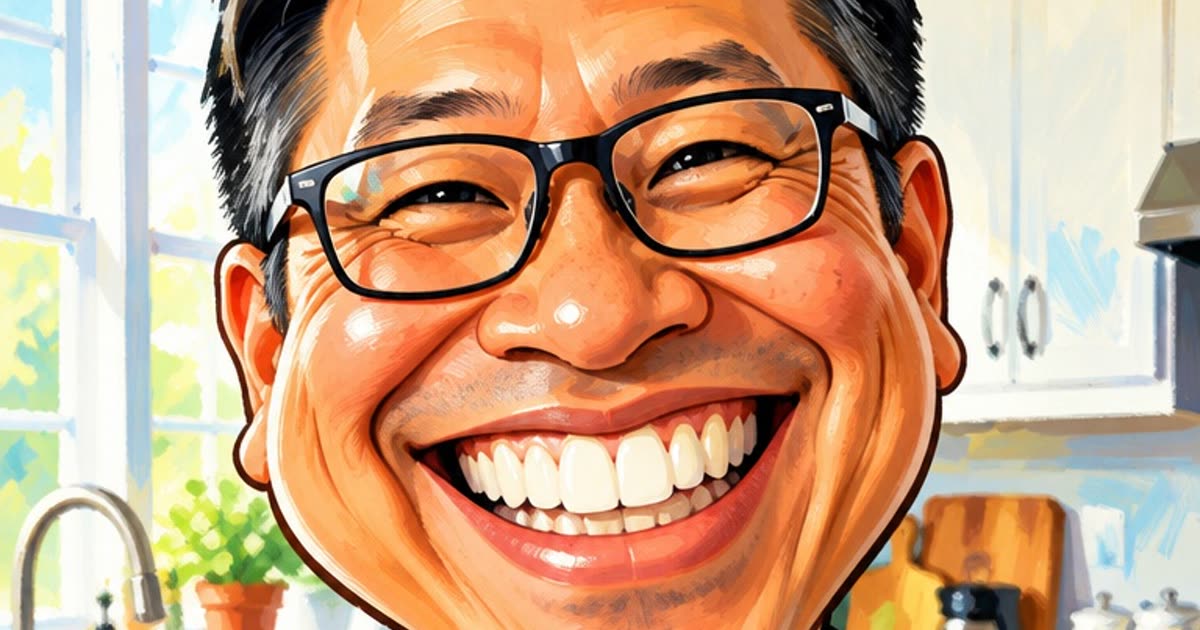
AI Anime Generator
Turn a selfie or a short story into anime.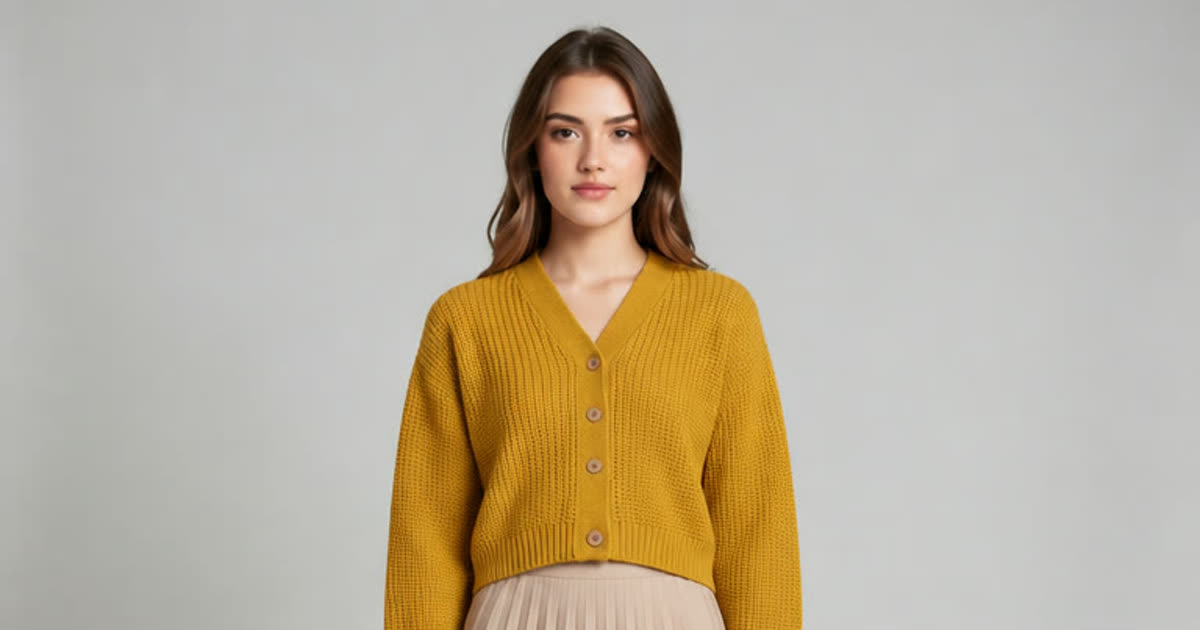
AI Clothes Changer
Try a different outfit on your own photo.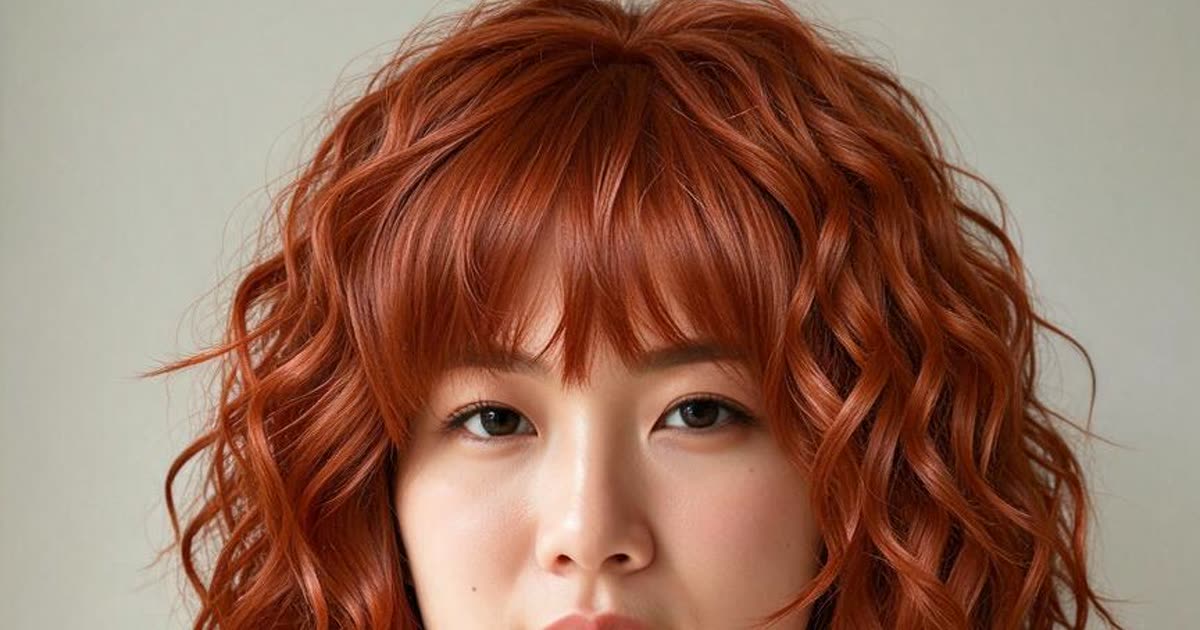
AI Hairstyle Changer
Try a new haircut or hair color on your photo before the salon.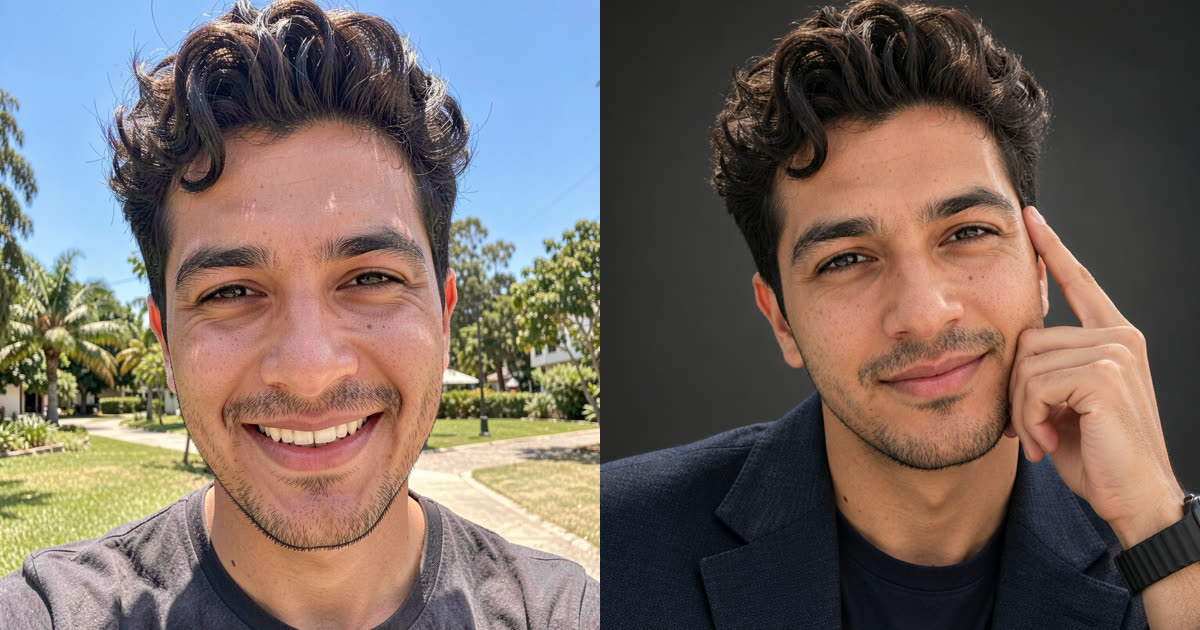
AI Headshot Generator
Turn one selfie into a professional headshot or a new profile picture.
AI Video Generator
Make a video from a prompt, a photo or both, on any of the newest AI video models.