Free AI GIF Generator: GPT Image 2.6 Text & Image to GIF
GIFs made with this AI GIF generator
Each one came from the sentence under it, with nothing edited afterward.
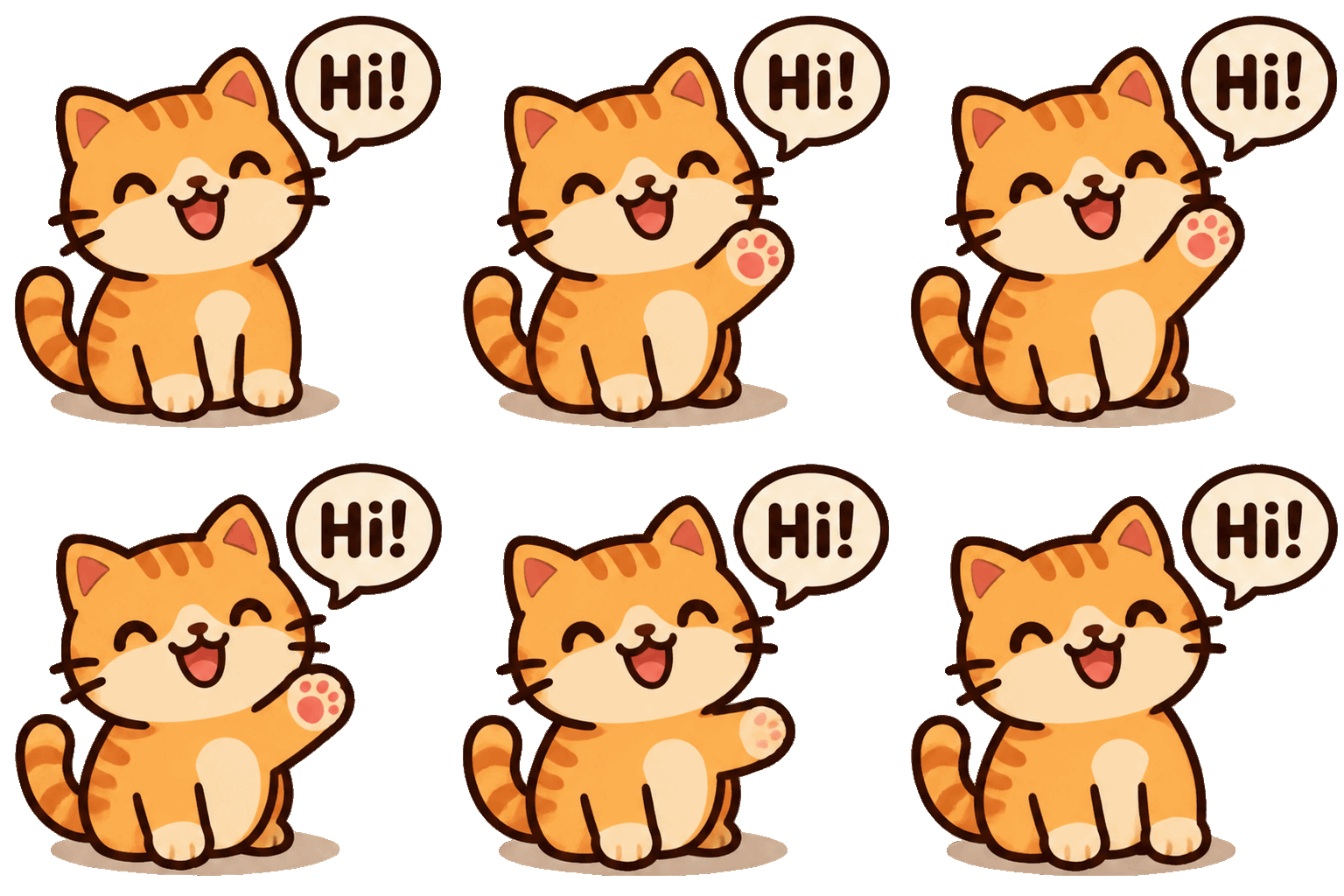
A sticker that says hi
“A cute chubby orange cat waving its paw next to a speech bubble that says ‘Hi!’. Simple cartoon sticker. Seamless loop: the cat returns to its starting pose.” 9 frames, and the background came out transparent.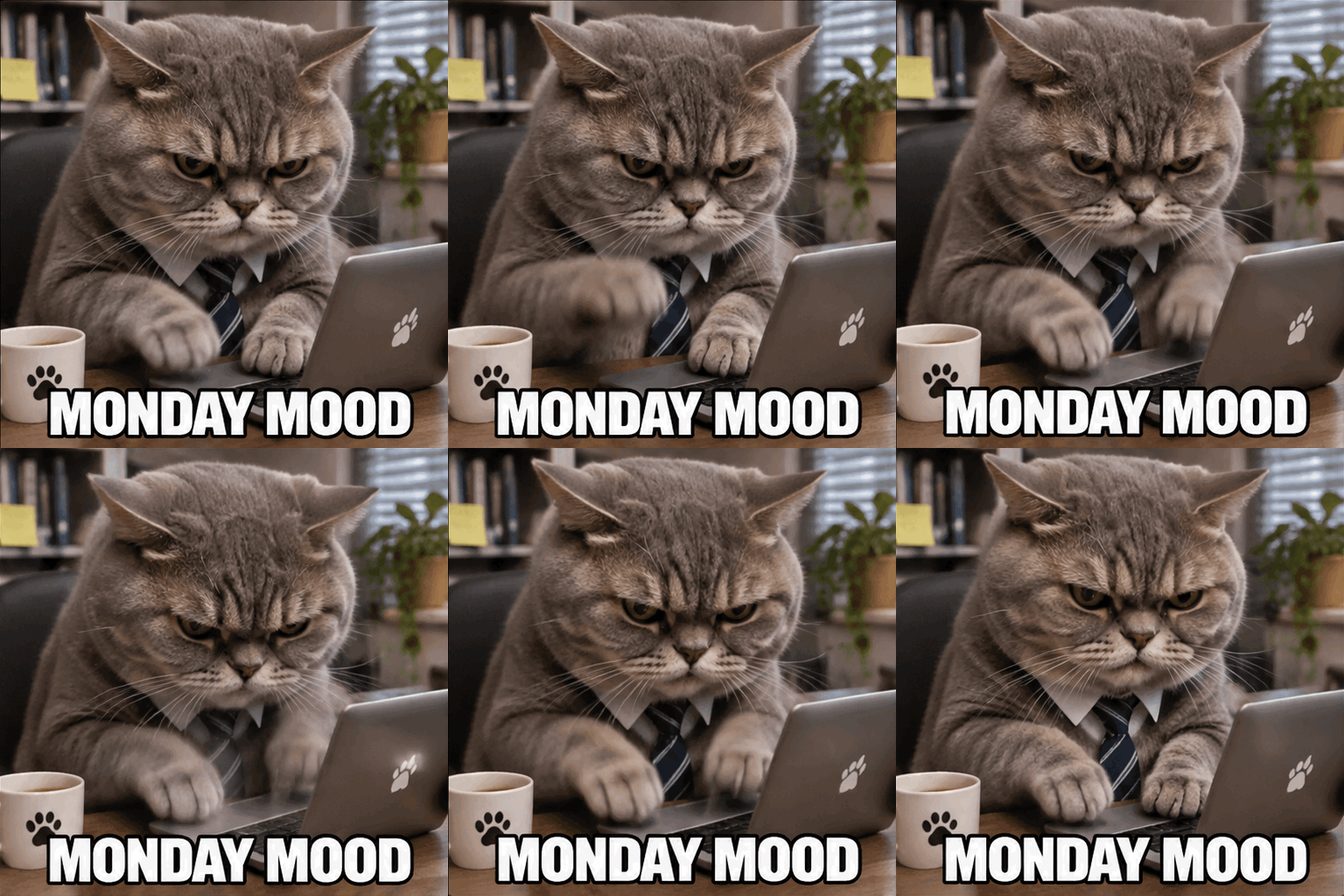
A meme with its caption
“A grumpy gray cat typing furiously on a tiny laptop, bold white caption ‘MONDAY MOOD’ at the bottom. Meme style. Seamless loop.” 9 frames, caption spelled right in every frame.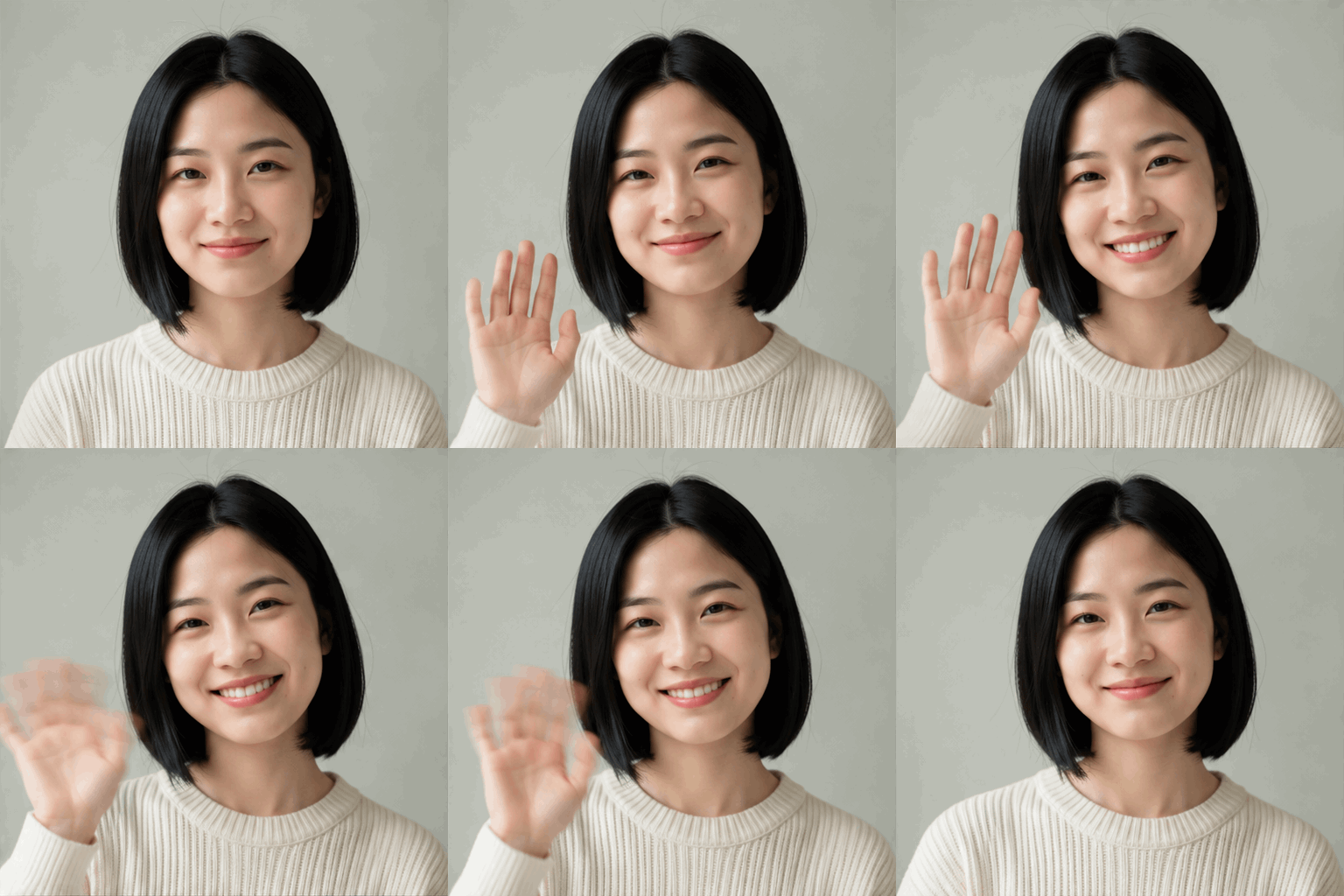
A photo that waves back
One portrait photo plus “Make her smile and wave at the camera. Seamless loop.” 9 frames, same face, original background kept.
Why use Plimo as your AI GIF creator
This GIF maker runs on GPT Image 2.6, OpenAI's newest image model. It draws the whole GIF at once instead of cutting frames out of a video, and that fixes the things that usually go wrong.
Characters that don't morph halfway
Every frame is drawn together, so the face, the outfit and the colors stay the same from the first frame to the last.Loops without the jump
The last frame leads back into the first, so the GIF plays on repeat without a visible cut.Captions you don't have to fix
Words in speech bubbles, captions and signs come out spelled right in every frame, even in Chinese, which AI pictures usually scramble.Stickers without cutting out a background
Cartoon characters, emoji faces and single objects usually come out on a transparent background, ready for a chat or a design. Photos keep their own background.
Two ways to make a GIF
Type one sentence, or add a photo and say how it should move. Both routes give you a looping GIF from GPT Image 2.6.
Start from a sentence
Text to GIF. Describe who's in it, what they do and any words that should appear. Good for stickers, memes, reactions and anything that doesn't exist yet.Start from a photo
Photo to GIF. Add one picture of a person, a pet or a product and say how it should move. The GIF keeps their look and the photo's background. Small motions like a smile, a wave or a head tilt look the most natural.
How to write a GIF prompt
One sentence is enough. These four things make it work.
Pick one main character
A grumpy cat, a tiny dragon, your dog. With one subject, the motion stays easy to read.Give it one action
Waving, nodding, laughing, spinning. One motion that can repeat loops better than a whole story.Put the words in quotes
Write the caption exactly as it should appear, like ‘MONDAY MOOD’ or ‘Hi!’, and say where it goes.Ask for a loop
All three examples above end with “Seamless loop”. Saying the character returns to its starting pose helps too.
What people make with the AI GIF maker
Small loops for the moments a still picture doesn't cover.
Reaction GIFs
A slow clap, an eye roll, a cat falling off a chair. Make the exact reaction you were looking for instead of scrolling through search results.GIF memes
Put your own caption on a moment, like “me pretending to work” over a hamster typing at a tiny laptop.Your pet, animated
Add a photo of your dog and ask for a head tilt and a wagging tail. For a whole dance, the AI Dance Generator makes a full video.Stickers and emoji
Transparent cartoon stickers and emoji faces for chats and designs. Discord and Slack emoji have small size limits, so you'll need to compress them first.Greetings
A birthday cake with candles flickering and “Happy birthday, Sam!” on top, a pumpkin that winks for Halloween, a snow globe for the holidays.Small product loops
A sneaker spinning, a mug steaming, an app icon bouncing. For a longer clip with sound, take the photo to Image to Video.
Questions about the AI GIF generator
More AI tools
AI Image Generator
Describe a picture in your own words, add reference photos if you like, and get a brand-new image.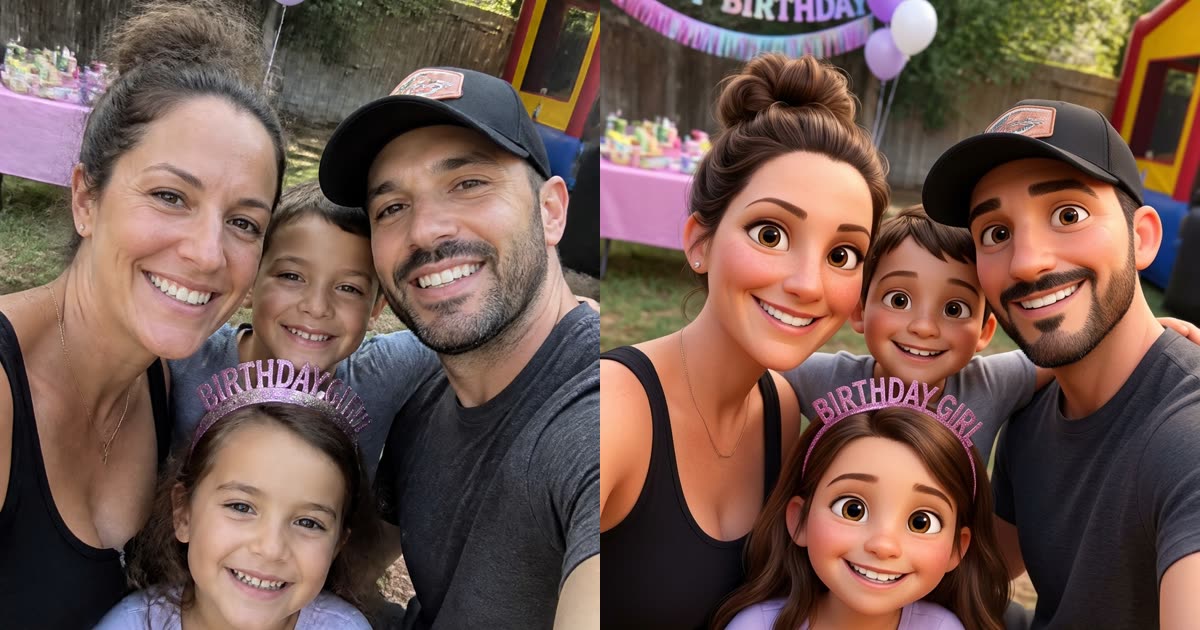
Image to Image
Turn one photo into a fresh picture: another style, another place or a whole new character.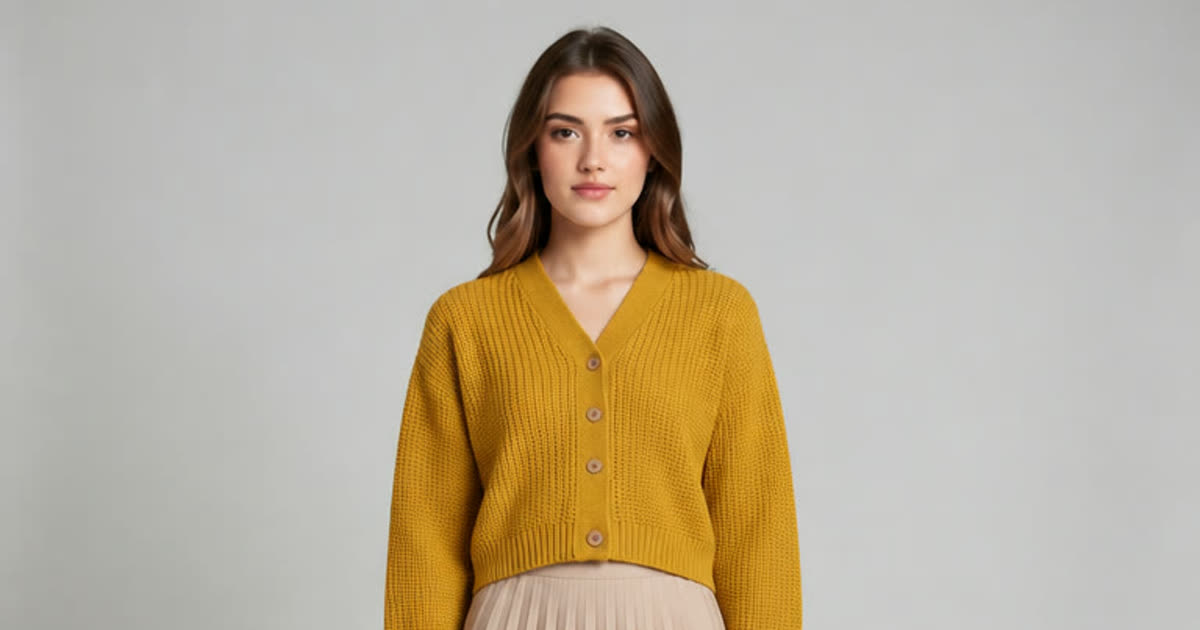
AI Photo Editor
Upload a photo and change the background, the age or the style with one sentence.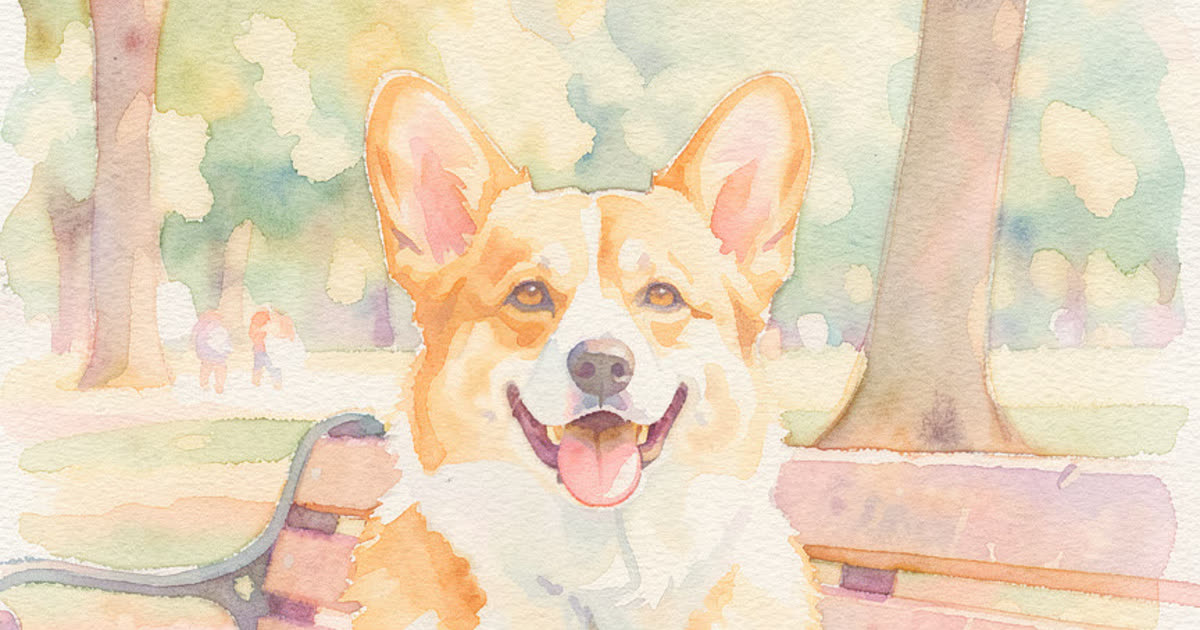
AI Art Generator
Turn a few words into drawings, paintings and illustrations.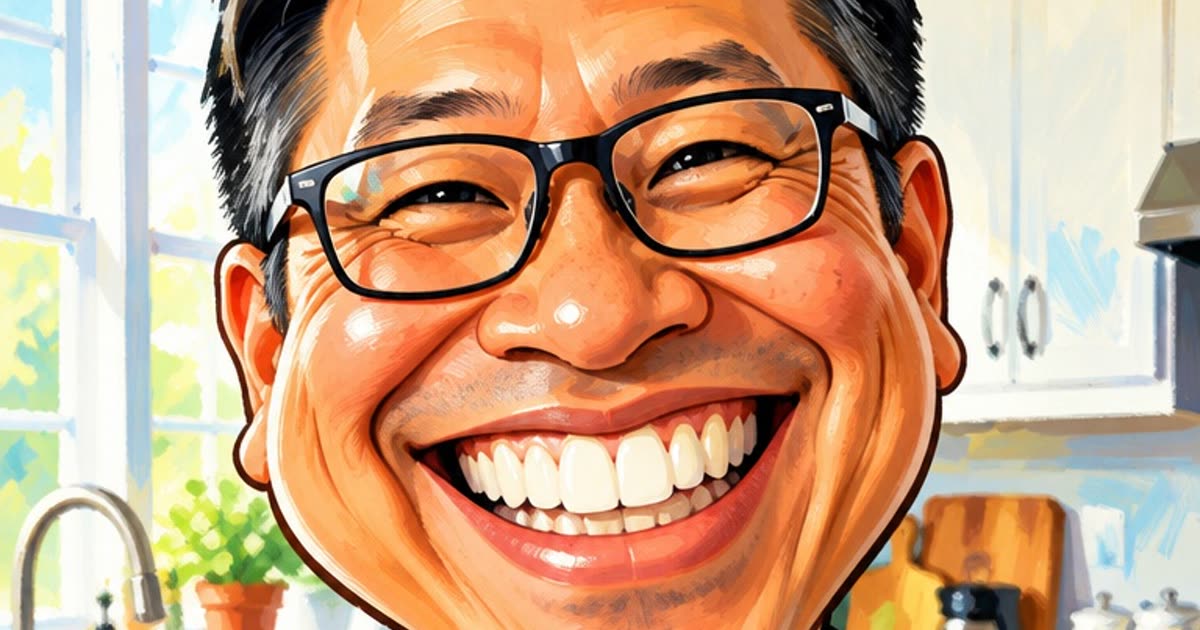
AI Anime Generator
Turn a selfie or a short story into anime.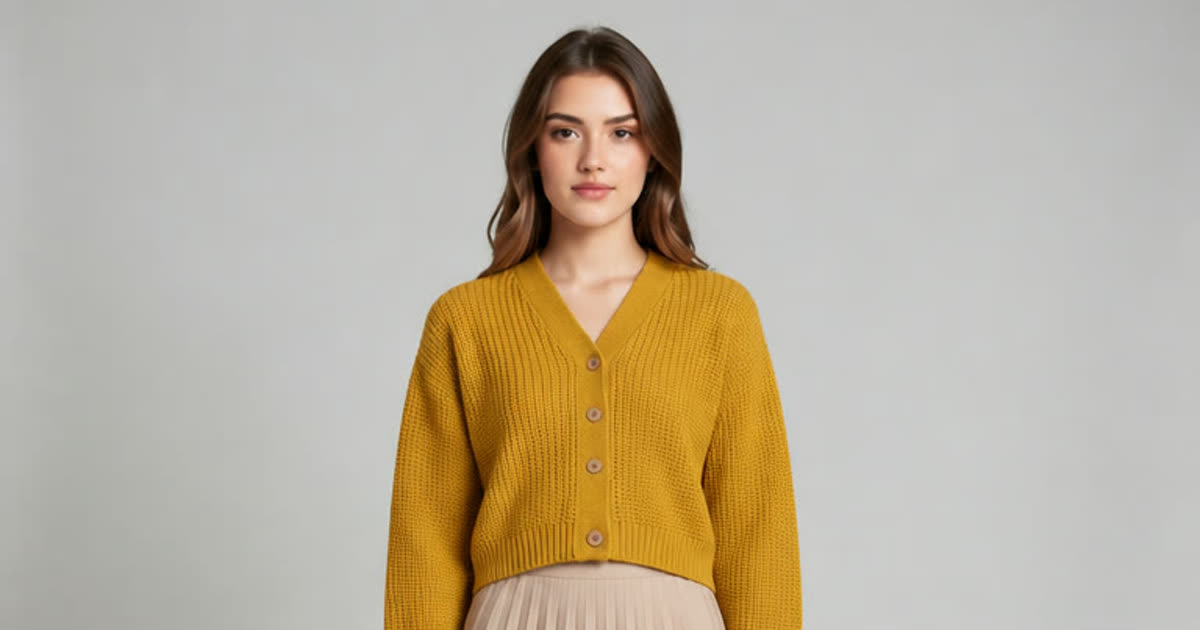
AI Clothes Changer
Try a different outfit on your own photo.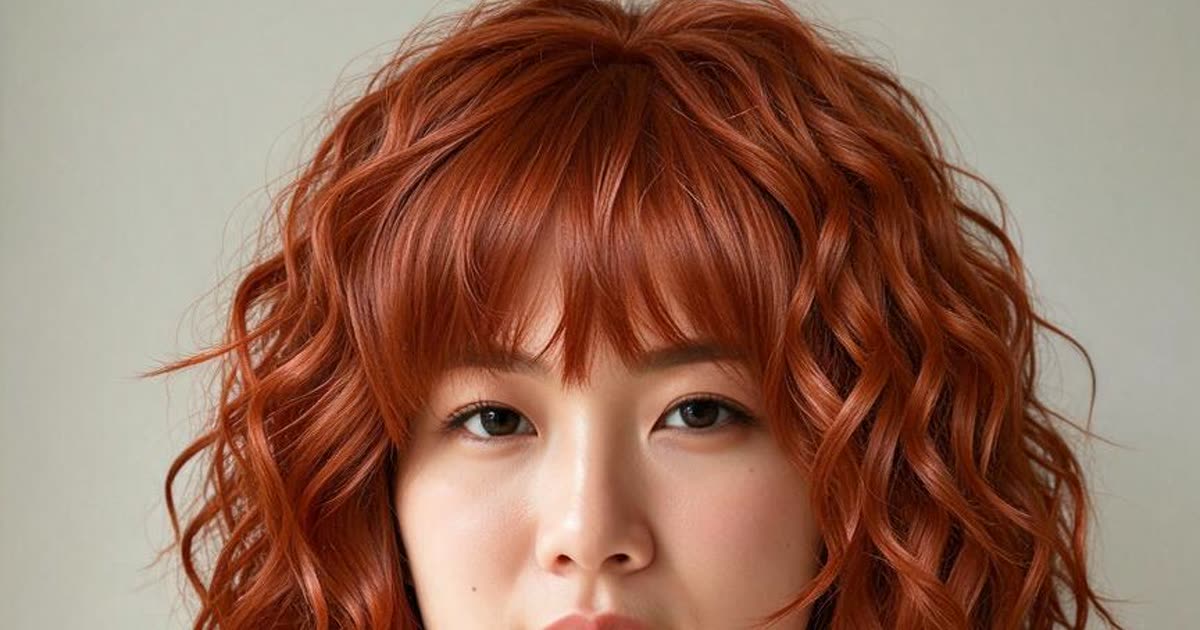
AI Hairstyle Changer
Try a new haircut or hair color on your photo before the salon.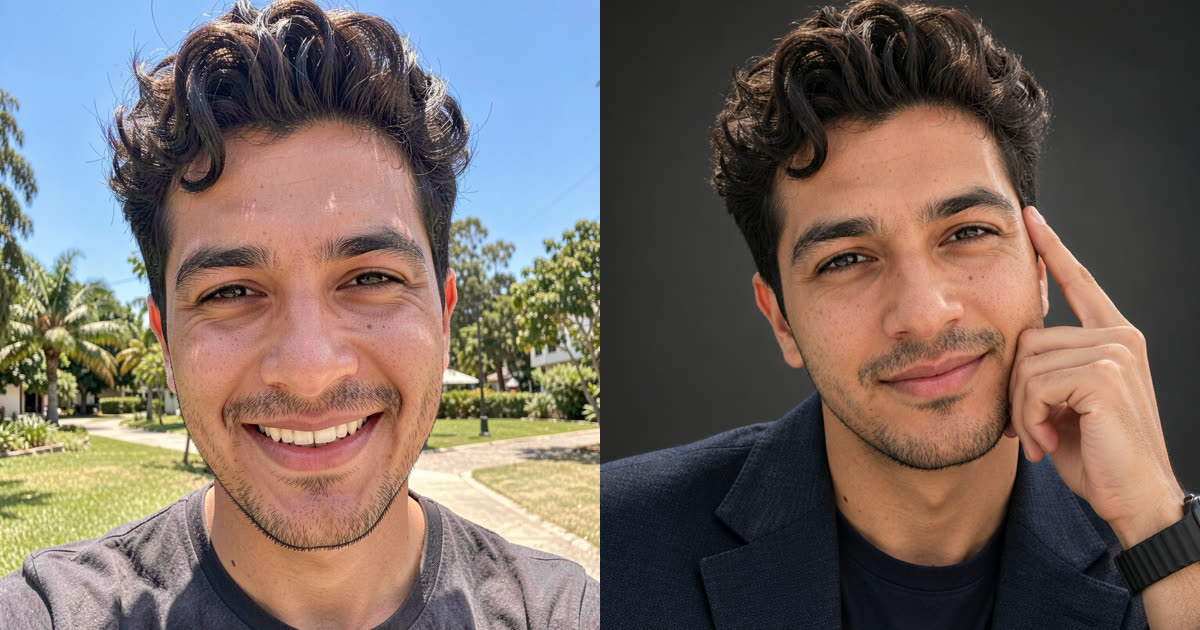
AI Headshot Generator
Turn one selfie into a professional headshot or a new profile picture.
AI Video Generator
Make a video from a prompt, a photo or both, on any of the newest AI video models.