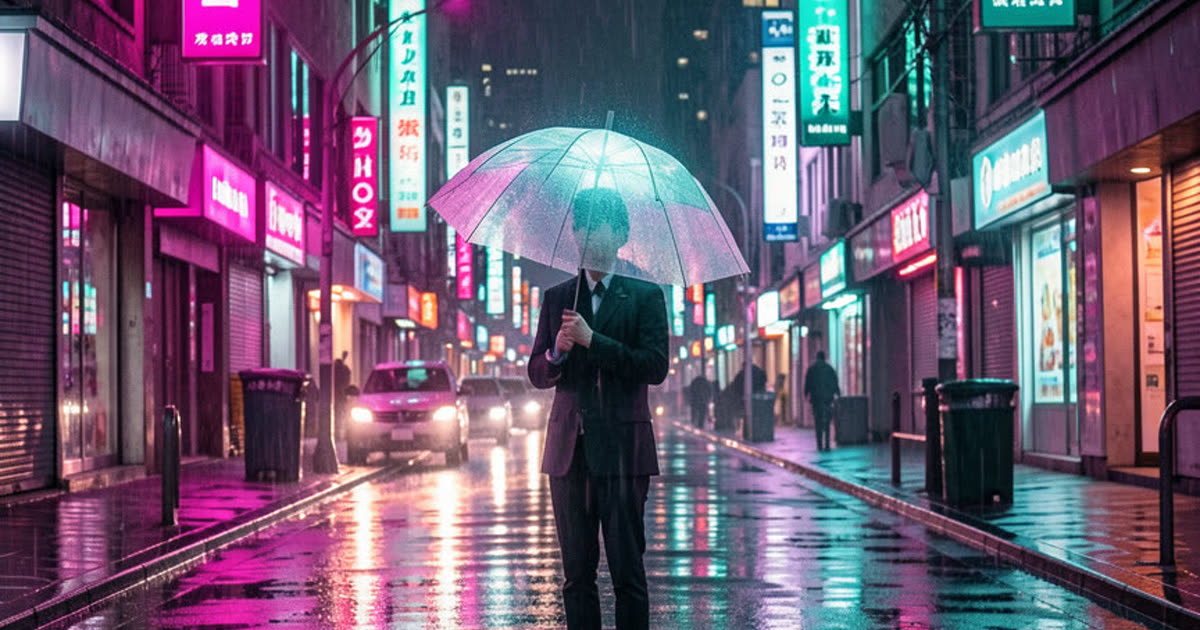
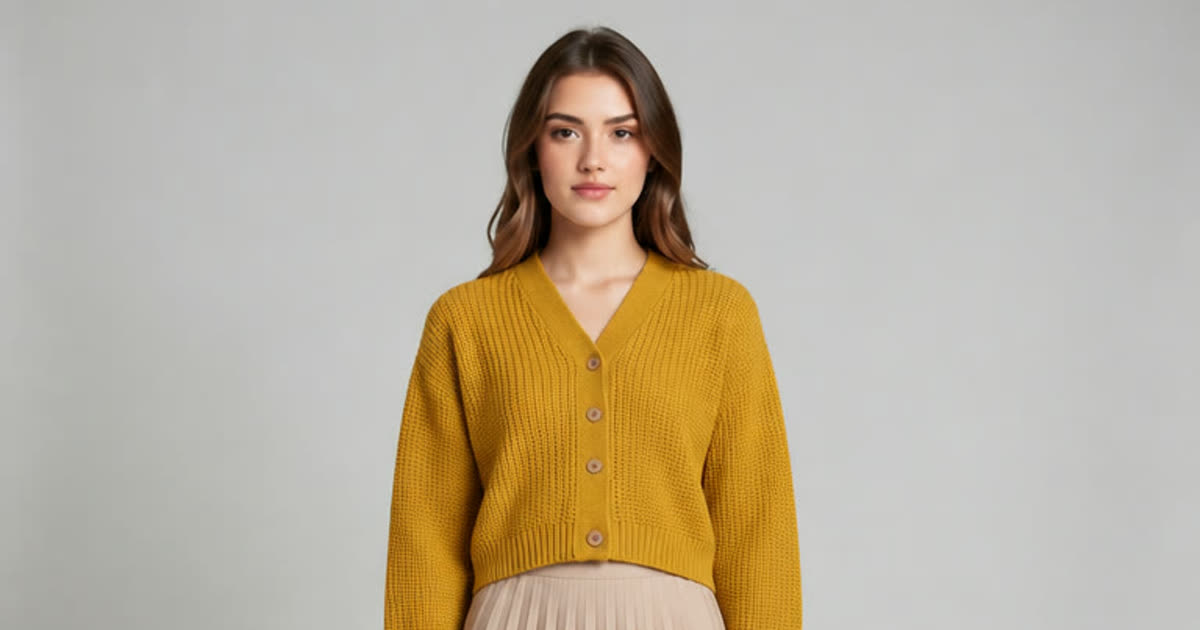
Seedream 5.0: Create Detailed Images and Photo Edits, Start Free on Flash








What is Seedream AI?
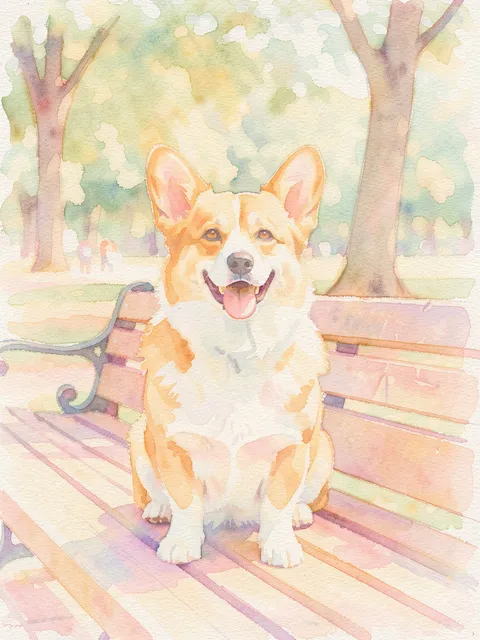
Seedream is ByteDance's image model family for making pictures from a prompt and for editing the photos you upload. It's known for polished, design-ready results and for lettering that holds together on posters and infographics. Plimo carries three versions of Seedream 5.0: Flash, quick and low-cost, which the free credits on a new account run at 1K; Pro, for finished pictures and careful edits; and Lite, for large pictures up to 3K.
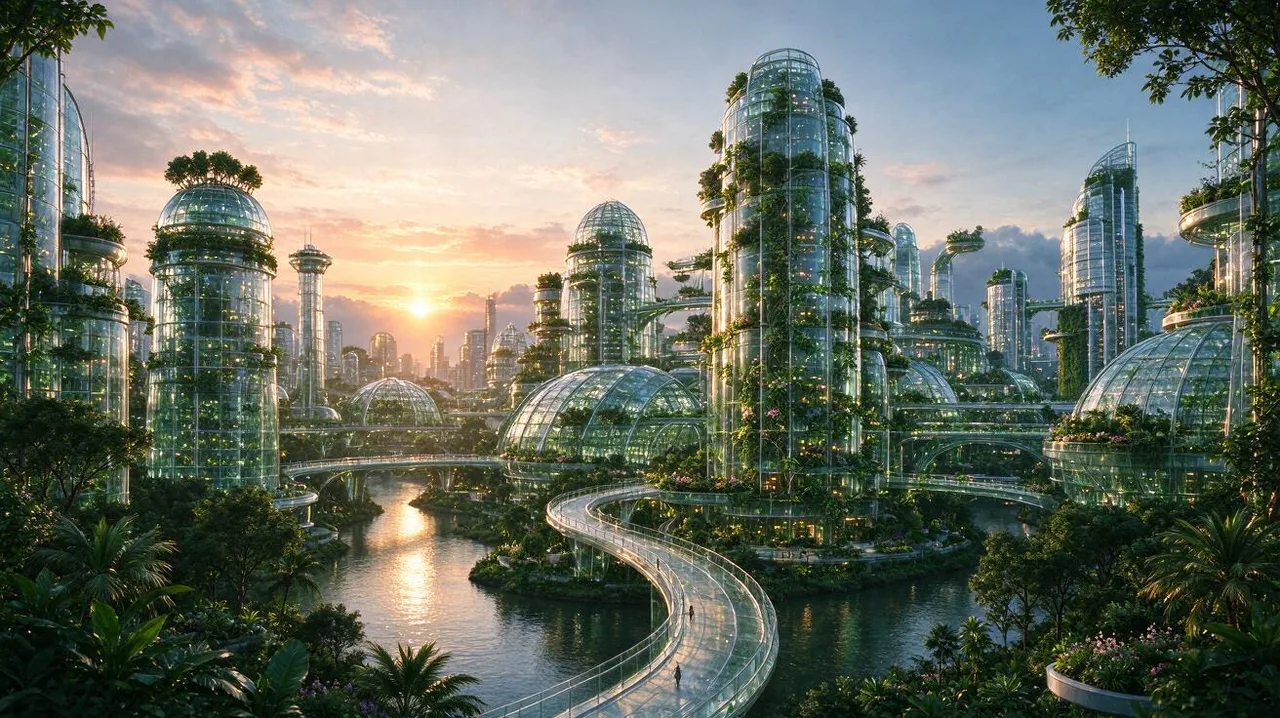
Seedream 5.0 Flash
Quick pictures at a low cost.
- 1K / 2K
- Up to 10 reference photos
From 10 credits
Free credits work: 1K
Seedream 5.0 Pro
Polished images and edits that can draw on up to 10 reference photos.
- 1K / 1.5K / 2K
- Up to 10 reference photos
From 20 credits

Seedream 5.0 Lite
Large, sharp images at 2K or 3K.
- 2K / 3K
- Up to 10 reference photos
From 15 credits
How the series got to 5.0
April 2025
Seedream 3.0
ByteDance Seed's bilingual Chinese and English model. It raised the native resolution and made text rendering far more reliable in both languages, including small Chinese characters.
September 2025
Seedream 4.0
Generation and editing moved into one model, which could take multiple reference images at once. ByteDance reported inference more than ten times faster than 3.0 and a higher maximum resolution.
December 2025
Seedream 4.5
A scaled-up refresh that picked out the main subject more accurately in multi-image edits, stayed closer to reference details, and handled typography and dense text better than 4.0.
February 2026
Seedream 5.0 Lite
A smaller model built around reasoning: it works through what a prompt implies, from physical logic to the order of steps, before drawing. ByteDance says it scores above 4.5.
July 2026
5.0 Pro
Aimed at design work: dense infographics, text in more than ten languages including right-to-left Arabic, and merging faces from separate photos into one group picture.
September 2026
5.0 Flash
Brings much of 5.0 Pro to a faster, lower-cost model meant for work where speed and price matter most.
How to use it on Plimo
Begin on 5.0 Flash
The generator at the top opens on Flash, the low-cost tier. Click the Pro or Lite card on this page to switch, and the page scrolls back to the prompt.Describe the picture or the layout
For a poster or a chart, list the pieces in order: the headline in quotes, then what goes underneath, then the colors. For a scene, say who is where and what the light is like.Add reference photos if you have them
Sign in and add up to 10: faces for a group shot, a product, a color swatch or a rough sketch. Lite reads JPG and PNG only.Set size and shape, then generate
Each tier lists its own resolutions and eight common shapes from square to 21:9. The Generate button shows the cost, and the picture arrives in My creations below.
Why use ByteDance's image model on Plimo
Free credits run 5.0 Flash
New accounts get free credits once, and they cover Flash at 1K. They don't expire.One prompt, three tiers
Draft on Flash until the idea works, then run the same words on Pro for the finished version or on Lite for something big enough to print.The price is on the button
Flash costs the same at both of its sizes, and every tier shows its exact credit cost before you press Generate. Failed runs are refunded in full.Other makers' models a click away
Try the same request with GPT Image 2.5 or Nano Banana 2.1 from the model menu and keep the version you like.Ten photos on every tier
Flash, Pro and Lite all read up to 10 reference photos, so a product shot, a color swatch and a sketch can steer one picture together.
Where it sits among other image models
Nano Banana
Nano Banana from Google is the one people reach for when a face has to stay recognizable through an edit, and it offers three resolution settings.
GPT Image
GPT Image 2.5 from OpenAI accepts the most reference photos of any image model here, 16, adds five quality levels and can return a transparent PNG.
Grok Imagine
Grok Imagine from xAI is a mixed family whose video model adds sound, while its stills favor bright, energetic styles.
Wan
Wan from Alibaba leans toward video with Wan 3.0, and Wan 2.7 Image Pro handles stills and edits from as many as 9 photos.
FLUX
FLUX 3 Image from Black Forest Labs offers ten fixed shapes plus Fit photo, takes 10 reference photos and has a video counterpart.
Qwen Image
Qwen Image 3.0 from Alibaba is another specialist in posters and infographics, but it tops out at 3 reference photos.
Good jobs for these models
An infographic that explains one thing well
Ask Pro for “how to brew pour-over coffee in five steps”, with a short label and a small drawing for each step. Check the numbers and wording before you share it.A poster in your own language
Write the headline in Spanish, Japanese or Arabic and describe the layout around it. ByteDance built 5.0 Pro to set text in more than ten languages, right-to-left included.A picture that has to make sense
Ask Lite for “a glass of water left in the freezer overnight” or “the same street a hundred years later”. ByteDance built 5.0 Lite to think through what a prompt implies before it draws.A big landscape for the wall
Describe a misty lake at sunrise or a city skyline in the rain, choose Lite and its largest size, and you have a picture with room to print.Lots of rough ideas, fast
Use Flash to try a logo mood, a room color or a book cover in several directions, then take the one that clicks to Pro.A product in the exact color you want
Add a photo of your tote bag and a photo of a fabric swatch, and ask for the bag in that shade on a white backdrop.Packaging for a small brand
Add a photo of your plain kraft coffee bag and ask for a printed design with your shop name, a mountain line drawing and the roast level on a little tag.A napkin sketch, finished
Photograph a quick pen drawing of your dream treehouse and ask for a full-color illustration that keeps its layout. To set it in motion afterwards, try image to video.