AI Hairstyle Changer: Try On New Haircuts and Hair Colors, Start Free
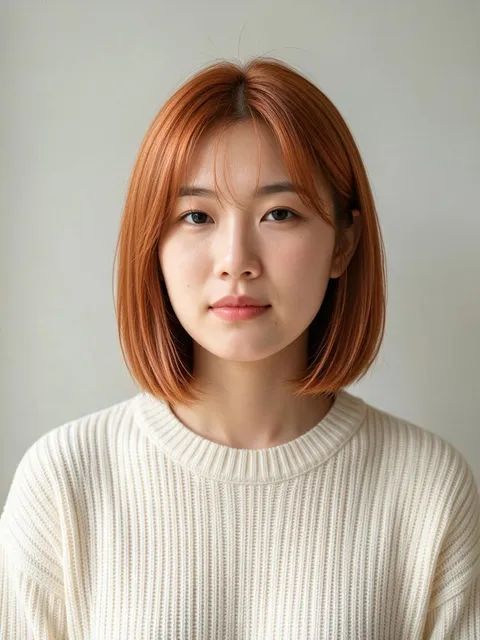
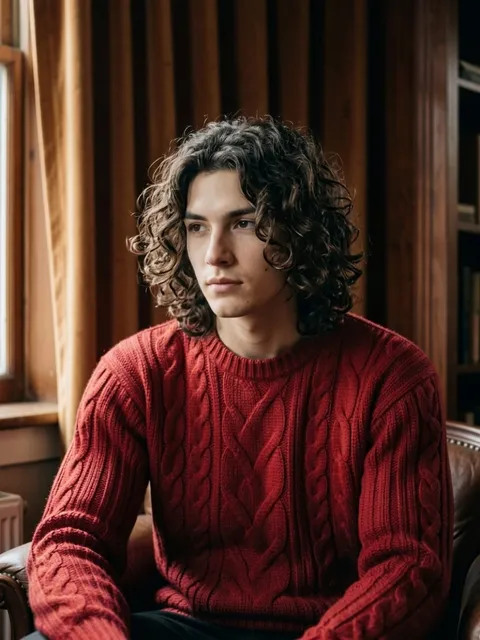
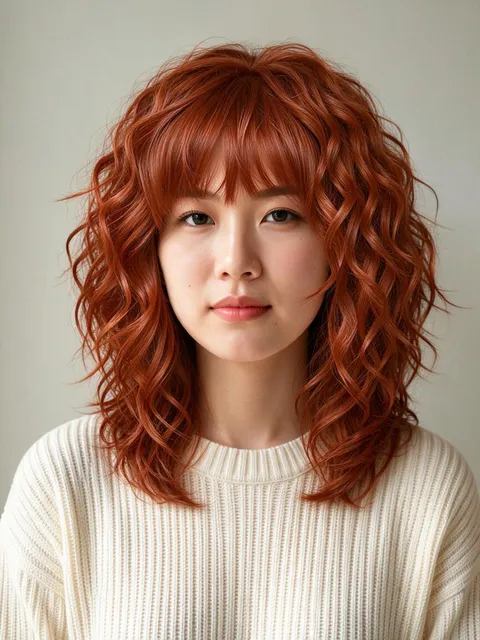
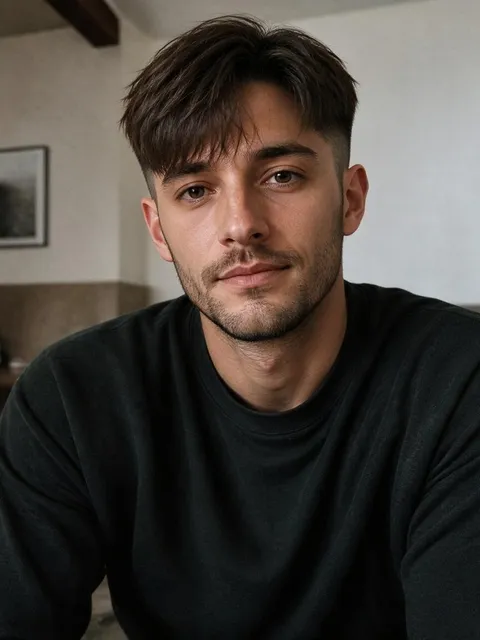

What you can try on with this AI hairstyle changer
The prompt box already asks for a fresh, modern hairstyle that leaves your face, skin tone and outfit alone, so you only add a photo of yourself and press Generate. Rewrite it for a particular cut, a new color or a shaved head, or open a hairstyle template to copy the hair from someone else's picture, and see the change on your own face before you decide.
A new cut, same you
A haircut preview only helps if the rest of the picture stays put. The starting prompt tells the model to redraw just the hair and match it to your lighting and head angle, so you can try on hairstyles with your own picture for a preview that still looks like you.Hair color without the dye
Ask for honey blonde, copper, jet black, pastel pink or a few silver streaks, and say the cut should stay the same. It works like a black or blonde hair filter, and as an AI hair color changer it handles every other shade too.Bald, buzzed or bearded
Changes people rarely risk in real life fit in the same box: a clean-shaven head, a number two buzz, shoulder-length hair on a man who has always kept it short, or a full beard, so it doubles as an AI beard generator. Mention the length and shape, and whether the hairline should stay.Hair copied from another photo
Saw a cut you love on someone else? Under the generator, the Hairstyles tag includes a template that takes two photos, yours first and the hairstyle second. The starting prompt is written for one photo, so a two-photo hairstyle template is the reliable way to match a specific cut.
How to change your hairstyle with AI
Add a clear photo of yourself
Click the photo slot beside the prompt box (on a phone it sits above it) and sign in if asked. A front-facing picture in even light, with your hair visible and not under a hat, gives the model the most to work with.Generate as it is, or name a style
Leave the prompt alone and the AI chooses the hair styling and color for you, though on the default model the change can be subtle, so name a cut for a bigger one. To pick it yourself, swap “a fresh, modern look” for something like “a chin-length bob with a side part” or “a short textured crop in dark brown”. Your edits stay on this page after a refresh.Or copy a haircut from a picture
The Templates tab under the generator opens on Images and Hairstyles. Choose the template that asks for two photos, add your selfie and the haircut you like in the window that opens, and press Generate there.Check the cost
The generator starts on GPT Image 2.5. With one photo added, a picture costs 16 credits at the default settings, and the Generate button shows that number before anything is spent. Once a photo is in, the shape switches to the preset ratio closest to it.Compare your options
Each result lands in My creations below the generator. Download the ones worth showing your stylist, or press Remake to bring the same photo and prompt back and try a different length or color.
Why try new hairstyles on Plimo
It's an AI hairstyle and haircut generator for people who want to see a change on their own head, not on a model's, before paying a salon or a barber.
About 6 tries on sign-up credits
New accounts get 100 free credits once, and they never expire. At 16 credits a picture with one photo on GPT Image 2.5, that covers about 6 haircuts and colors, or around 30 on the cheaper Plimo Image 1.0.Your face stays yours
The prompt asks the model to keep your face, skin tone, lighting and clothes and to blend the new hair with the original light. A result that still looks like you is far easier to judge than a stranger wearing your haircut.Any style you can describe
Long layers, a pixie cut, box braids, a low fade, a slicked-back undercut, a mullet: write it in plain words and the model draws it. Unlike a typical hairstyle simulator, Plimo has no fixed menu of women's or men's styles to choose from.A second opinion from another model
If one model's version looks flat, run the same selfie through another and keep whichever handles the curls, fade or color better. Nano Banana 2.1 needs a membership.Failed generations refund credits
You see the credit price on the button before every try. When a picture fails, or a model declines your photo, those credits are returned automatically.Your selfies don't train AI
Plimo doesn't train AI models on the photos you upload or the looks you make from them, and each result sits at a long random address that anyone with the link can open.
AI models that can restyle your hair
Each model below reads your selfie as a reference and redraws the hair from your prompt. The ones without a crown in the model menu run on free credits, and the rest are for members.
GPT Image 2.5
The page opens on OpenAI's GPT Image 2.5, which reads up to 16 photos and has a Sunburst version meant for precise edits, useful when only the bangs or the shade should change. Free credits run it at low quality and 1K resolution. Once your selfie is in, the shape switches to the preset ratio closest to it, which keeps before and after easy to compare.
Plimo Image 1.0
Plimo Image 1.0 is the cheapest here at 2 credits a picture at the default 1K size plus 1 per photo, with room for up to 4 photos, though it sometimes changes only the color and keeps the old cut.
Nano Banana 2.1
Google's Nano Banana 2.1 accepts up to 6 photos and has three resolution settings, handy when you've settled on a cut and want a bigger copy to keep on your phone.
When people try a hairstyle with AI first
Before the big chop
Going from waist-length hair to a pixie cut is hard to undo. Upload a recent selfie, ask for the short style you're considering, and live with the picture for a few days before you book. It works as a short or long hair filter, so you can preview growing it out too.Testing a hair color
Run the same photo as honey blonde, cherry red and ash grey, then put the three side by side. A virtual hair color try-on costs far less than fixing a color you regret at the salon.Showing your barber what you mean
Words like “short on the sides” mean different things to different people. Make the fade or crop you want on your own head and show the picture in the chair.A bald head or a beard, just to see
Curious how you'd look with a shaved head, or with the beard you keep meaning to grow? Ask for exactly that and keep everything else the same. Think of it as an AI bald filter or beard filter for a clear photo you pick.Wedding and prom hair
Do a virtual hairstyle try-on of a low bun, loose Hollywood waves or a braided crown on a well-lit photo ahead of your trial with the stylist.From new hair to a full look
Once the hair is right, take the picture to the AI clothes changer for an outfit to match, or to image to video to watch the new cut swing as you turn your head.
Questions about changing your hairstyle with AI
Other AI tools for your photos and videos
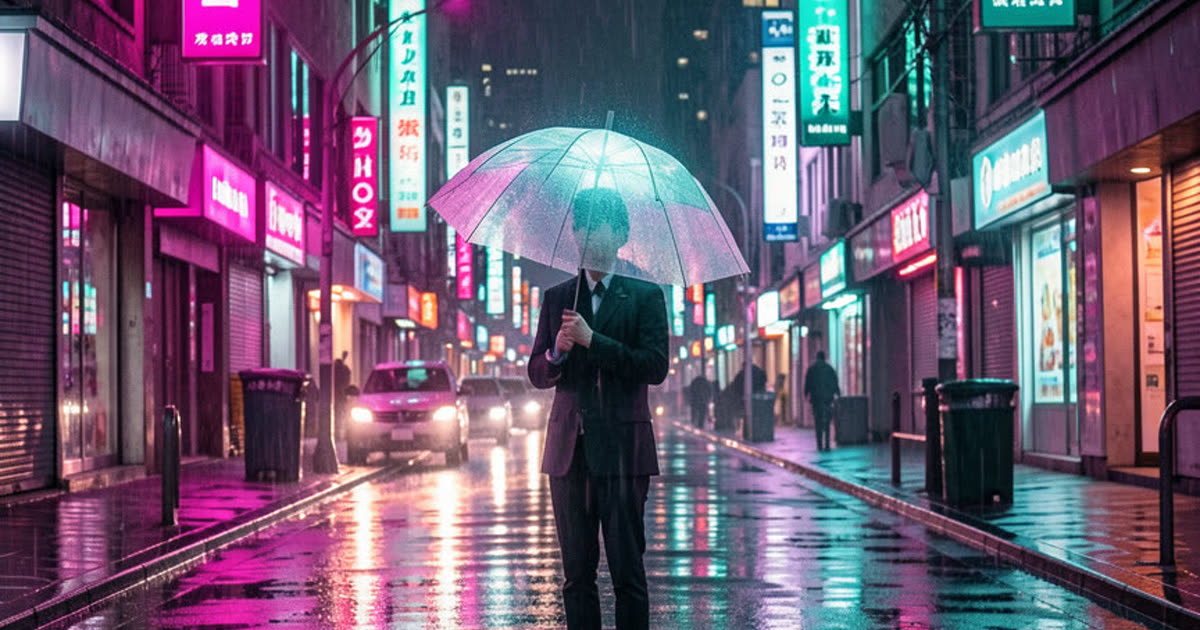
AI Image Generator
Describe a picture in your own words, add reference photos if you like, and get a brand-new image back.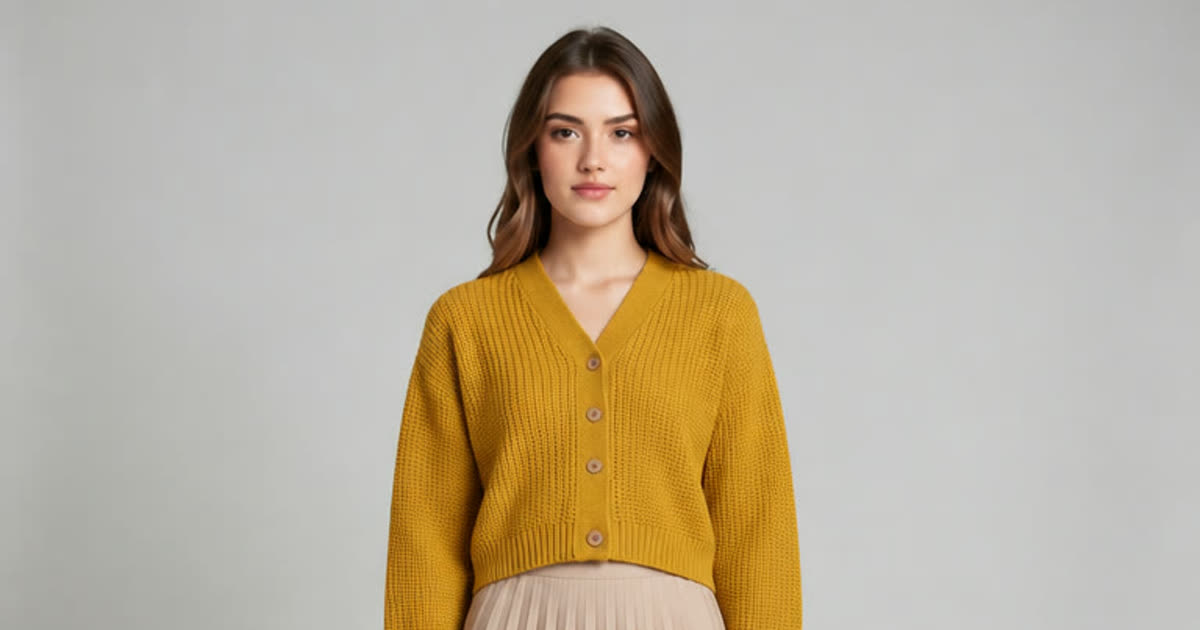
AI Photo Editor
Upload a photo and change the background, age or style in one sentence.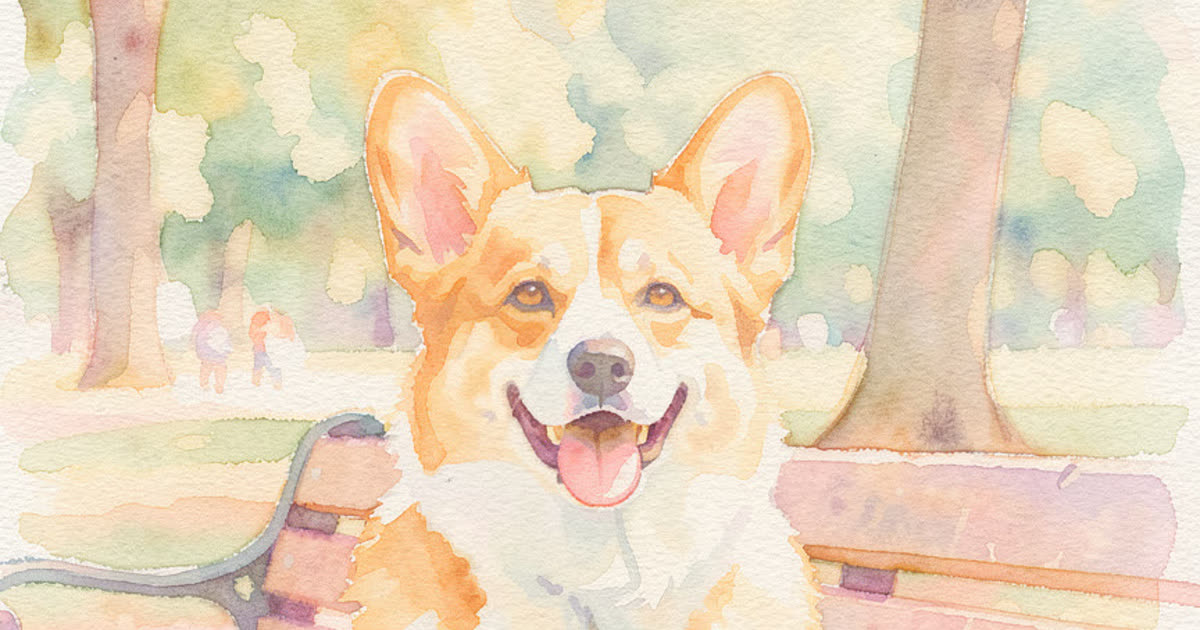
AI Art Generator
Turn a few words into drawings, paintings and illustrations.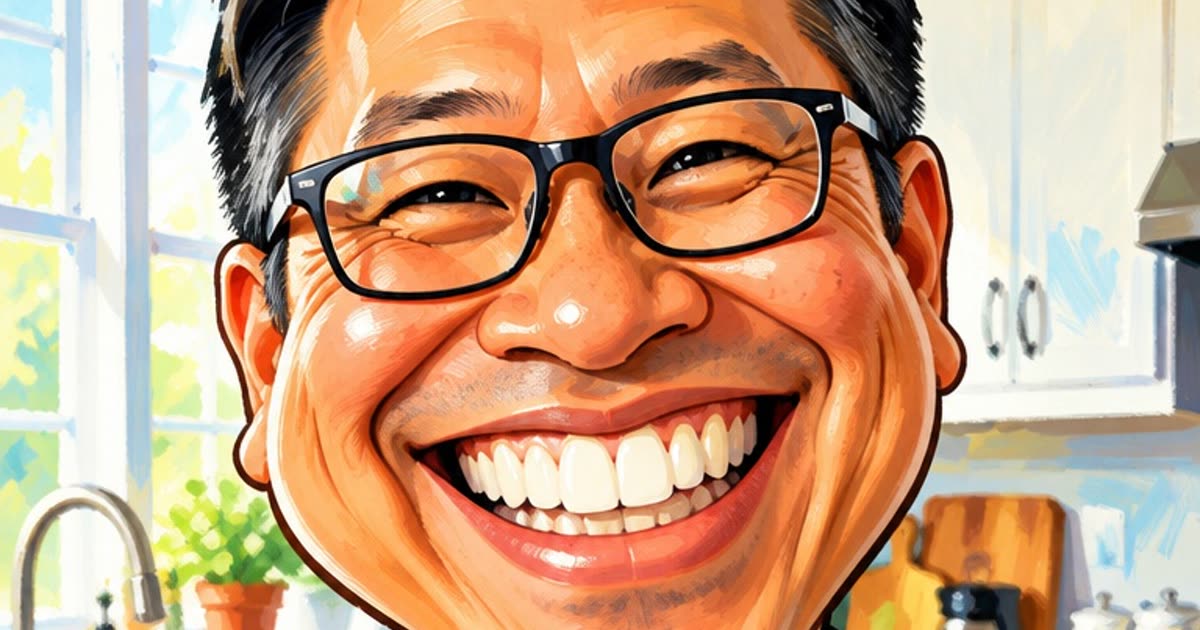
AI Anime Generator
Turn a photo or a short story into anime.
AI Clothes Changer
Try a different outfit on your own photo.
AI Video Generator
Make a short video clip from a written idea, a photo or both, with a choice of video models.