Image to Video AI: Turn Photos into Videos with Your Photo as the First Frame
What is image to video AI?
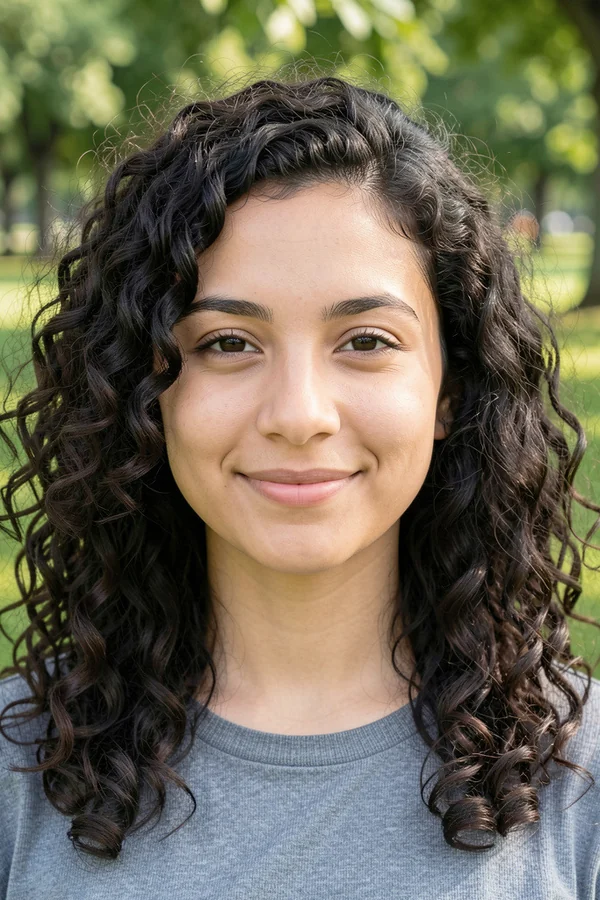
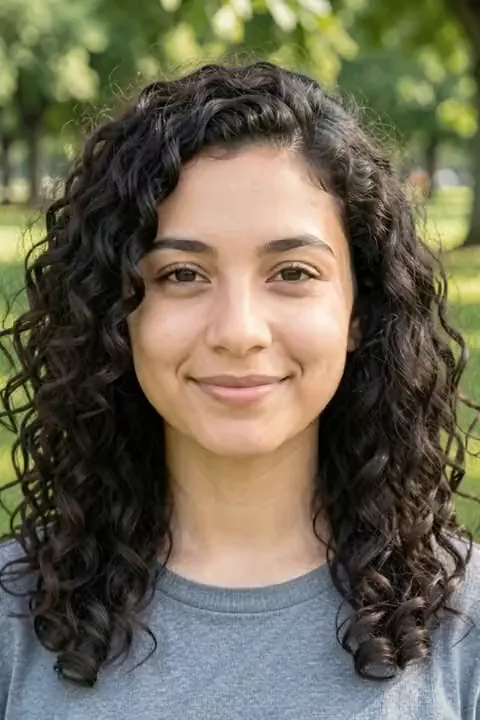
Image to video AI works with a photo you already have. Upload it, write one line about who moves and how the camera goes, and the photo becomes the first frame of the clip. The video opens on your exact picture. In this one she smiles, turns a little and waves, while her face, her curls and the park behind her stay as they were.
That's how you turn a photo into a video with AI and still keep the moment you captured. Only have an idea and no photo? Write the whole scene in Text to Video instead.
An AI video generator from images works with almost any picture you already have: old prints, travel shots, pets, products, even a doodle.
What you can make with image to video AI
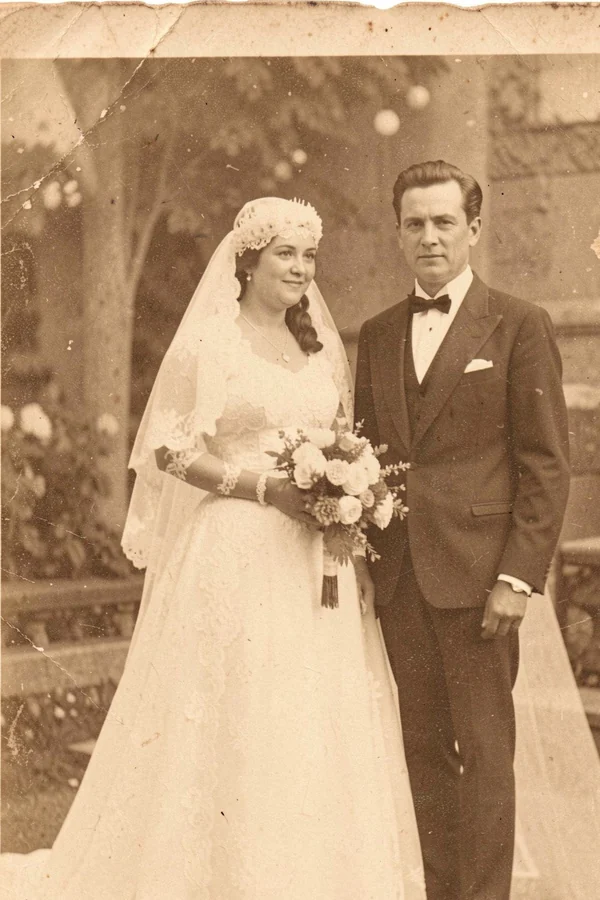
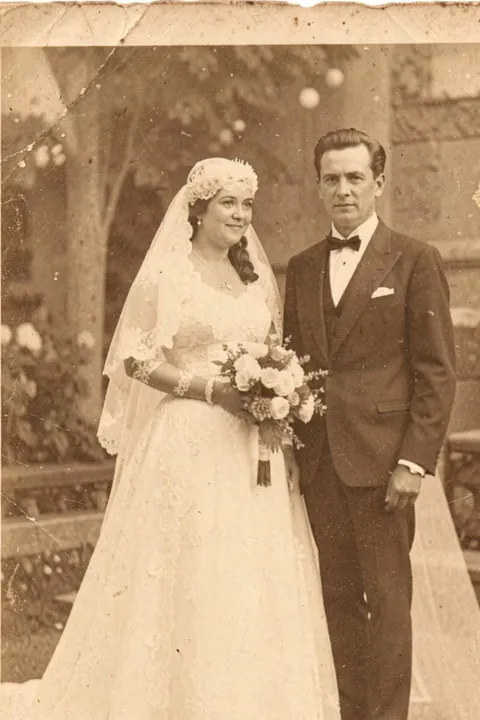
Old family photos
An old sepia wedding portrait: the bride breaks into a smile and the groom turns to look at her, while their faces and the grain and scratches of the print stay as they were. Convert a photo to video with AI and share it with relatives who never got to see them move.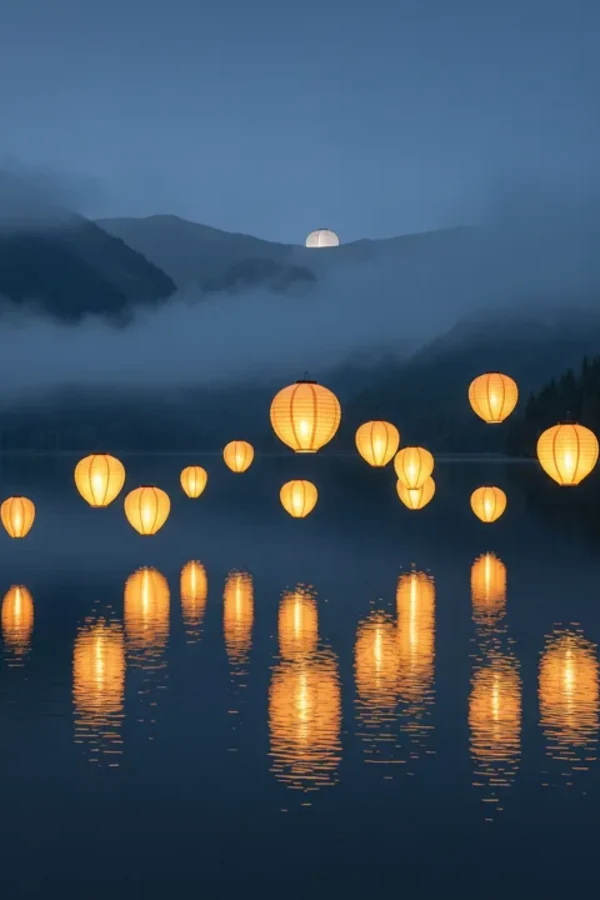
Travel and landscape photos
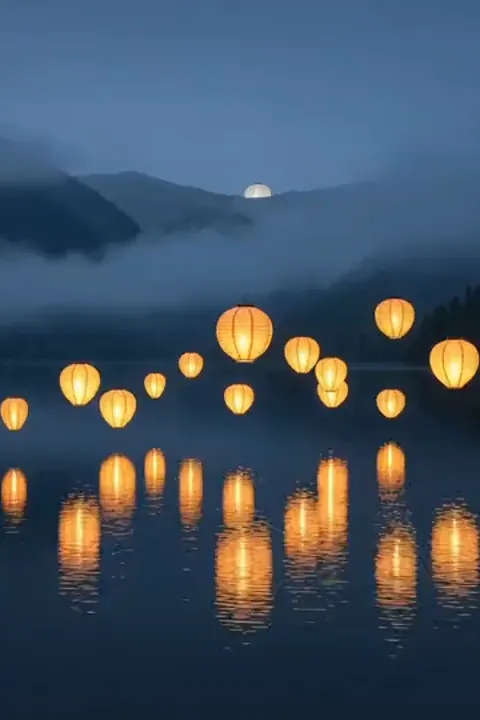
Paper lanterns over a misty lake drift upward, their reflections ripple and the camera slowly moves closer. A still from a trip turns into a few seconds that look filmed.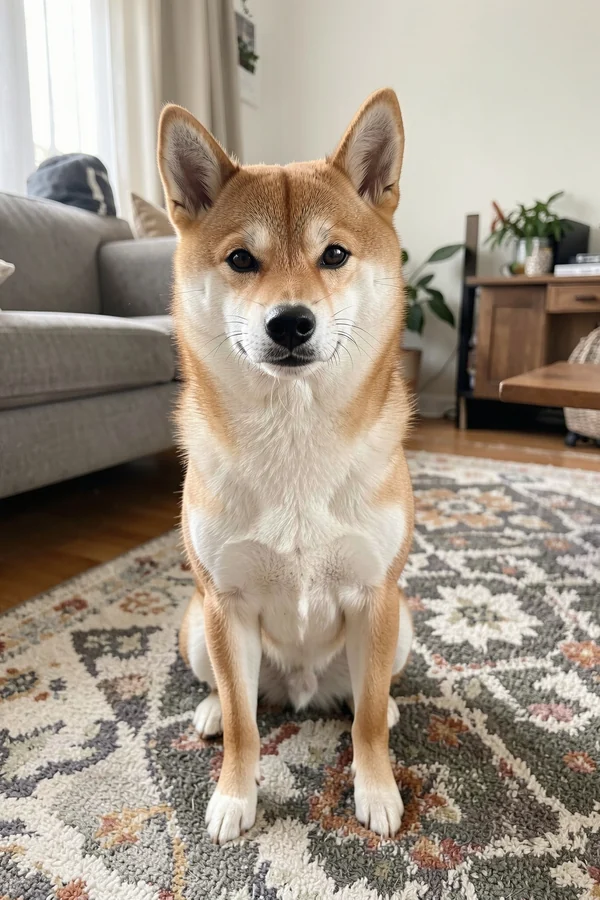
Pet photos
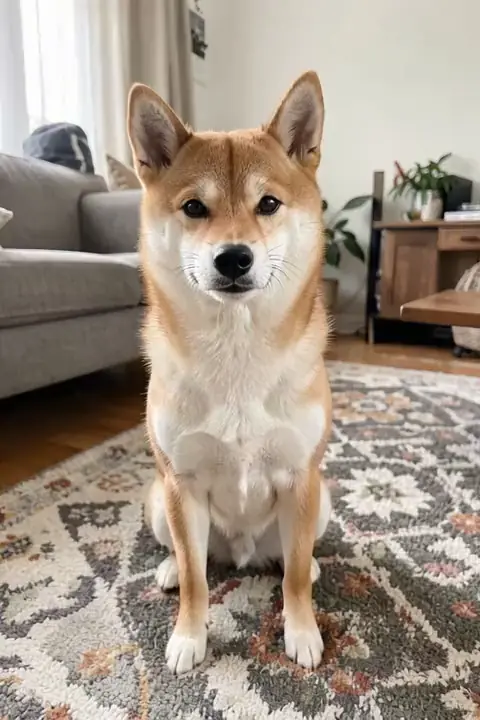
A shiba inu tilts its head, squints happily and starts to pant, with the same coat and markings as in the photo.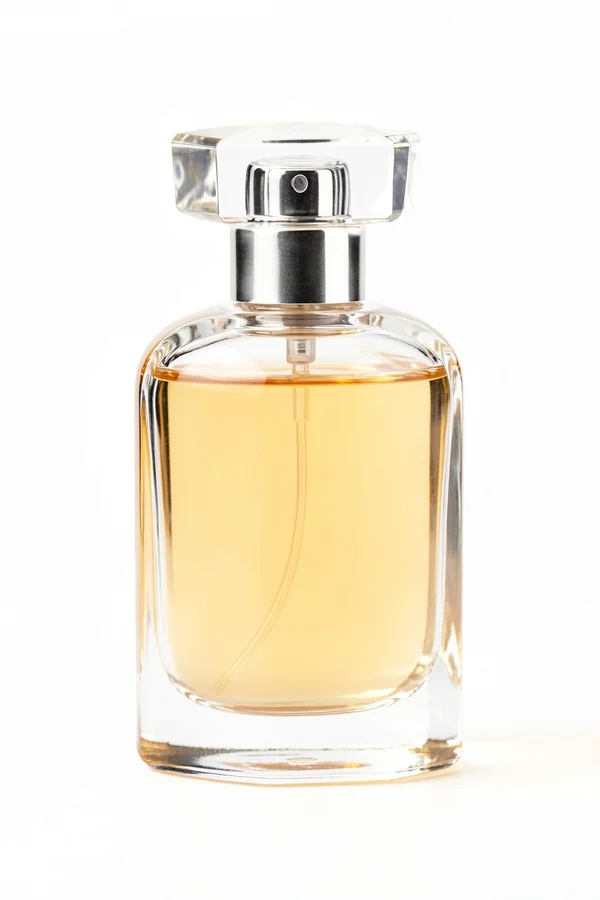
Product shots
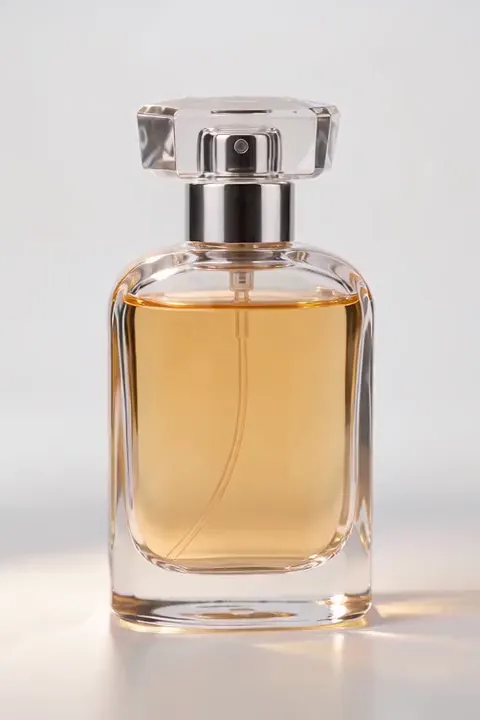
The camera moves in and a band of soft light glides across the perfume bottle, while its shape and color stay the same. Your listing gets movement without a video shoot.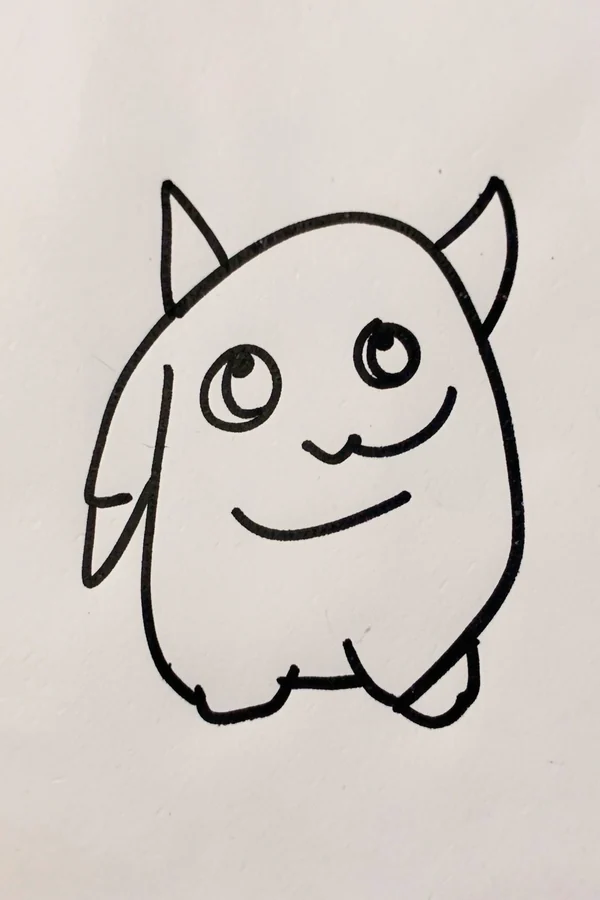
Drawings and illustrations
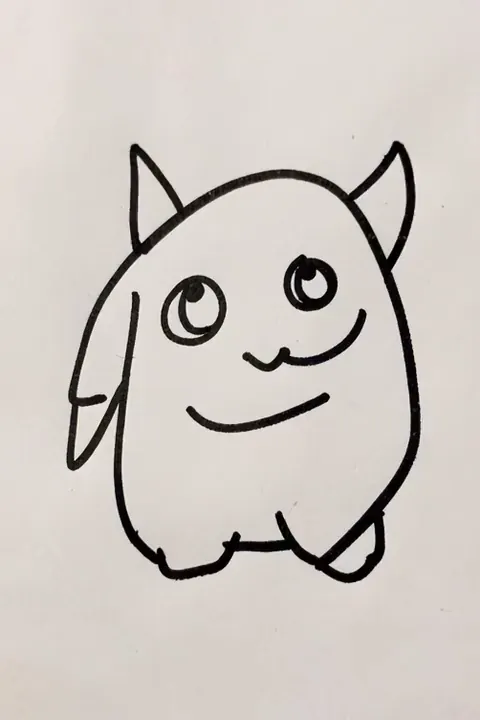
AI image animation works on more than photos. This marker doodle of a little monster blinks and smiles, still in the same lines on the same paper. A sketch, an illustration or a picture you made with AI works the same way.
Which of your photos would you like to see move?
Camera moves, first and last frames, multi-image reference
Camera moves and first and last frames
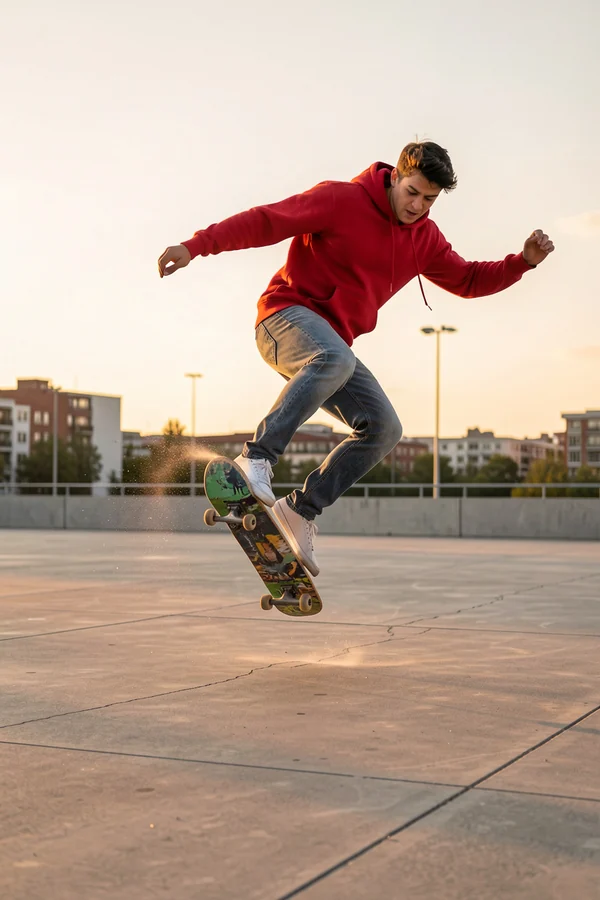
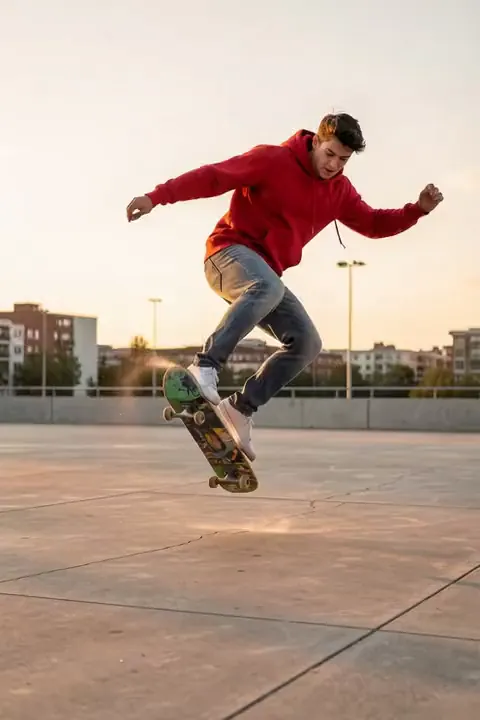
Describe the camera, and the subject can hold perfectly still. Here a skateboarder stays frozen in mid-air while the camera swings around him from the side to the front and the setting sun comes into view, the way action films freeze a moment. A slow push-in on a face or a pan across a beach works the same way: write it into the description.
First and last frames: on several models you can add a second picture as the ending, say a pencil sketch and then the finished painting, and the model fills in the motion between them. That way picture to video AI lands on the ending you planned.
Multi-image reference
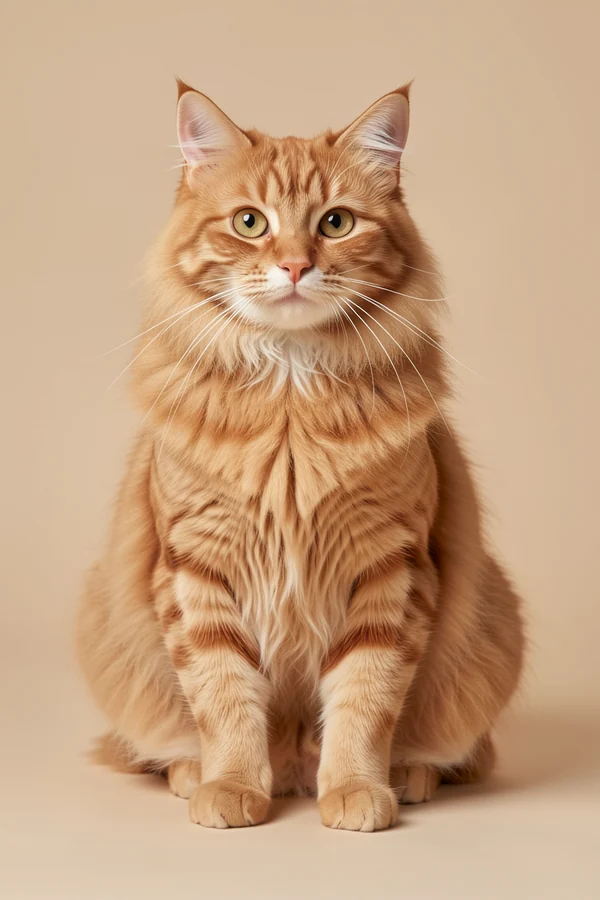
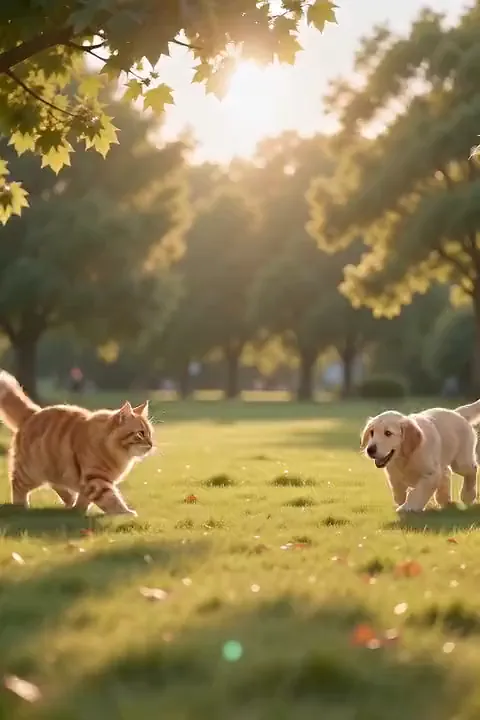
Put people and pets from different photos into one scene. This cat photo went in together with a second photo of a golden retriever puppy, and the two meet on a sunny park lawn for a hug. Here the photos are references rather than the first frame, so the clip opens on a new scene with the same cat and the same puppy.
Want to copy the moves from a video you have? That's Motion Control AI. To make the person in your photo dance, use the AI Dance Generator.
How to use the Plimo image to video AI generator
Upload a photo
To turn an image into a video with AI, start with a sharp photo with one clear subject: a person, a pet, a product, a view.
Write what should move
The model already sees the picture, so spend your words on the change: “she laughs and looks over her shoulder, slow push-in.”
Pick a model and generate
Every model here works from your photo. Pick one and generate.
Download and share
Watch the clip, then download it without a watermark. Not quite right? Change a few words and go again.
Why choose Plimo as your AI photo to video generator
One photo, several models
If one model doesn't move it the way you pictured, run the same photo on another, with no second account or plan.No editing or keyframes
To turn a photo to video, you'd normally need a timeline and keyframes. Here you describe the motion in one line.Templates for trending effects
Hugs, kisses, a camera spinning around you: each template has the motion written for an effect people are sharing now. It's a photo to video maker where your picture is the only thing you add.Sound in the same pass
Footsteps, waves, laughter: the models here make sound together with the picture, so you don't have to add audio afterwards.
Image to video models on Plimo
Seedance 2.0 Mini
ByteDance's light model for a first try. With your photo as the opening frame, it runs even with the prompt left empty.
Kling 4.0
Kuaishou's model, for a longer story from one photo, held in one take of up to 30 seconds with sound.
Seedance 2.5
ByteDance's model, for a clip of up to 30 seconds that ends on the last frame you chose.
Veo 3.1 Fast
Google's model: an 8-second clip with sound, up to 4K.
MiniMax H3 Max
MiniMax's model: every clip comes with sound, runs up to 15 seconds, and can end on a last frame you set.
HappyHorse 1.1
Alibaba's model, for bringing one photo to life, or for blending several photos into a single scene.
Vidu Q4 Preview
For when you'd rather not write a prompt: give it just one photo and it can animate your photo without one, up to 4K.