AI Art Generator: Create Drawings, Paintings and Pixel Art, Free to Start
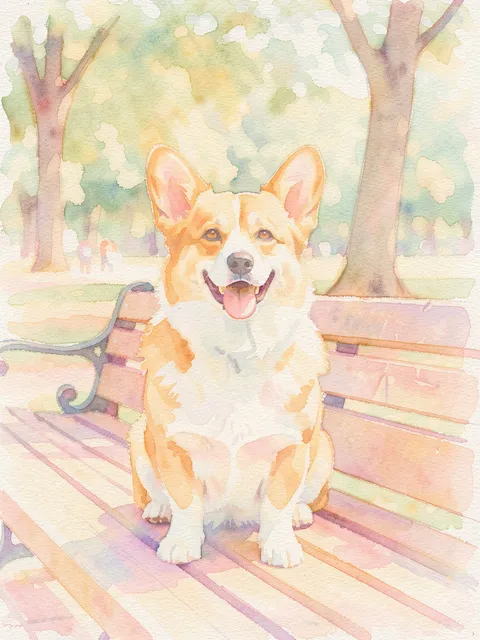
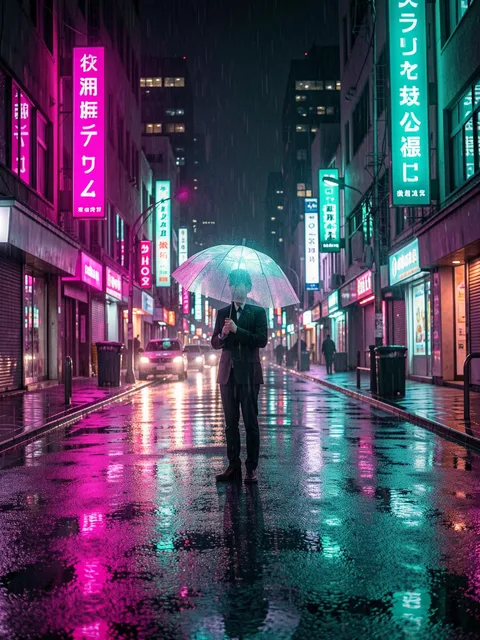
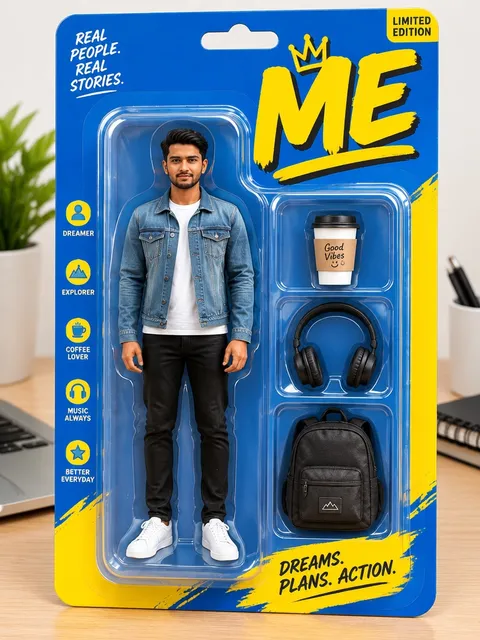
What this AI art generator makes from text or photos
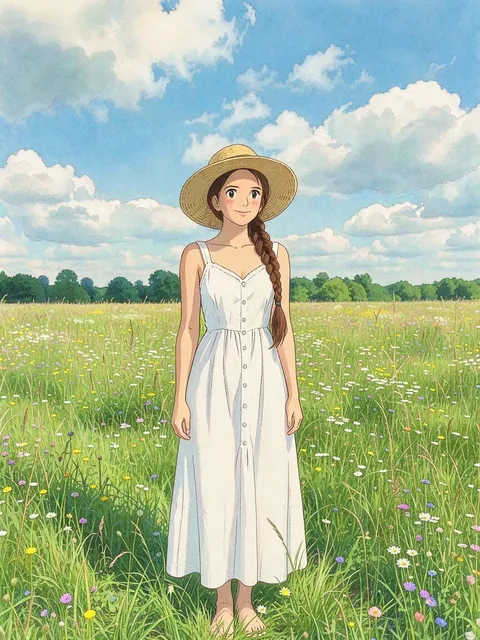
The prompt box above already holds an anime-style illustration prompt, so pressing Generate gets you a piece of AI-generated art without writing a word. Swap the girl in the wildflower field for your own character or pet and the soft colors and clean lines stay, or pick an art style template under the generator to redraw one of your photos.
Anime and manga illustration
Describe a character, an outfit and a setting, and the model draws it with clean outlines, cel shading and gentle color. The starting prompt is already written that way, so the quickest route to your own anime art is to keep the style words at the end and rewrite the subject.AI drawings and paintings from a sentence
Change the style words and the same box turns into an AI drawing or painting generator. Ask for a loose pencil drawing, a watercolor painting with paper grain, thick oil brushstrokes or a flat vector sticker, and name the medium plainly, the way you'd explain it to an art teacher.Art style templates for your photos
Below the generator, the Templates tab opens with Art styles selected. Each template there is one finished look with its prompt and settings chosen. Most ask for a photo, so you add a picture of yourself or your pet and get it back redrawn in that style.Pixel art and retro game looks
Ask for 16-bit pixel art, a chunky sprite or an isometric pixel bedroom, and the result reads like a screen from an old console game. Add a photo first and the same request works as image to pixel art, turning your dog or your desk into neat blocky squares.
How to generate AI art on Plimo
Change the subject, keep the style
In the prompt box, replace the opening words about a girl in a field of wildflowers with your own subject, like a fox in a knitted scarf on a snowy street. Leave the style words at the end as they are.Or open a template for another look
Under the generator, the Templates tab already shows Images and Art styles. Open the style you like: its prompt and model are already set, so all you add is a photo if it asks for one.Check the model and shape
The generator starts on Plimo Image 1.0 with a 3:4 portrait shape. Switch models in the model menu, and the settings beside it hold the shape, resolution and anything else that model offers.Press Generate
The button shows what this picture costs, 2 credits on the default settings. If you haven't signed in yet, a Google account or an emailed code gets you in.Find it in My creations
Below the generator, your AI artwork appears under My creations. Download it, press Remake to load the prompt back and adjust it, or delete it.
Why make AI art with Plimo
Plimo is an AI art maker for people who'd rather not learn prompting, and it stays out of the way when you want to write every word yourself.
100 credits to start
New accounts get 100 free credits one time, and they never expire. That's plenty for trying different subjects and styles before you think about a plan.One art style per template
Every template under the Art styles tag stands for a single look, so choosing a style means choosing a picture you like instead of learning a list of art terms.Several image models, one menu
The models below each have their own hand. Give two of them the same idea, compare the results in My creations and keep the version that looks most like what you had in mind.The cost is on the button
The Generate button shows the credits for your current model, settings and reference photos before you start. If a picture fails, those credits return to your balance.Watermark-free art for members
Members download artwork without a watermark and can use it commercially, on merch, a book cover or a client's poster. Without a membership, pictures show a small mark and stay personal use only.Plimo doesn't train on your art
Plimo doesn't use the photos you add or the art you make to train AI models.
AI models for illustration
Every model here works as an AI illustration generator, drawing from the prompt alone or from reference photos, and shows only the settings it supports. Plimo Image 1.0 and GPT Image 2.5 run on free credits; the others are for members.
Plimo Image 1.0
This page starts on it. It handles anime characters, cozy scenes and storybook looks, takes up to 4 reference photos and costs the fewest credits per picture, though words drawn inside the image can come out scrambled.
Nano Banana 2.1
Holds on to fine detail like strands of hair and fabric patterns, has three resolution settings and can combine up to 6 photos, handy for putting two pets into one scene.
GPT Image 2.5
The pick when the art needs readable words, like a comic caption or a name across a poster. It follows up to 16 reference photos, can save a transparent PNG for stickers, and runs on free credits at low quality and 1K resolution.
Seedream 5.0 Pro
Gives polished, painterly finishes and can look at up to 10 reference photos at once, useful when one picture can't show a character from every side.
FLUX 3 Image
Draws sharp detail in every common aspect ratio, from a tall phone wallpaper to a wide banner, and with the ratio on Auto it copies the shape of your first reference photo.
Qwen Image 3.0 Pro
Comfortable with text-heavy layouts such as an illustrated event poster or a zine cover, accepts up to 3 reference photos and keeps your chosen aspect ratio once they're added.
Art people make with it
Yourself as an anime character
Add a clear selfie and describe yourself as an anime character with big expressive eyes, soft cel shading and your real hairstyle and outfit. It makes a cute profile picture friends still recognize, and a black and white manga panel gives you a second version to compare.A pixel art sprite for your game or stream
Describe your character as a small pixel art sprite on a plain background, facing forward, with a limited palette, and the same prompt box works as an AI pixel art generator. Scale the picture down in any image editor before you drop it into a game. The same request with a grin and a wave makes a chat emote or a channel icon.A storybook page for a child
Write a scene from a bedtime story, say a rabbit in a yellow raincoat carrying a lantern through a mossy forest, and ask for a soft watercolor children's book illustration. Swap in the animal your child loves and print it for their wall.A phone wallpaper nobody else has
Keep the style words from the starting prompt, set the shape to 9:16 and describe a quiet, beautiful scene you'd happily see every day, like a rooftop garden at dusk or a small train crossing the sea.Your pet as a painting
Upload a sharp photo of your dog or cat and ask for an oil painting portrait in an ornate gold frame, or a quick ink drawing on cream paper. Mention its markings and pose so it still looks like your pet.A drawing that starts to move
Once an illustration turns out the way you hoped, take it to image to video and ask for the hair to lift in the wind or the character to turn and smile.
Questions about AI art
More AI tools for images and video
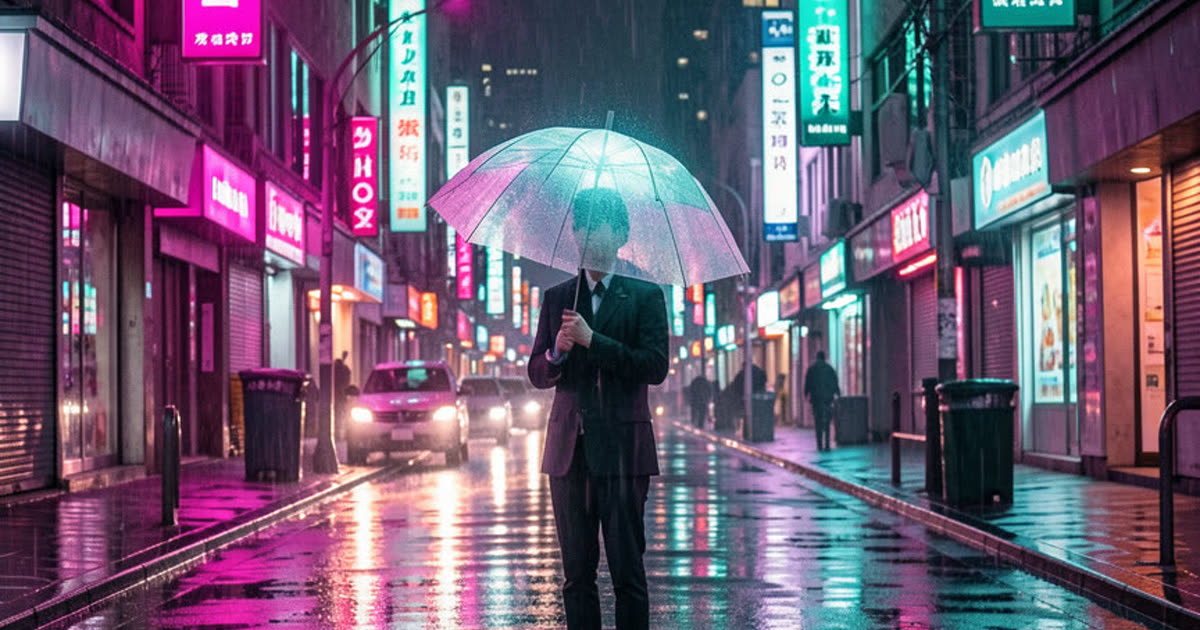
AI Image Generator
Describe a picture in your own words, add reference photos if you like, and get a brand-new image back.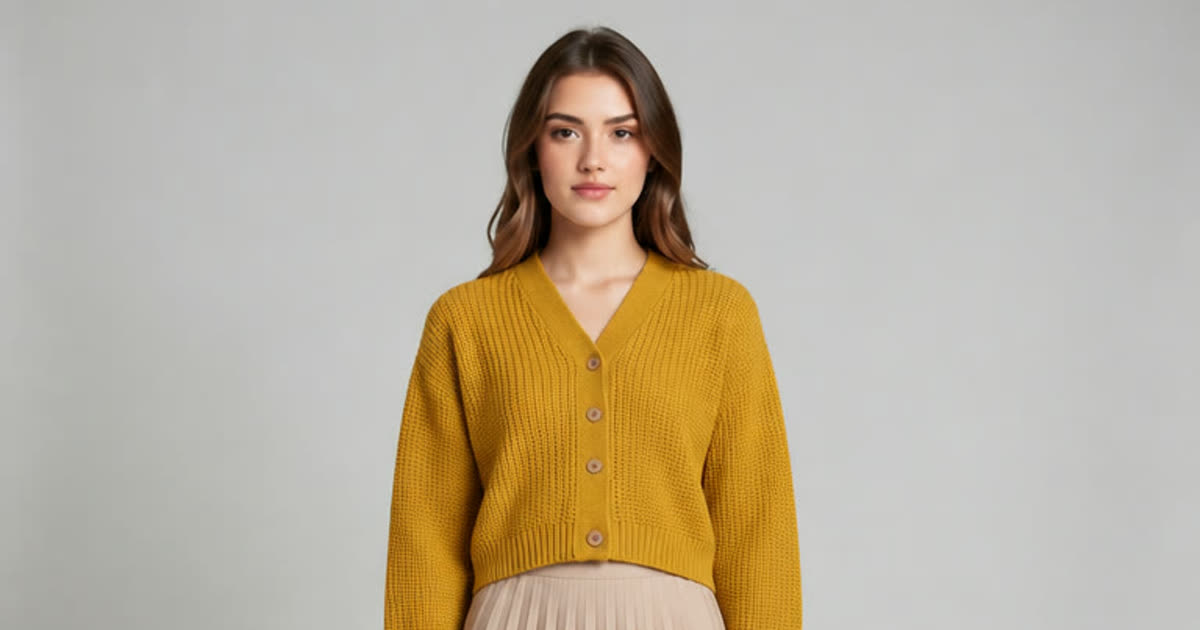
AI Photo Editor
Upload a photo and change the background, age or style in one sentence.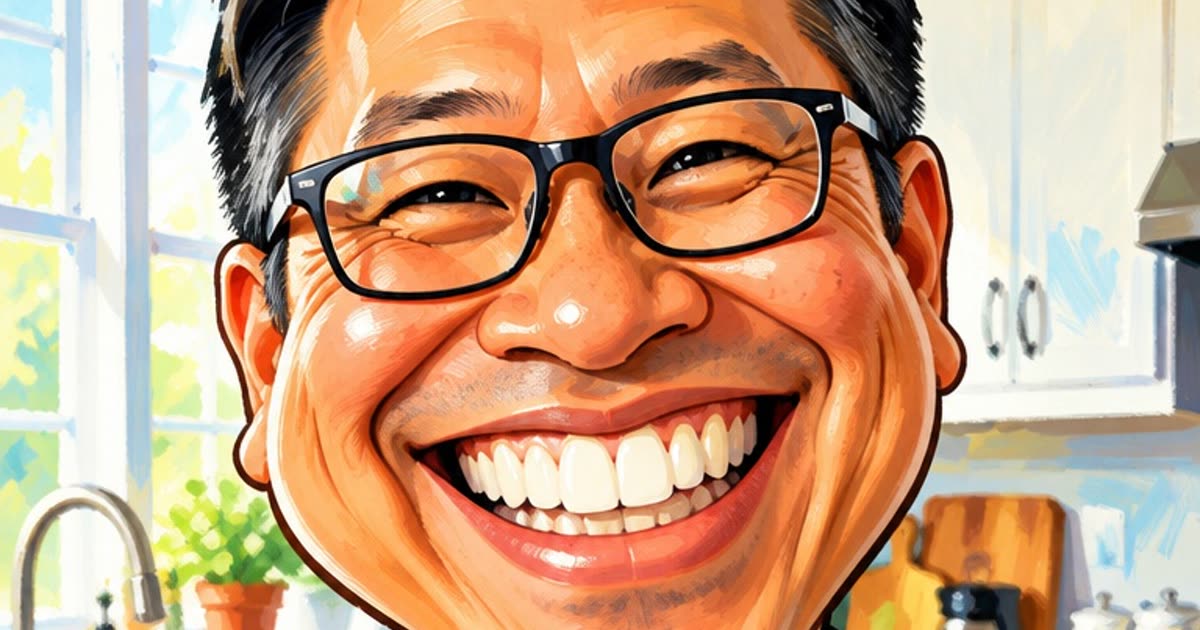
AI Anime Generator
Turn a photo or a short story into anime.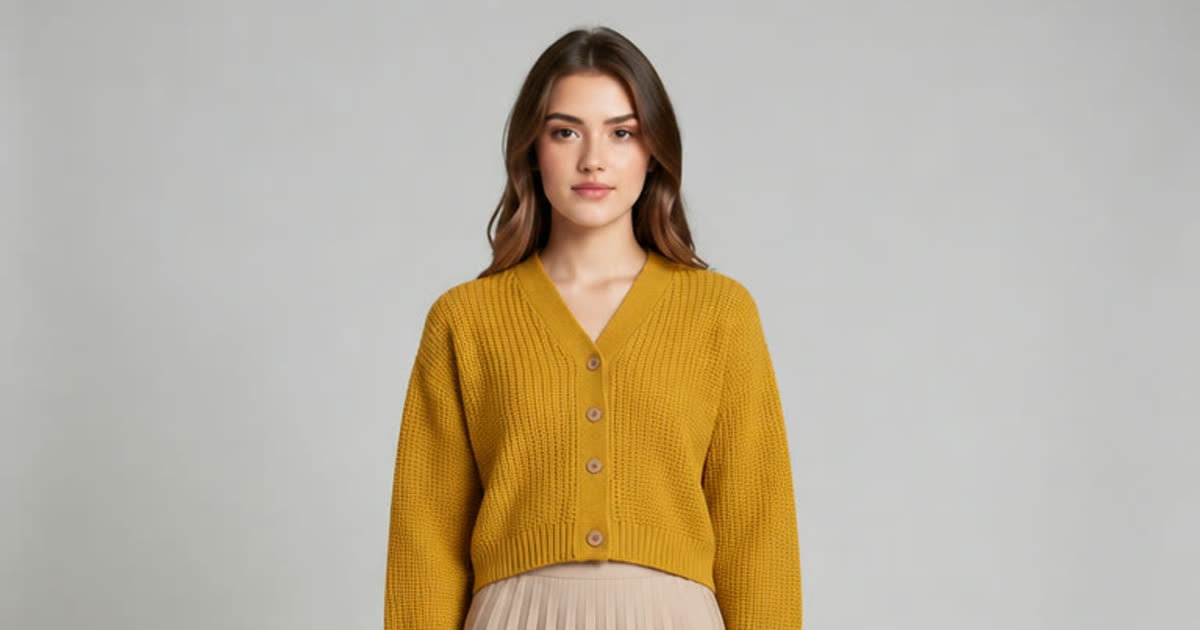
AI Clothes Changer
Try a different outfit on your own photo.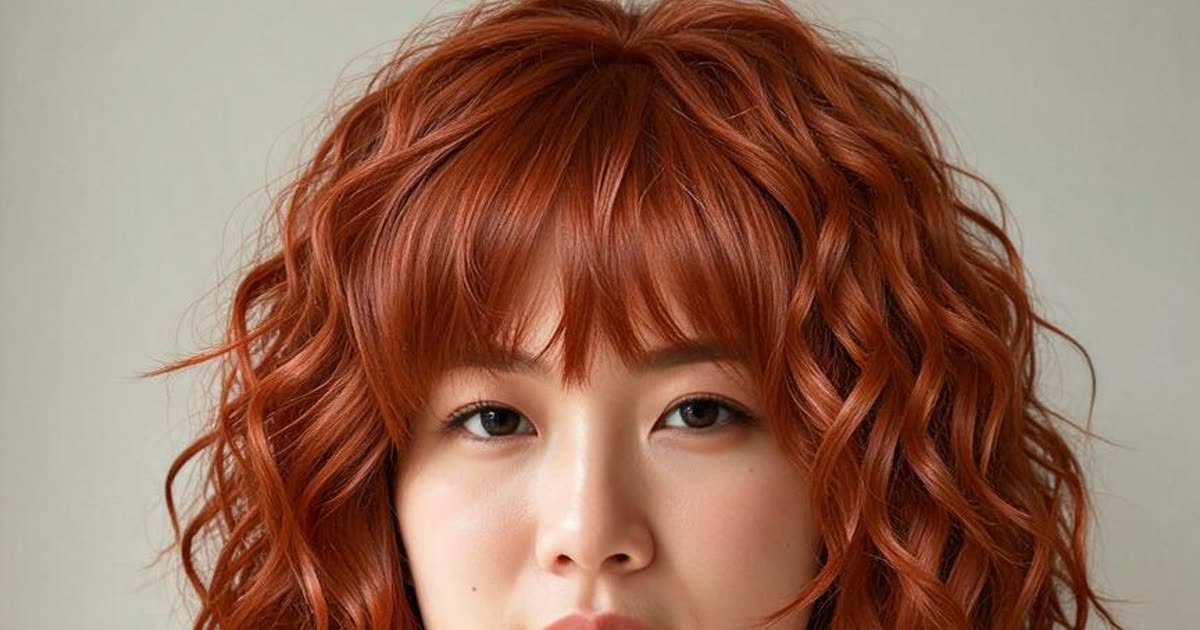
AI Hairstyle Changer
Try a new haircut or hair color on your photo.
AI Video Generator
Make a short video clip from a written idea, a photo or both, with a choice of video models.