Wan AI: Long Wan Video Clips with Wan 3.0 and Detailed Pictures with Wan 2.7
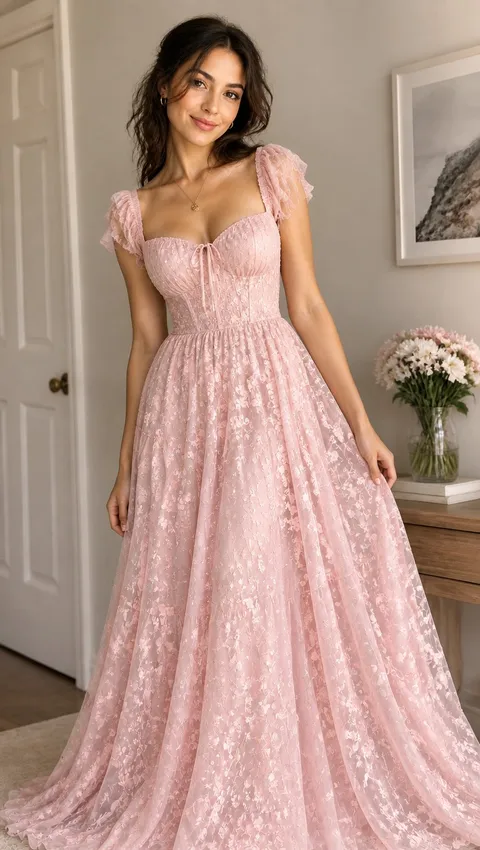
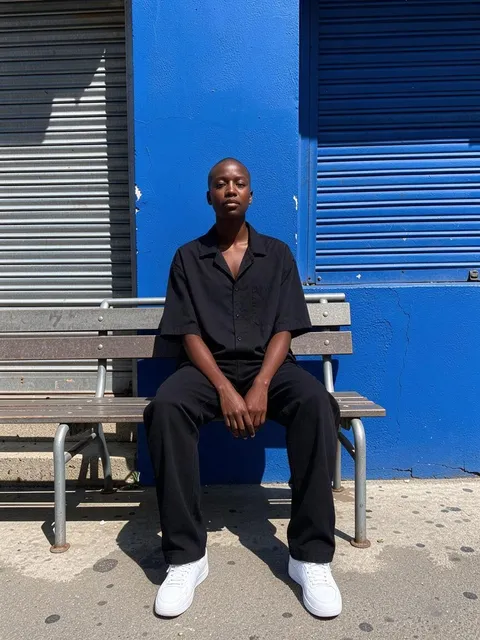


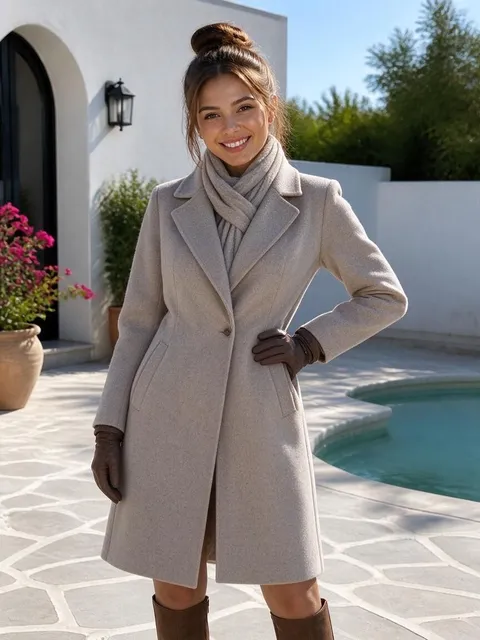
What is Wan AI?
Wan, known in China as Tongyi Wanxiang, is Alibaba's family of video and image models. Its video side stands out for long clips and for taking a lot of guidance at once: a start and end frame, a stack of reference photos, even short reference videos. On Plimo you can use Wan 3.0 for video and Wan 2.7 Image Pro for pictures. The Wan AI video generator above opens on Wan 3.0, with the image model one switch away.
Wan 3.0
Long clips, up to 30 s.
- 2–30 s
- 480P / 720P / 1080P
- Sound on or off
- Up to 10 reference photos
- Up to 5 reference clips
From 28 credits
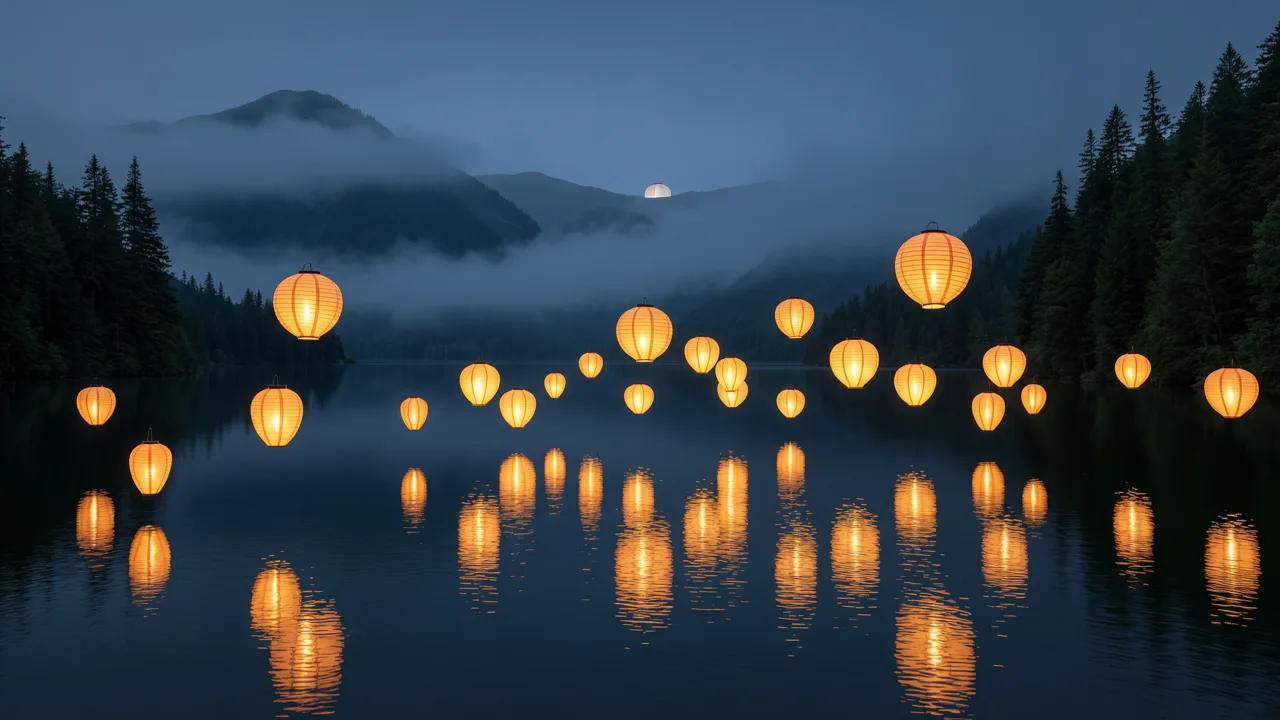
Wan 2.7 Image Pro
Up to 4K from text, and edits that blend up to 9 photos.
- 1K / 2K / 4K
- Up to 9 reference photos
From 30 credits
How Wan has grown
February 2025
Wan 2.1
Alibaba published its text-to-video and image-to-video models with open weights, including a small version that runs on home graphics cards.
July 2025
Wan 2.2
A mixture-of-experts design trained on footage labeled for lighting, composition and color, giving more cinematic control. It was also released openly.
September 2025
Wan 2.2 Animate
A character model that moves a still image with the motion from a reference video, or swaps the person in a video for the one in a photo.
September 2025
Wan 2.5
Brought sound into the picture, with voices, music and effects generated together with clips of up to 10 seconds.
December 2025
Wan 2.6
Added multi-shot storytelling and a reference mode that keeps a person's look and voice from a short video, with clips of up to 15 seconds.
April 2026
Wan 2.7
A video suite for text, images, references and editing, alongside the Image and Image Pro picture models, with Pro reaching much larger sizes and blending up to 9 photos.
August 2026
Wan 3.0
Doubled the longest clip to 30 seconds and kept characters and props steadier from shot to shot.
Making a Wan video on Plimo
Write the sequence in order
Wan 3.0 is already chosen in the generator above. Because clips can run long, describe what happens first, what changes and how it ends.Pick a way to guide it
Open the mode menu. Frames mode takes a start frame and an optional end frame; reference mode takes up to 10 photos and up to 5 short clips that together run no longer than 15 seconds.Set length, resolution and sound
Choose from 2 to 30 seconds and one of three resolutions. Sound starts switched on. With reference clips added, the output can be at most 15 seconds.Generate and review
Check the credit figure on the Generate button, then run it. The clip appears in My creations, where Remake brings back everything for a second pass.Switch to Image for stills
Flip the generator to Image and it moves to Wan 2.7 Image Pro, ready for a prompt or a set of photos to blend.
Why use Wan on Plimo
Video and pictures on one balance
Wan 3.0 and Wan 2.7 Image Pro share your credits and your creations. Make a key frame with the image model, then use it as the start frame for a clip.Compare the long-clip models
Kling 4.0 and Seedance 2.5 also reach 30 seconds. Give all three the same prompt and keep the take that flows the way you pictured.No guessing at the price
Length, resolution and reference clips all change the cost, and the Generate button adds them up before you submit. Credits for a failed run are returned.Made for real projects
Wan is for members, and anything created with an active membership has no watermark and can go into client work, ads or a shop page.
Wan compared with other video models
Kling
Kling 4.0 also reaches 30 seconds, but its sound is always on and it takes a single reference clip for copying movement, where Wan 3.0 accepts up to 5.
Veo
Veo 3.1 Fast is fixed at 8 seconds with sound and a cinematic finish, better suited to one striking shot than a longer sequence.
Seedance
Seedance 2.5 shares the 30-second ceiling and optional sound, takes up to 9 photos and 3 clips, and its sibling Seedance 2.0 Mini can be tried on free credits.
Hailuo AI
Hailuo AI's MiniMax H3 Max focuses on lifelike people and expressions in clips of up to 15 seconds, with sound always on.
Grok Imagine
Grok Imagine 1.5 works from text or up to 7 photos, always with sound, and new accounts can try a short clip on free credits.
Vidu
Vidu Q4 Preview takes as many as 15 reference photos but no reference video, and caps clips at 16 seconds.
FLUX
FLUX 3 Video covers 5 to 20 seconds from text or start and end frames, without reference photos or clips.
SkyReels
SkyReels V4 always adds sound and takes up to 3 reference photos for clips of 3 to 15 seconds.
HappyHorse
HappyHorse 1.1, another Alibaba model, turns a start frame or up to 9 photos into a clip with sound, but has no end frame or reference videos.
What to make with Wan
A one-take story
Describe a cat waking up, stretching, knocking a cup off the table and staring proudly at the camera. A clip of 20 seconds or more leaves room for a setup, a middle and a punchline.From sketch to finished shot
Upload a rough drawing as the start frame and a polished version as the end frame, and Wan 3.0 works out the motion in between.The same character in a new scene
Add a few photos of one person or mascot in reference mode and describe where they are now. Wan 3.0 is built to keep faces, outfits and props steady through the clip.Your own footage as a guide
Add a short clip you filmed as a reference, together with a photo, and describe what the new video should show. Start with a short length while you learn how it reads your clips.A slow product turn
Shoot a bag or a sneaker from three or four sides and ask for a smooth 360-degree turn on a studio table with soft shadows.A character who speaks
Leave sound on and give a character a line, like a chef introducing today's soup to the camera. Voice and kitchen noise come out with the picture.Posters and covers
Switch to Image and describe a concert poster, a book cover or a travel print. Text-only prompts unlock Wan 2.7 Image Pro's largest size, handy for printing.Several photos, one picture
Give Wan 2.7 Image Pro up to 9 photos, say your sofa, a rug and a lamp, and ask for them arranged in one bright living room.
Wan AI questions
More video and image tools
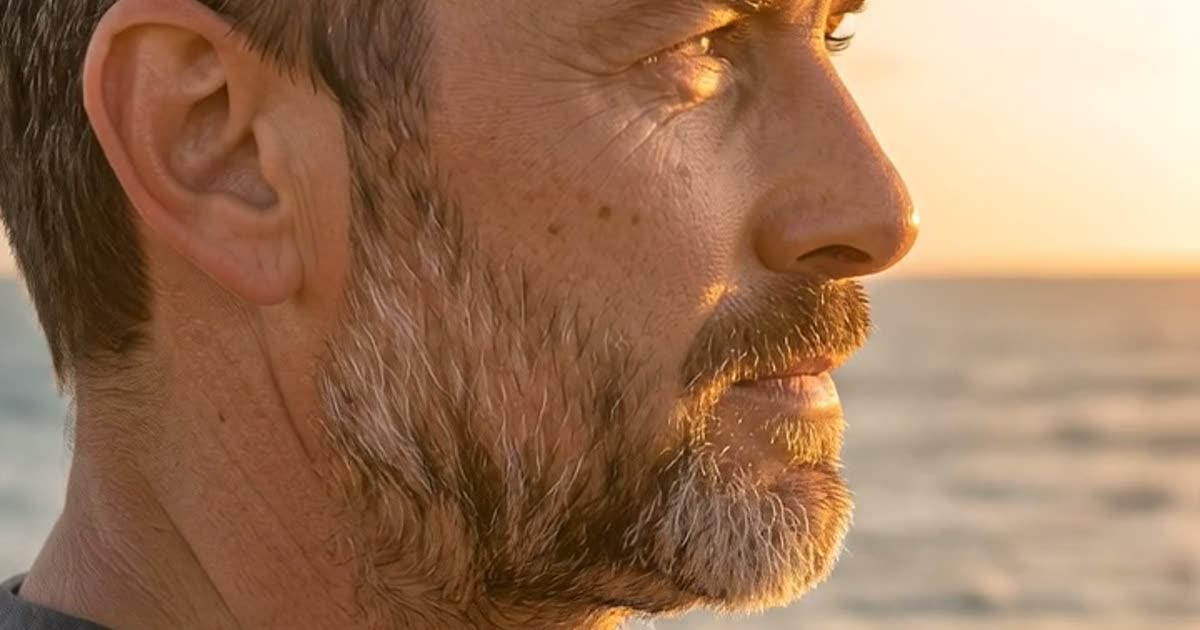
AI Video Generator
Make a short video clip from a written idea, a photo or both, with a choice of video models.
Text to Video
Type a scene in plain words and get a short clip of it, no photo required.
AI Image Generator
Describe a picture in your own words, add reference photos if you like, and get a brand-new image back.