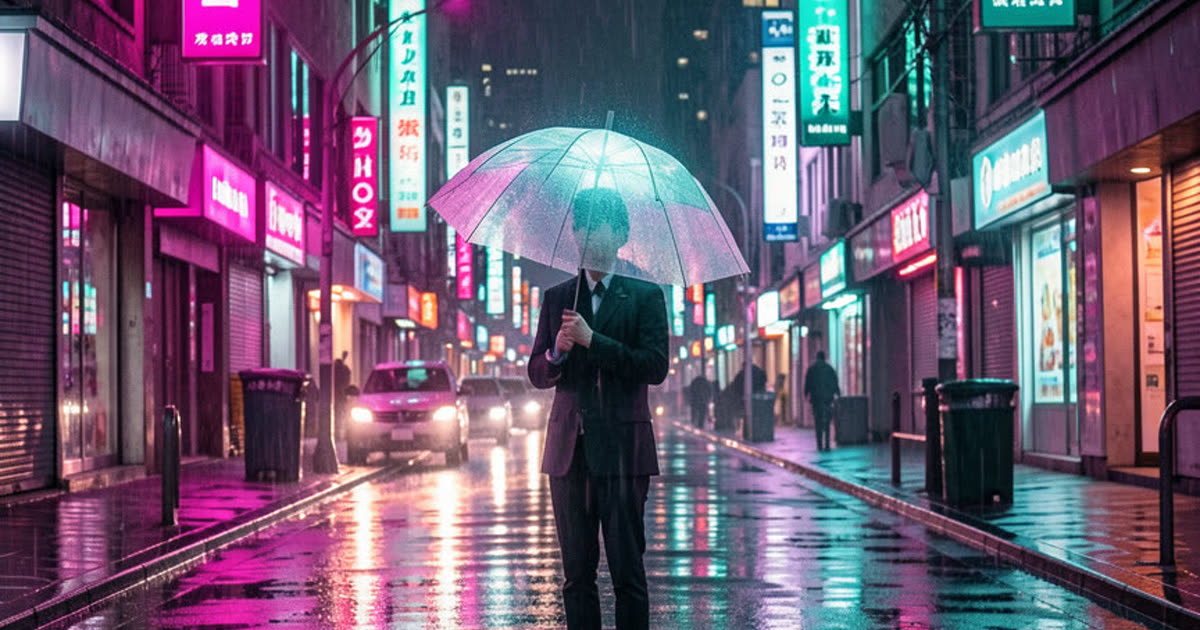
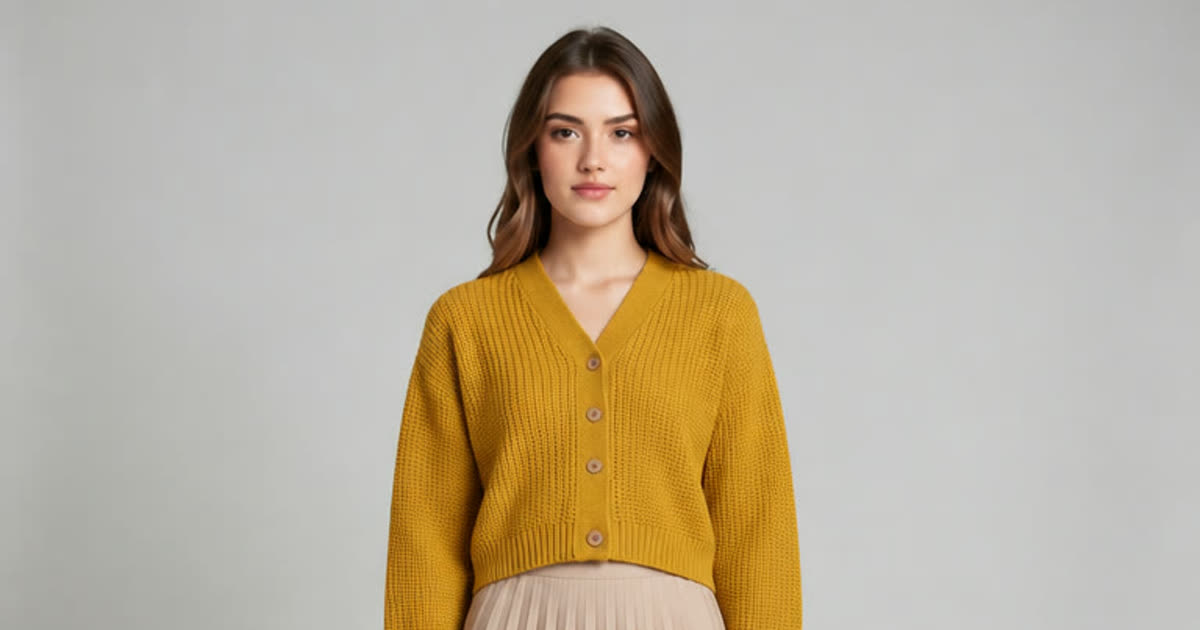
Nano Banana 2: Create and Edit Images with Google's Model, Free to Start
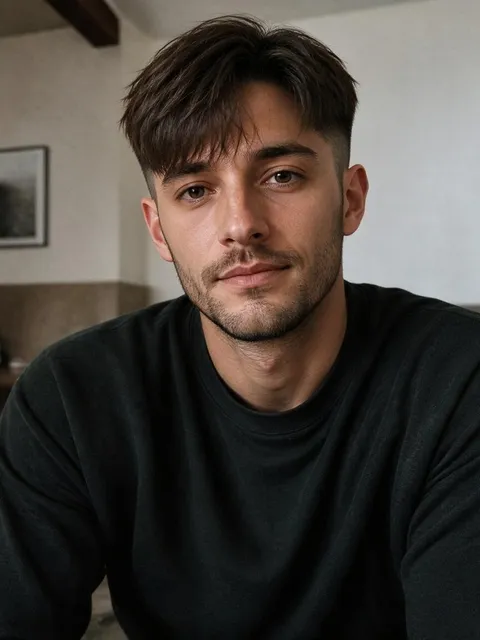

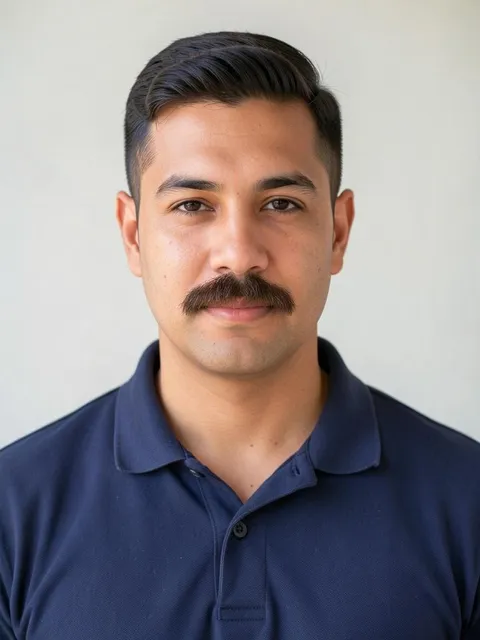


What is Nano Banana AI?
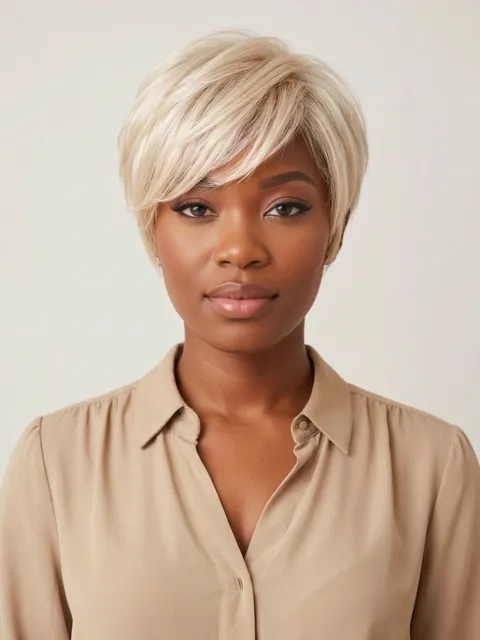
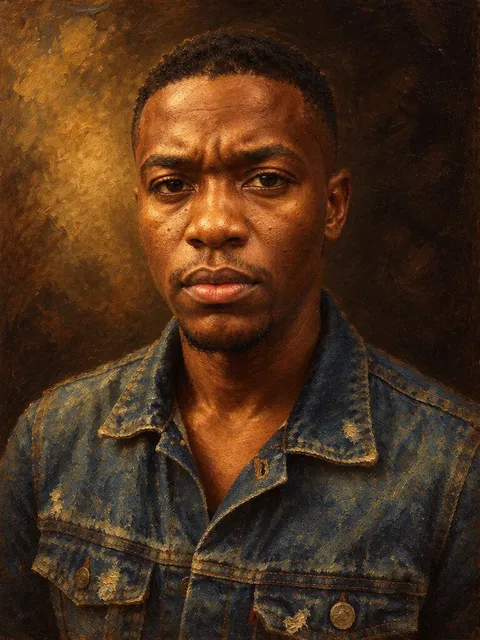
Nano Banana is Google's image model for making new pictures from a sentence and for editing photos you already have. It became popular for edits that leave a face looking like the same person, and for merging separate photos into one believable scene. Plimo has two versions: Nano Banana 2, which the free credits on a new account can run at 1K, and the newer 2.1, which Google tuned for cleaner design and more natural-looking results.
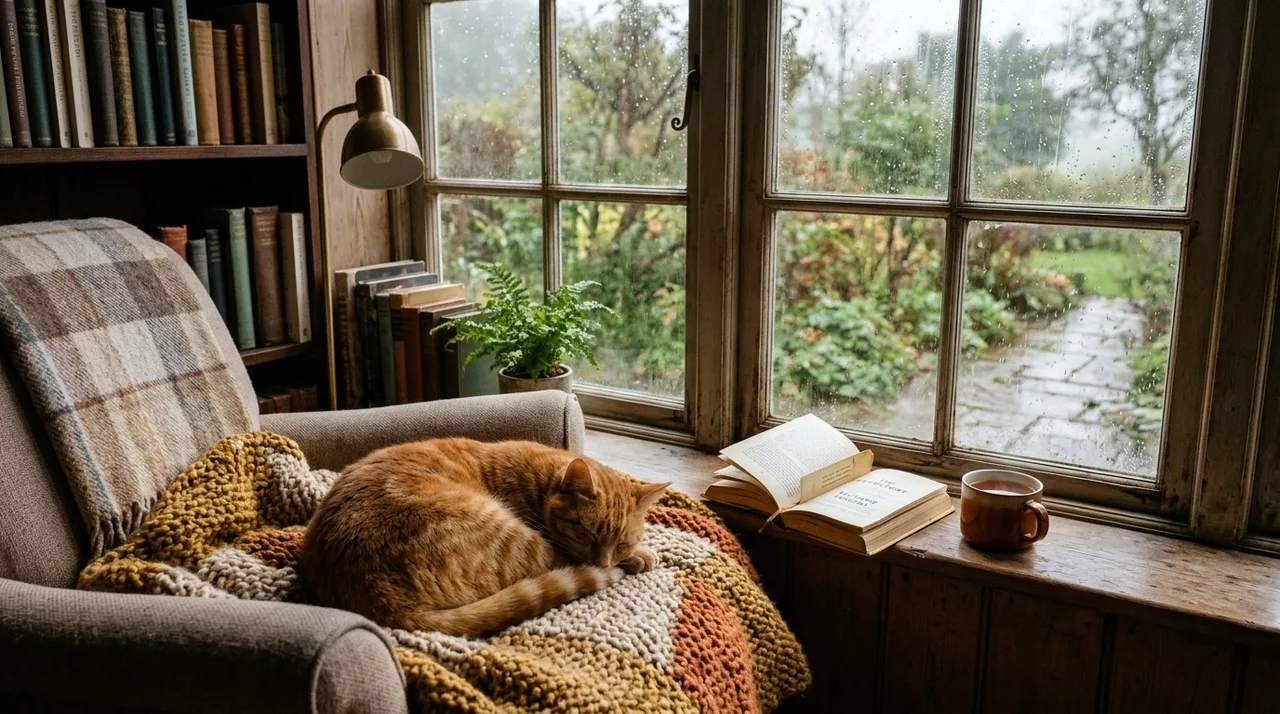
Nano Banana 2
Fast and consistent. Mix up to 6 photos.
- 1K / 2K / 4K
- Up to 6 reference photos
From 20 credits
Free credits work: 1K
Nano Banana 2.1
Detailed images up to 4K, mixing up to 6 photos.
- 1K / 2K / 4K
- Up to 6 reference photos
From 20 credits
How the model has changed
August 2025
The original
Released as Gemini 2.5 Flash Image, the model behind the first wave of Gemini Nano Banana edits. Its nickname came from anonymous testing on LMArena, and it caught on for one-sentence edits: change a pose, remove a passer-by or colorize an old print while people still look like themselves.
November 2025
Nano Banana Pro
A higher-end model built on Gemini 3 Pro, aimed at work where accuracy matters most: legible text in several languages, infographics and diagrams, and blending up to 14 images while keeping up to five people recognizable.
February 2026
Nano Banana 2
Built on Gemini 3.1 Flash Image, it brought much of Pro's world knowledge and text rendering to Flash speed. Google pointed to richer lighting, sharper textures and closer instruction following than the original, and it can translate the words inside a picture.
October 2026
Version 2.1
The latest Flash update, based on Gemini 3.6 Flash. Google lists better visual design, more natural-looking pictures and steadier subject consistency, and its own tests show gains in infographics and in edits that combine several reference images.
How to use it on Plimo
Start in the generator up top
It opens with this model already selected. Clicking a version card on this page switches between 2 and 2.1 and scrolls you back up.Add photos if you're editing
Sign in, then drop up to 6 pictures into the photo slot: one selfie to restyle, or a face, an outfit and a backdrop to merge. Leave it empty to make something from words alone.Describe the result
Good Nano Banana prompts read like plain speech, such as “put us on a ferry deck at sunset, keep our faces and jackets”. Edits land closer to what you meant when you also say what has to stay the same.Pick size and shape, then generate
Choose a resolution and a shape anywhere from square to a wide 21:9, and check the Generate button for the credit cost before you press it. The picture appears in My creations below.
Why use Google's image model through Plimo
Two versions on one switch
The version cards flip the generator between 2 and 2.1, so you can run the same edit on both and keep whichever handled your face, outfit or room better.Free credits that cover version 2
Every new account gets free credits once, they never expire, and they can run version 2 at 1K.You pay per picture
Each picture uses credits, and the button shows the exact amount for the version and resolution you chose. A run that fails gives every credit back.Six photos in a single request
Both versions read up to 6 photos at once, which is what lets a face, a jacket and a new location come together in one edit.Watermark-free for members
Pictures you make as a member download without the small mark and can be used commercially. Pictures made without a membership keep the mark and stay personal-use only.
How it compares with other image models
All of these sit in the same model menu, so trying one against another costs nothing but the credits for the run.
GPT Image
GPT Image 2.5 from OpenAI reads up to 16 reference photos, has five quality levels and can save a transparent PNG, which suits stickers, logos and text-heavy posters.
Grok Imagine
Grok Imagine from xAI makes short videos with sound as well as pictures, and its image versions lean toward bold, vivid looks.
Wan
Wan from Alibaba pairs Wan 2.7 Image Pro, which blends up to 9 photos, with Wan 3.0 for video, so stills and clips come from one family.
FLUX
FLUX 3 from Black Forest Labs follows up to 10 reference photos, covers every common shape and has a video version too.
Seedream
Seedream 5.0 from ByteDance comes in three tiers, and its low-cost Flash version also runs on free credits.
Qwen Image
Qwen Image 3.0 from Alibaba is built for dense text and layouts such as menus and infographics, and takes up to 3 photos.
What people make with it
A selfie in a different decade
Add a clear selfie and ask for a 1970s film portrait with soft grain, a wide-collared shirt and warm light, keeping your face and hairstyle. Try the 1920s or the 1990s once you've seen the first one.Friends who live apart, in one picture
Add one photo of each person and describe everyone squeezed onto a picnic blanket in the same park. It makes a good birthday message for a group that rarely manages to meet.One character across a whole comic
Make your mascot once, then add that picture as the reference for every new panel: at a bus stop, in the rain, blowing out candles. Writing “same character, same outfit” each time helps it stay put.A travel photo without the stranger
Upload the shot and ask to remove the person walking behind you, or the bin beside the fountain, and to leave everything else alone. For bigger changes like a new outfit, the AI photo editor walks you through it.Color for an old black-and-white print
Scan it and ask for natural colors that keep faces, clothes and the room as they are. If you'd like the people to move afterwards, take the result to image to video.Your living room, repainted
Photograph the room and ask for sage green walls and a rattan floor lamp with the furniture left exactly where it stands.Handmade jewelry on a better backdrop
Shoot your earrings on the kitchen counter, then ask for them on pale stone beside a sprig of eucalyptus. To sell with these pictures, make them during a membership.A card with a short greeting
Ask for a cake on a picnic table with “Happy 30th, Maya” piped in icing. Keep the wording short, since small or dense lettering can still come out blurred.