Motion Control AI: Copy the Moves from a Video onto Your Photo, Free to Start
What motion control AI does with your photo and clip
Plimo's motion control AI takes two things: a photo of a person and a short video of someone moving. It makes the person in your photo perform those exact moves, from a dance routine to a wave or a walk, and keeps the sound from your clip. It runs on Kling AI motion control, both Kling 2.6 and Kling 3.0, and you don't need to write a prompt.
Your photo sets the look
The face, clothes, body and background come from the photo you upload, and so does the shape of the video: a vertical photo gives you a vertical clip. The model keeps the person looking like themselves while they move, though small details such as hands or jewelry can shift.Your clip sets the moves
Every step, turn and arm movement comes from the reference video, in the same order and at the same pace. The finished video lasts exactly as long as your clip, anywhere from 3 to 30 seconds, so a full routine stays a full routine.The sound comes along
By default the video keeps the original audio from your clip, so a dance keeps its song. Switch sound off in the length and sound menu if you only want the movement.Templates bring their own moves
Under the generator you'll find motion templates that already include a reference clip. Pick one, add your photo, and the dance and its music are taken care of.
How to use AI motion control
Add a photo of the person
Click the photo slot and sign in. A full-body shot, head to toe with a little space around them, gives the cleanest result: if your photo stops at the waist, the video does too.Add the video with the moves
Click the clip slot and choose an MP4 or MOV between 3 and 30 seconds and up to 50 MB. One person filmed head to toe with a steady camera is easiest to copy. Longer clips need trimming before you upload.Pick a model and check the price
The page starts on Kling 2.6 Motion Control. Switch to Kling 3.0 Motion Control for finer detail and a higher resolution. Until your clip finishes uploading, the button shows the price per second; once it's in, it shows the seconds and the total.Press Generate and wait a few minutes
Motion control takes longer than a regular clip, usually two to ten minutes. You can leave the page and come back, and the video waits in My creations when it's done.Download it or try another clip
Download the result to share, or press Remake to bring the same photo, clip and settings back and swap in different moves.
Why use motion control on Plimo
It's the Kling motion control feature without a separate Kling account, alongside the image and video tools you already use here.
Free credits cover a first clip
New accounts get 100 free credits once. Kling 2.6 Motion Control costs 20 credits per second, so the free credits cover one clip of up to 5 seconds from a video you upload.You only pay for the seconds you use
Credits are counted from your clip's length, rounded up to whole seconds, and the total sits on the Generate button before anything is spent. If a generation fails, the credits come back.Two Kling versions in one place
Kling 2.6 handles most moves well for about a quarter of Kling 3.0's price per second; Kling 3.0 adds finer detail, especially in faces, and can go up to a higher resolution. Try the same photo and clip on both and keep the one you like.No prompt writing
The photo and the clip say everything the model needs. You can add a sentence about lighting or the mood if you like, but leaving the box empty works.Clean videos made as a member
Videos you make while you're a member have no watermark and can be used commercially. Videos made without a membership carry a small watermark and are for personal use.Your clips aren't training data
Plimo doesn't use your photos, reference clips or the videos made from them to train models. Each file sits at a long random link, though anyone who has the link can open it.
Kling motion control models
Both models take one photo and one clip, follow the clip for length and moves, and keep its sound unless you turn it off.
Kling 2.6 Motion Control
Kling 2.6 motion control is where the page starts. It gets most dances and gestures right, at 20 credits a second.
Kling 3.0 Motion Control
Kling 3.0 motion control adds finer detail, especially in faces, and lets you pick a higher resolution, at a higher price per second.
What people make with AI motion control
Join a dance trend without dancing
Grab a trend clip you're allowed to use or film the routine yourself, then trim it to the moves and upload it with a full-length photo of yourself. You get the trend with your face and outfit, and the song stays in.Copy the moves from your own video
Film a friend doing a move, then apply it to someone else's photo. It's a quick way to get motion transfer between two people without editing software.Animate a drawn character
Draw a character with a human body shape in the AI art generator, download it and use it as the photo. Arms and legs that are clearly separated give the movement more to work with.A greeting that moves
Record yourself waving or bowing, then use a photo of a family member to send a moving hello for a birthday or a holiday.Try a pose sequence on a product shot
A clip of a model walking or turning, paired with a photo of someone wearing your clothing, shows the outfit in motion for a quick social post (posting it for your shop needs a video made during a membership, which has no watermark).Restore and animate an old photo
Tidy up a faded full-length portrait in the AI photo editor first, then pair it with a gentle walking or waving clip.
Questions about motion control AI
More AI video and image tools
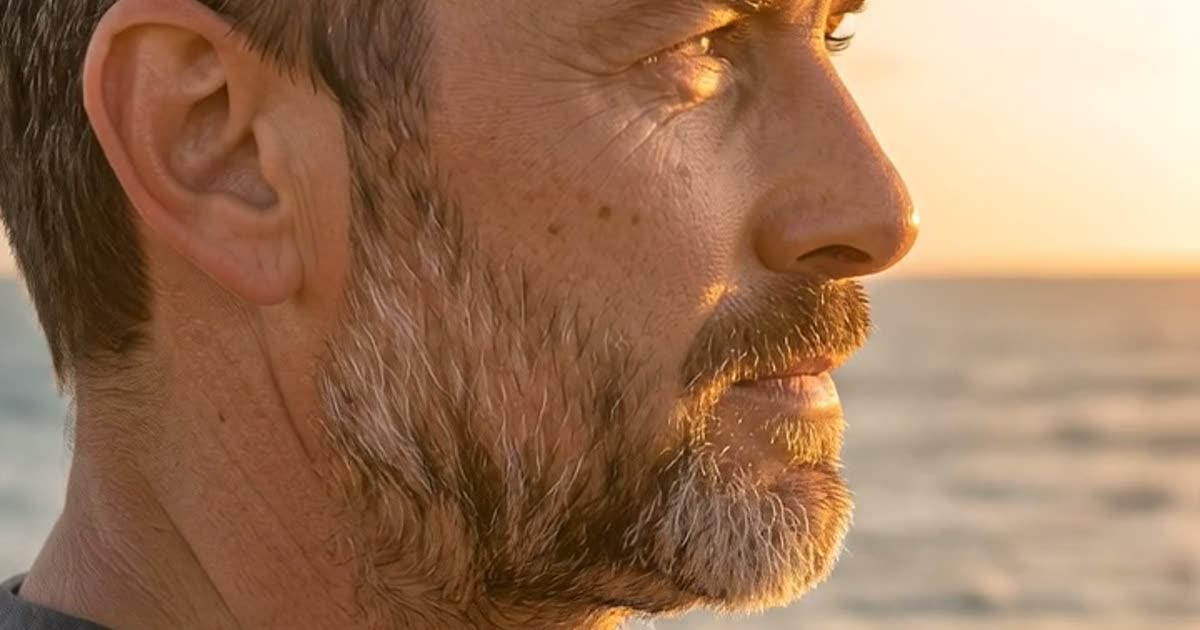
AI Video Generator
Make a short video clip from a written idea, a photo or both, with a choice of video models.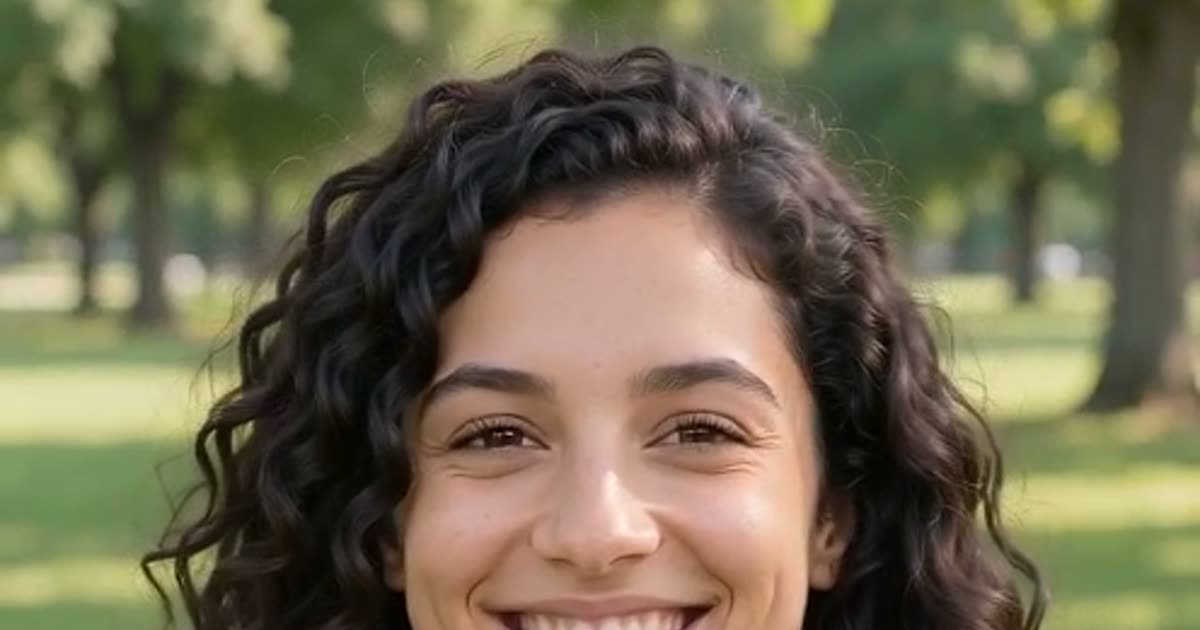
Image to Video
Bring a still photo to life with movement, camera motion and, on models that support it, sound.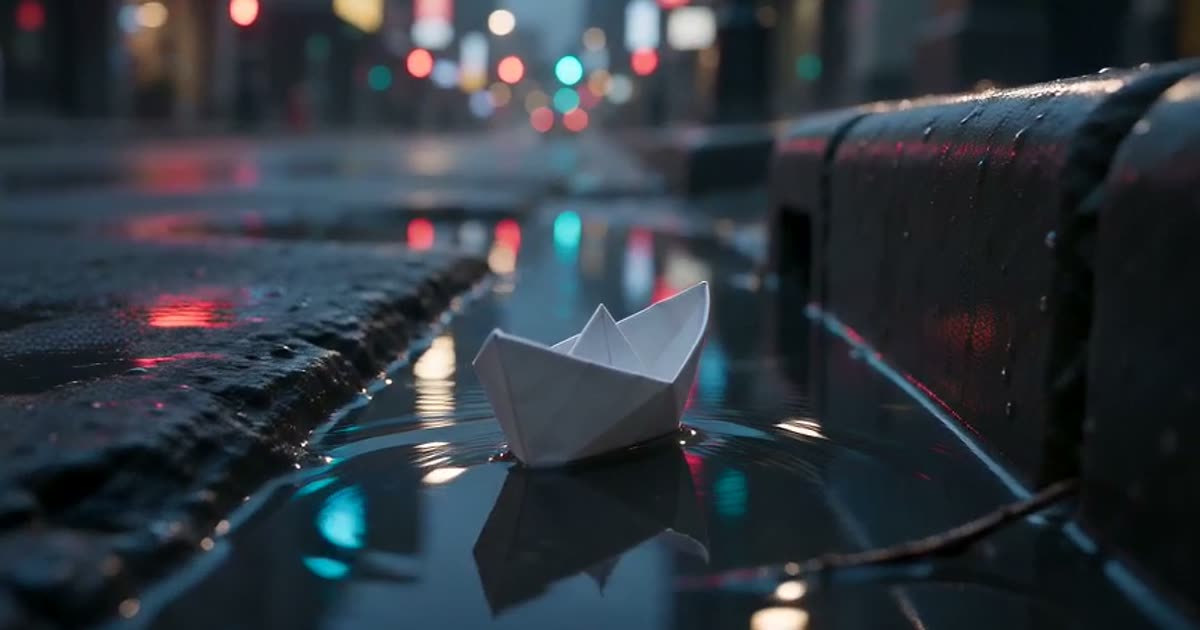
Text to Video
Type a scene in plain words and get a short clip of it, no photo required.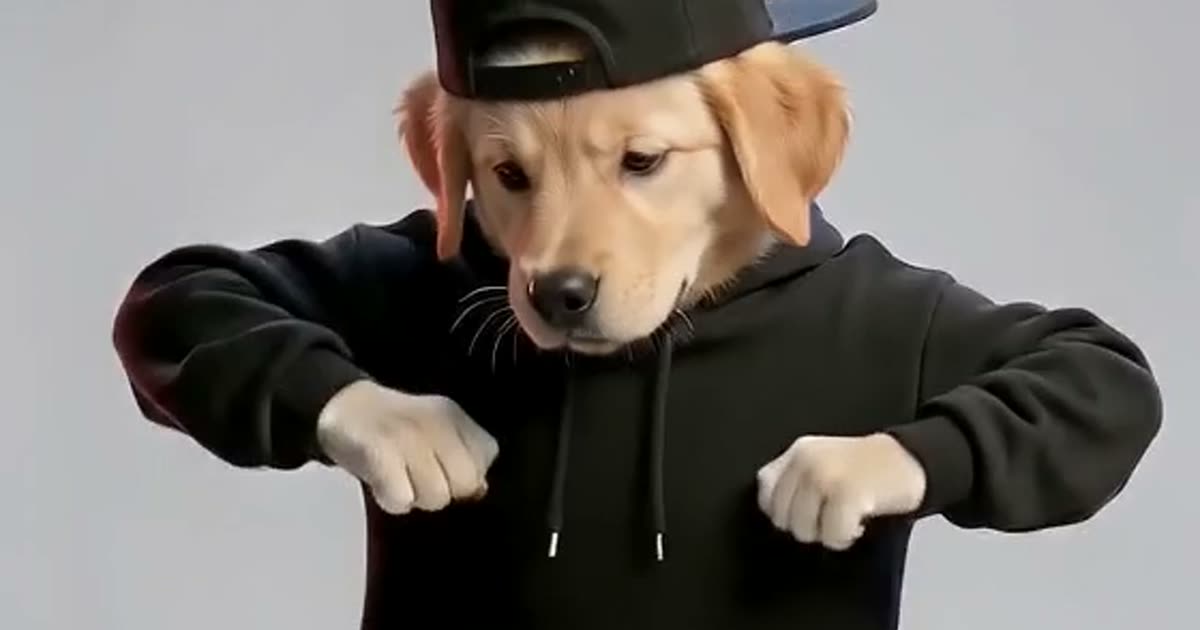
AI Dance Generator
Make a photo of a person or a pet dance.
AI Image Generator
Describe a picture in your own words, add reference photos if you like, and get a brand-new image back.