Plimo: Your ideas, shaped in seconds.



What is Plimo?
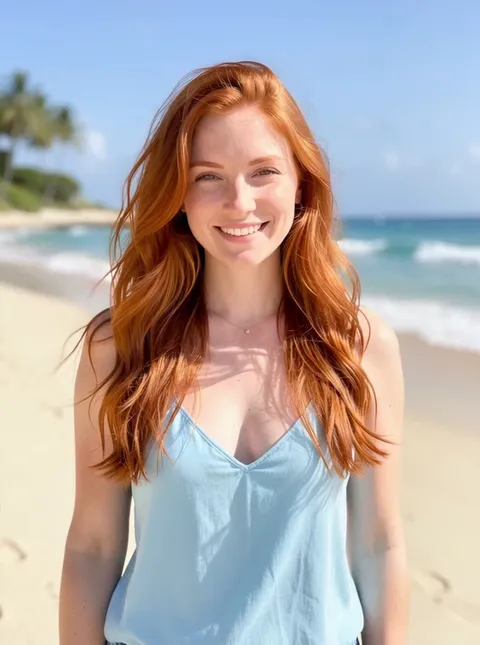
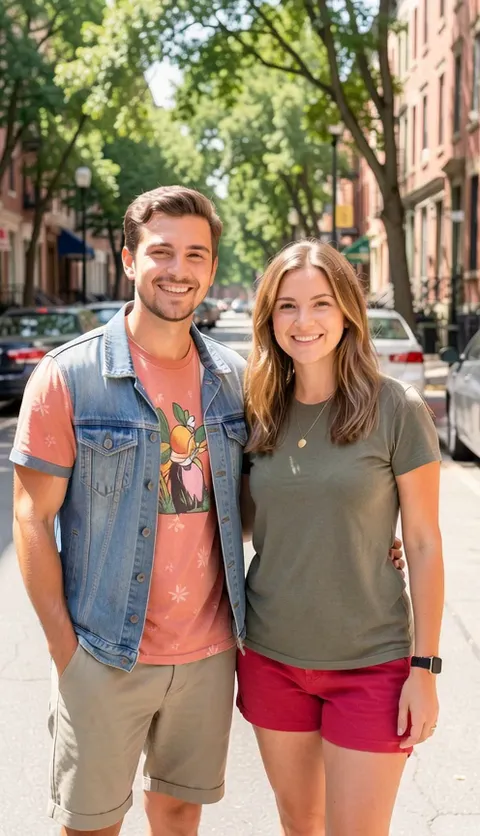
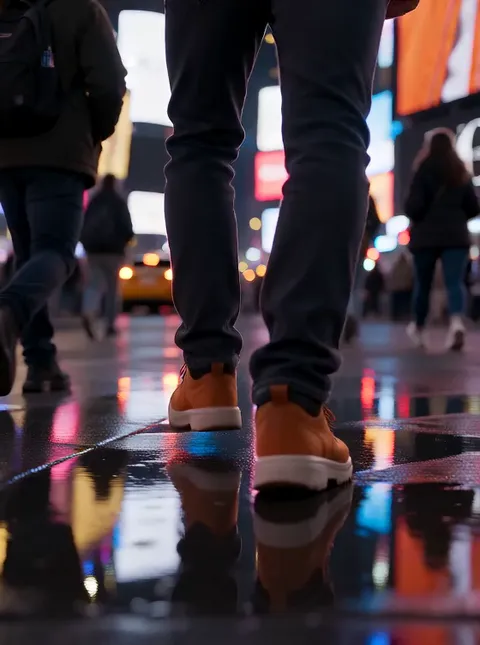
Plimo brings the newest AI image and video models together in one place and makes them easy to use. Pick a trending template or describe your own idea, then watch it take shape: something to post for your followers, a surprise for a friend, or just something fun to play with.
Image tools
Video tools
AI Video Generator
Make a short video clip from a written idea, a photo or both, with a choice of video models.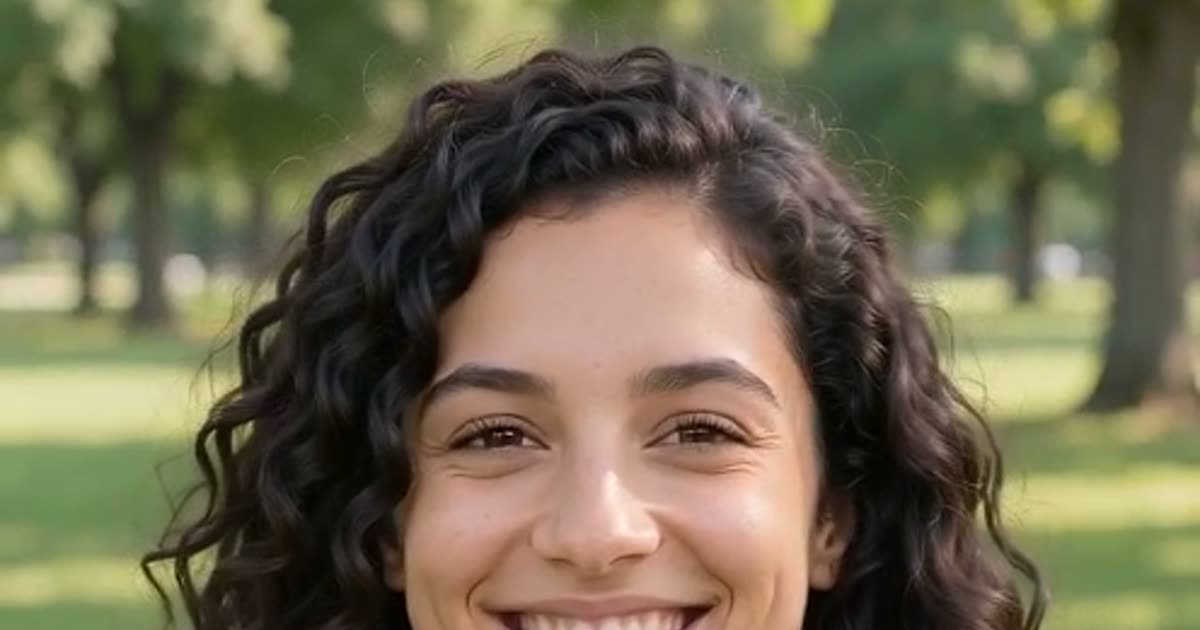
Image to Video
Bring a still photo to life with movement, camera motion and, on models that support it, sound.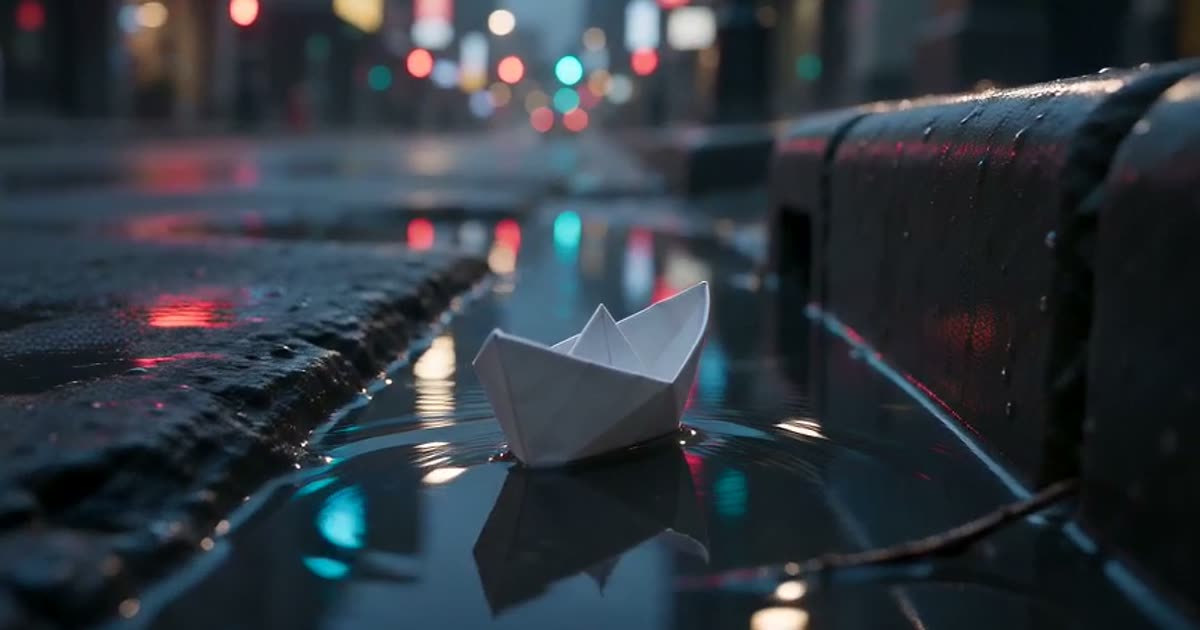
Text to Video
Type a scene in plain words and get a short clip of it, no photo required.
How to make something on Plimo
Choose image or video
The generator at the top of the page switches between pictures and clips.Start from a template or your own idea
Type a prompt, or open a template below the generator. Typing works before you sign in, while adding a photo asks you to sign in with Google or an emailed code.Pick a model and settings
Pick a model from the model menu and adjust the settings beside it, and the Generate button shows how many credits this run will use.Generate and find it below
Press Generate (Plimo asks you to sign in here if you skipped it earlier), and the result appears in My creations under the generator.
Why choose Plimo
100 free credits to start
Every new account is given 100 credits one time, and they never expire.Templates handle the prompt
Each template has its prompt and settings worked out, so you add the photos it asks for and press one button.Pictures and clips side by side
Models from Google, OpenAI, ByteDance, Kuaishou and others sit in one generator, grouped by company.The cost is on the button
You see the credit cost before you generate, and a failed generation gives every credit back.Clean results for members
Members get results without a watermark and can use them commercially.
Models on Plimo and what each one is good for
Plimo Image 1.0
An everyday pick for scenes, characters and product shots at a low credit cost, though it isn't the one for lettering.
GPT Image 2.5
Use it when the picture needs readable text, like a poster or an invite, or for careful edits and transparent PNGs.
Nano Banana 2.1
Handy for combining people and objects from up to six of your photos into one detailed scene.
Seedance 2.0 Mini
A low-cost way into video, making 4- to 15-second clips with sound from a sentence, a start frame or a few reference photos.
Veo 3.1 Fast
Makes 8-second clips that always have sound, a good fit for a polished, film-like shot from one photo.
Kling 3.0
Good at lively movement in clips of 3 to 15 seconds, and it can follow the motion of a reference video.
Things people make with Plimo
An old family photo that moves
Upload a picture of your grandparents to Image to Video and write a line like “they smile and give a small wave”.A haircut before you book it
Add a selfie and a photo of the cut you like in the AI Photo Editor and ask it to change only your hair. An outfit or a background works the same way.A hug with a friend far away
Add one photo of you and one of your friend as reference photos and describe the two of you hugging in a park.A party invite with the right words
Describe the invite and its exact wording in the AI Image Generator, then choose GPT Image 2.5 so the lettering reads clearly.Product photos for a small shop
Snap your candle or mug on the kitchen table and ask for it on a marble pedestal in soft studio light. Selling with it needs a membership.A little film from one sentence
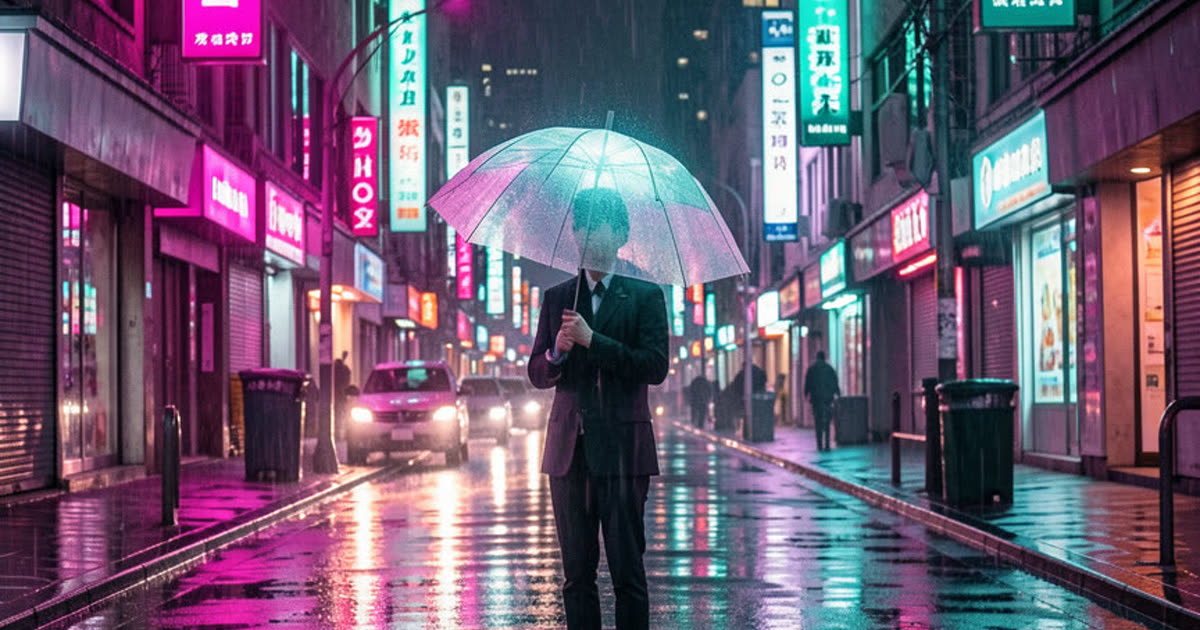
Write a scene, like a paper boat drifting down a rainy street at dusk, and get a clip with sound in Text to Video.